logo-darklogo-darklogo-darklogo-dark
  • Tool Categories
    • ๐ŸŽจArt & Creative Design505
    • ๐ŸขBusiness Management644
    • ๐Ÿ’ปCoding & Development515
    • ๐Ÿ‘ฎDetection83
    • ๐Ÿง General Use727
    • ๐ŸฅHealth & Wellness55
    • ๐Ÿ“ทImage & Photo Analysis100
    • ๐Ÿ–ผ๏ธImage Generation & Editing618
    • ๐Ÿ“Interior & Architectural Design37
    • ๐ŸŽ“Learning & Education483
    • โš–๏ธLegal & Finance90
    • ๐ŸŽญLifestyle & Entertainment236
    • ๐Ÿ“ขMarketing & Advertising627
    • ๐ŸŽงMusic & Audio138
    • ๐Ÿ‘”Office & Workplace1,014
    • ๐Ÿ”ฌResearch & Data Analysis372
    • ๐Ÿ‘ฅSocial Media245
    • ๐ŸŽฅVideo Generation & Editing426
    • ๐Ÿ‘ง๐ŸปVirtual Companion135
    • ๐ŸŽคVoice Generation & Editing381
    • โœ๏ธWriting & Editing808
    • All Categories
    • AI Use Cases
  • News
  • Events
    • Academic Conferences
    • Developer Conferences
    • Expos / Trade Shows
    • Industry Summits
    • Workshops / Training
    • All Events
    • Past Events
  • Saved Tools
  • Suggest a Tool
โœ•
Home › Learning & Education › Quiz Generation› Quizbot
Quizbot

Quizbot

Generates diverse, high-quality questions from various sources for quizzes and tests

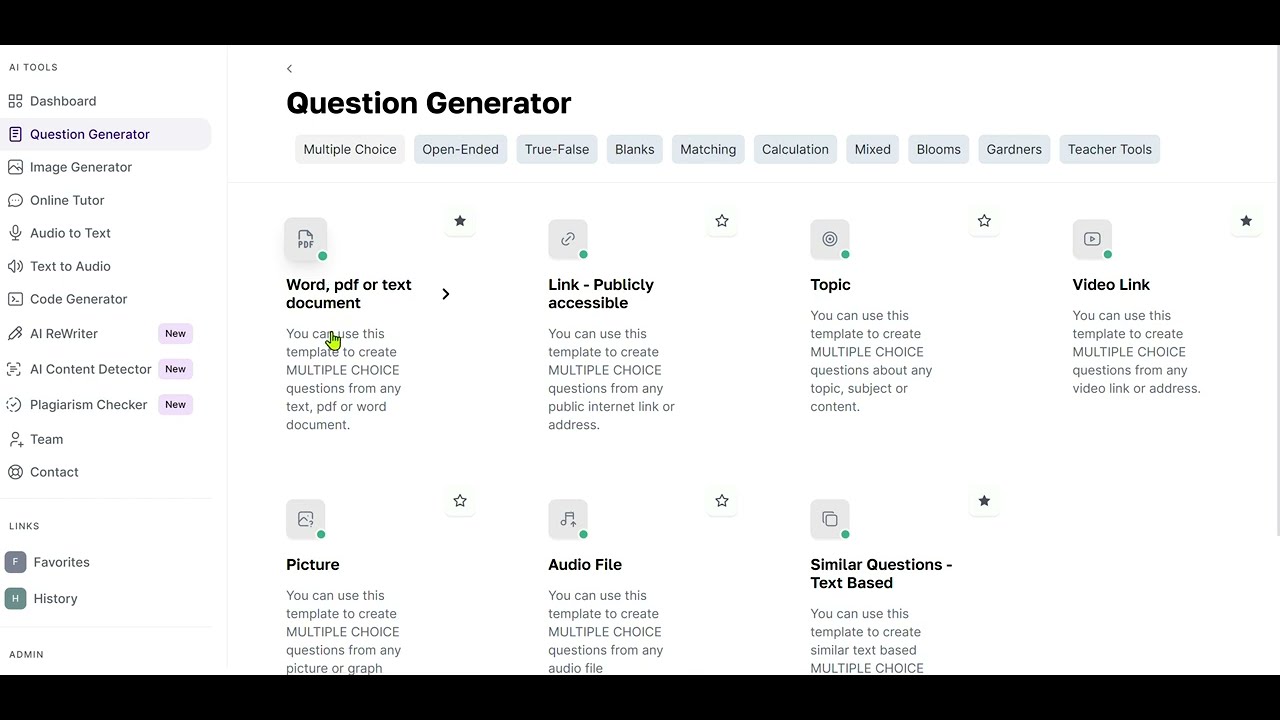
I had a chance to test Quizbot, and here’s how that went. I uploaded a PDF of a biology chapter, and in about two seconds, the tool spat out a dozen questions — multiple-choice, true/false, even a few aligned with Bloom’s Taxonomy that made me feel like a pedagogy pro. The process was dead simple: pick your source, choose your question type, and let the AI do its thing. It’s fast, intuitive, and honestly kind of fun, like watching a machine spin straw into gold. But, as I quickly learned, it’s not flawless, and the results depend heavily on what you feed it.

The standout feature is its flexibility. Quizbot can pull questions from almost anything — text, videos, even images. I tried it with a YouTube lecture on ecosystems, and it generated questions that hit key points, like the difference between producers and consumers. The gamification options, like adding points or leaderboards, gave the quizzes a playful edge, which I think students would eat up. Exporting to my Canvas LMS was a breeze, saving me from the usual copy-paste headache. The tool’s support for 55 languages also caught my eye — imagine creating a Spanish quiz for an ESL class without breaking a sweat.

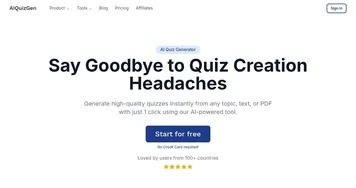
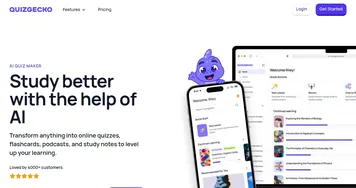
Still, I hit a few snags. When I fed it a dense research article, the AI got a bit overzealous, producing questions that were either too vague or overly specific. It’s not a mind-reader, so you need to curate your sources carefully. The interface, while functional, feels a bit clinical — like a no-frills diner that serves great food but lacks ambiance. Compared to Quizgecko, which offers slicker study tools like flashcards, Quizbot focuses more narrowly on question generation. AIQuizGen! also edges it out for live, interactive quiz vibes, though Quizbot’s depth in question types is hard to beat.

A surprise was the plagiarism checker, which flagged a section of my uploaded text as potentially unoriginal — super handy for ensuring clean content. But the transition to Testudy.io, which I read about on X, left me wondering about future updates. Will my quizzes transfer seamlessly? I’m not sure yet.

My advice? Play with the free trial first. Upload a clear, focused source — like a textbook excerpt or a short video — and experiment with different question types. If you’re a teacher or trainer looking to save time without sacrificing quality, Quizbot is a solid bet, just don’t expect it to do all the thinking for you.

Visit Quizbot ↗
Categories
๐ŸŽ“ Education
๐Ÿ“ Quiz Generation ๐Ÿค” Question Generation ๐ŸŽฏ Quiz ๐Ÿ‘ฉโ€๐Ÿซ Teacher โœ๏ธ Homework Helper ๐Ÿƒ Flashcard Generation

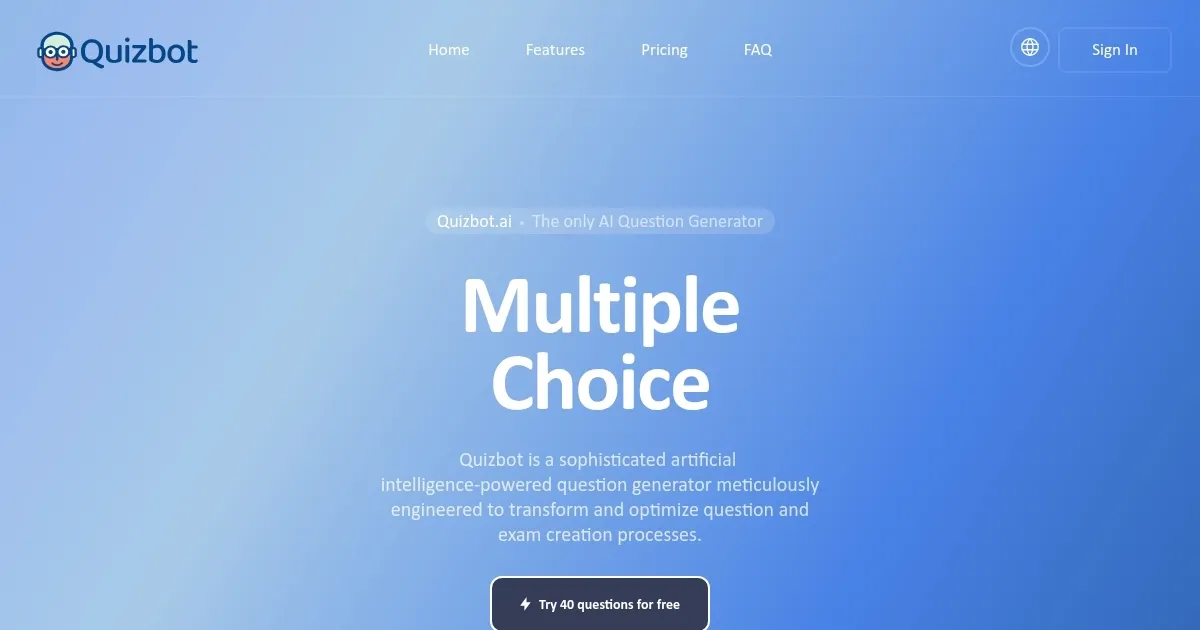
Homepage Screenshot 📸

Quizbot screenshot

Video Overview 🎬

Quizbot - Video Overview

What are the key features? ✨

  • AI Question Generation: Creates diverse questions from text, videos, or images in seconds.
  • Bloomโ€™s Taxonomy Integration: Generates questions aligned with cognitive learning levels.
  • Gamification Elements: Adds points, badges, and leaderboards to boost engagement.
  • LMS Integration: Exports questions to platforms like Moodle, Canvas, and Blackboard.
  • Plagiarism Checker: Ensures content originality for quizzes and assessments.

Who is it for? 🤔

Quizbot.ai is ideal for educators, corporate trainers, academic coordinators, and content creators who need to generate customized, engaging quizzes quickly. It suits K-12 teachers crafting differentiated assessments, university instructors preparing exams like SAT or AP, and businesses designing training modules. Its multilingual support and flexible input options make it valuable for diverse, global audiences.

Examples of what you can use it for 💡

  • Teacher: Creates weekly quizzes from textbook PDFs to assess student understanding.
  • Corporate Trainer: Generates training quizzes from video tutorials for employee onboarding.
  • Student: Produces practice questions from lecture notes for exam preparation.
  • Content Creator: Designs interactive quizzes from blog posts for audience engagement.
  • Language Instructor: Crafts multilingual quizzes from audio files for language learners.

Pros & Cons ⚖️

  • Generates questions in seconds.
  • Supports 55 languages.
  • Integrates with major LMS platforms.
  • Interface lacks visual polish.
  • Limited free trial (50 questions).

FAQs 💬

What types of questions can Quizbot.ai generate?
Quizbot.ai generates multiple-choice, true/false, fill-in-the-blank, matching, calculation, and Bloomโ€™s Taxonomy questions.
Can I use Quizbot.ai for free?
Yes, Quizbot.ai offers a free trial allowing up to 50 questions with any template.
Does Quizbot.ai support multiple languages?
It supports question generation in 55 languages for diverse audiences.
Can I export quizzes to my LMS?
Yes, Quizbot.ai integrates with platforms like Moodle, Canvas, and Blackboard for easy export.
How does the plagiarism checker work?
It scans generated content to ensure originality, flagging potential issues.
What sources can I use for question generation?
You can use PDFs, Word documents, videos, images, web links, or raw text.
Is my data secure with Quizbot.ai?
Files are temporarily cached and deleted after question generation, with industry-standard encryption.
Can I customize generated questions?
Yes, you can review and edit questions to suit your specific needs.
Does Quizbot.ai support gamified quizzes?
It offers points, badges, and leaderboards to enhance engagement.
What happens to my Quizbot.ai account with the Testudy.io transition?
You must contact support to migrate your account, as itโ€™s not automatic.

Ready to try Quizbot?

Generates diverse, high-quality questions from various sources for quizzes and tests

Visit Quizbot ↗
Quizbot alternatives 🔗

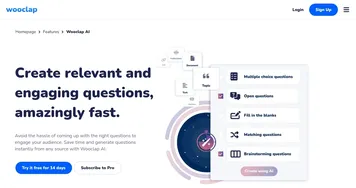
  1. Wooclap AI Wooclap AI An AI-powered tool designed to streamline quiz creation for educators
  2. Magic School AI Magic School AI An online platform for educators, offering a wide array of tools to enhance teaching efficiency
  3. Articulate 360 Articulate 360 A fancy e-learning platform designed to streamline the creation of engaging online training content
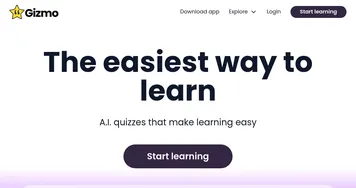
  4. Gizmo AI Gizmo AI A learning platform designed to enhance educational experiences through AI-powered tools
  5. StudySmarter StudySmarter Creates AI-powered study tools to boost learning efficiency
  6. Mindgrasp Mindgrasp AI learning assistant that creates notes and answers questions from documents, videos, and more
Share
Quizbot screenshot enlarged
Promote Quizbot
light badge
Copy Embed Code
dark badge
Copy Embed Code
neutral badge
Copy Embed Code
Best AI Tools

Discover the best AI tools for any use case

Explore
  • Tool Categories
  • AI Use Cases
  • AI Events
  • AI News
  • Saved Tools
Company
  • About Us
  • Contact Us
  • Media & Partnerships
  • Suggest a Tool
Legal
  • Privacy Policy
  • Terms of Service
Copyright © 2026 Best AI Tools 415 Mission Street, 37th Floor, San Francisco, CA 94105