Resoume
Create professional resumes and portfolios with AI assistance to pass ATS filters
Resoume is an AI-powered platform that creates ATS-friendly resumes, cover letters, and portfolios with LinkedIn integration and analytics. In that sense, it streamlines job applications by importing LinkedIn data to populate resume fields, saving time. The tool offers 20 customizable templates with adjustable fonts and colors. Its ATS Score feature evaluates resumes against job postings, providing a percentage score to indicate ATS compatibility. Users can build personal websites or shareable portfolio links and track application views via an analytics dashboard. A Chrome extension provides LinkedIn profile feedback.
Key features include the AI Assistant, which suggests keyword optimizations, and the portfolio builder, which supports visual project showcases. The platform supports multiple languages, aiding global users. Resoume’s lifetime subscription is cost-competitive compared to Novorésumé and MyPerfectResume, which offer similar ATS-focused tools but with broader template libraries. Resoume’s portfolio and website-building features give it an edge for creatives.
User feedback on Product Hunt praises the intuitive interface and template designs but notes limited customization for template sections. StackSocial reviews mention occasional formatting errors, such as inconsistent fonts or spacing, and some users report bugs. The analytics feature provides basic view counts but lacks detailed insights. The Chrome extension, rated 4.8/5 on Chrome Web Store, enhances LinkedIn profiles efficiently.
Resoume’s multilingual support benefits non-English speakers, and its application tracking helps organize job searches. Compared to competitors, it prioritizes simplicity over extensive customization. Users seeking robust analytics or advanced template editing may prefer alternatives like Zety.
To use Resoume effectively, import LinkedIn data to start, select a template that fits your industry, and adjust keywords using the AI Assistant. Check the ATS Score before applying and review formatting to avoid errors. Test the portfolio link to ensure it displays correctly.
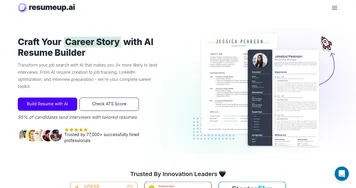
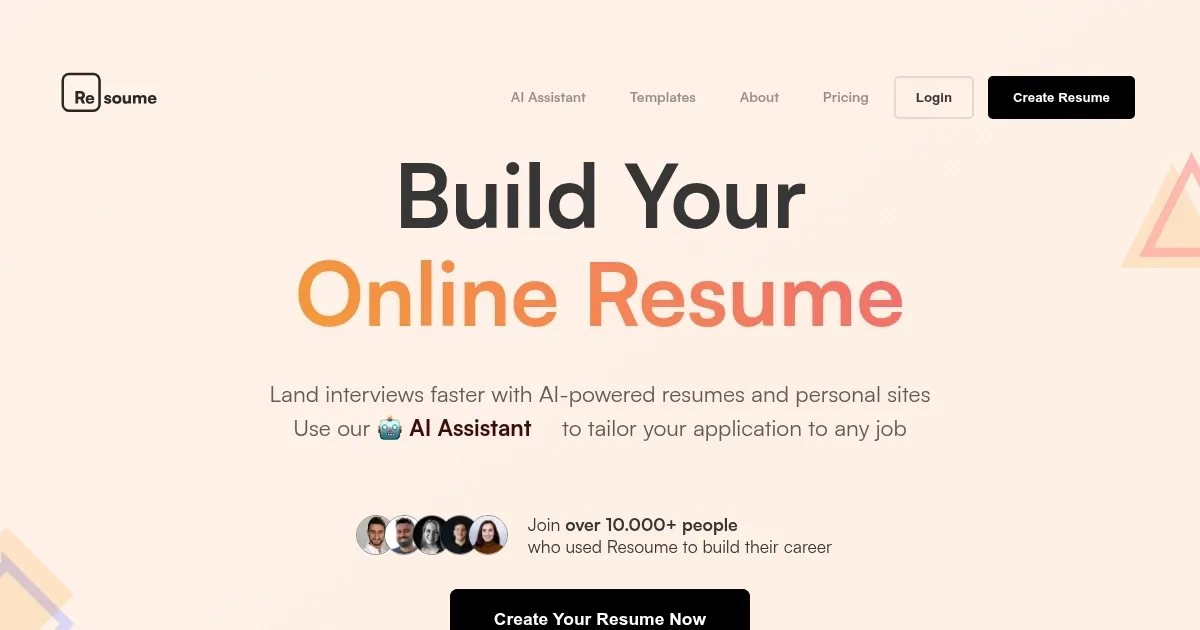
Homepage Screenshot 📸
Video Overview 🎬
What are the key features? ✨
- AI Assistant: Suggests keyword optimizations for ATS compatibility.
- ATS Score: Evaluates resume fit for job postings with a percentage score.
- Portfolio Builder: Creates shareable links to showcase projects visually.
- LinkedIn Import: Pulls profile data to populate resume fields quickly.
- Analytics Dashboard: Tracks views of resumes and portfolios.
Who is it for? 🤔
Examples of what you can use it for 💡
- Recent Graduate: Builds a professional resume using LinkedIn data to apply for entry-level roles.
- Freelancer: Creates a portfolio link to share project samples with potential clients.
- Career Changer: Tailors a resume with AI-suggested keywords to align with a new industry.
- Non-English Speaker: Uses multilingual templates to craft a resume in their native language.
- Designer: Showcases visual projects via a personal website for client pitches.
Pros & Cons ⚖️
- Easy LinkedIn import
- ATS-friendly templates
- Multilingual support
- Limited customization
- Basic analytics
FAQs 💬
Ready to try Resoume?
Create professional resumes and portfolios with AI assistance to pass ATS filters
Visit ResoumeResoume alternatives 🔗