Revocalize.ai
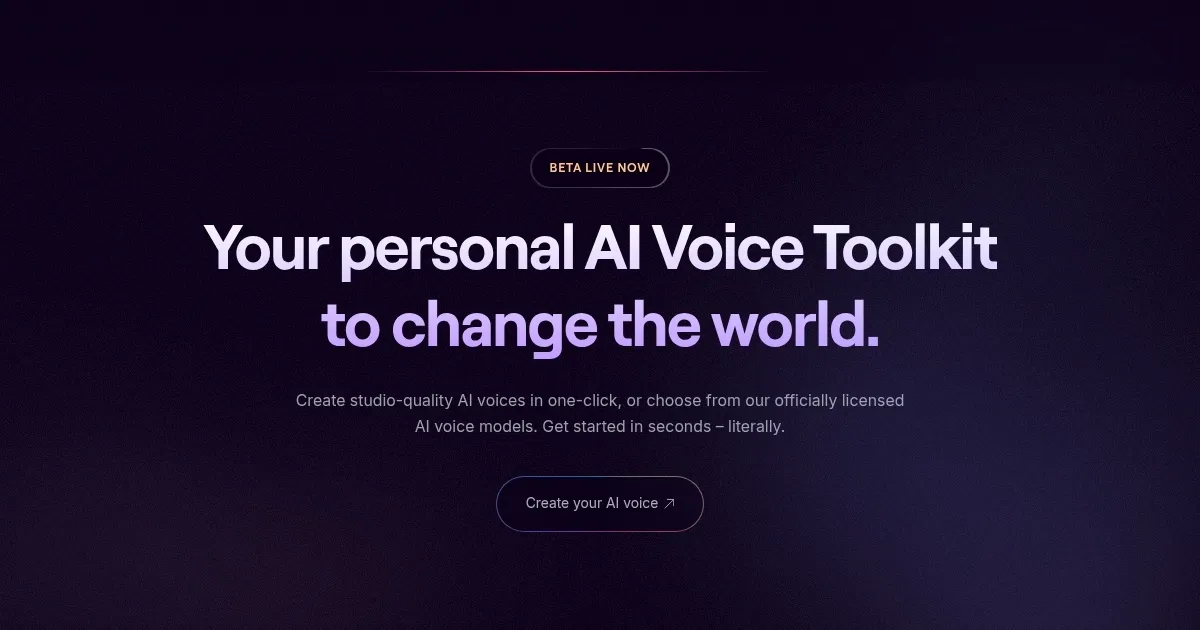
Creates studio-quality AI voices for music and content in one click
Revocalize.ai is a cutting-edge platform that generates studio-quality AI voices for music production, voice cloning, and text-to-speech applications. It uses proprietary voice fingerprinting and deep learning to create realistic vocal tracks from minimal input data. Users can transform voices, auto-tune vocals, or synthesize speech in multiple languages, making it versatile for creative and professional projects.
The Voice Conversion feature allows users to upload audio and morph it into another voice from Revocalize’s library of licensed AI models, supporting formats like WAV and MP3. The Auto-Pitch tool corrects pitch errors in real time, ensuring polished output. The VST plugin integrates with DAWs like Ableton Live or FL Studio, streamlining music production. The platform also offers voice protection through Unique Voice Identity (UVI) fingerprinting, safeguarding vocal likeness.
Compared to competitors like Voicestars or Voicemod, Revocalize excels in hyper-realistic voice cloning and music-focused features, though it’s less tailored for live streaming or gaming. Its pricing includes a free tier with limited conversion minutes and paid plans for hobbyists and professionals, aligning with industry standards but offering more music-specific tools than some rivals.
Users may appreciate the one-click voice creation and extensive voice library, which spans genres like pop, R&B, and jazz. The ability to maintain accents across languages is a standout. However, the free plan’s five-minute limit feels restrictive, and beginners might find advanced features like voice modulation complex. Some users report occasional audio artifacts with noisy inputs.
To get started, Revocalize requires a clean audio sample for optimal results. The platform’s API supports developers, and its text-to-singing feature is ideal for creating demos. For best results, use high-quality recordings, explore the voice catalog, and consider upgrading for more conversion time.
Homepage Screenshot 📸
What are the key features? ✨
- Voice Conversion: Transforms uploaded audio into another voice using AI models.
- Auto-Pitch: Corrects pitch errors in real time for polished vocal output.
- VST Plugin: Integrates with DAWs for seamless music production workflows.
- Voice Protection: Secures Unique Voice Identity with audio fingerprinting.
- Text-to-Singing: Converts text into expressive singing with human-like emotion.
Who is it for? 🤔
Examples of what you can use it for 💡
- Indie Musician: Creates studio-quality vocal demos using AI voice models.
- Podcaster: Generates professional voiceovers for intros or ads.
- Content Creator: Produces engaging social media content with custom voices.
- Game Developer: Integrates realistic AI voices into interactive projects.
- Advertiser: Crafts multilingual voiceovers for global campaigns.
Pros & Cons ⚖️
- Studio-quality AI voices
- Extensive voice library
- Real-time pitch correction
- Complex for beginners
- Occasional audio artifacts
FAQs 💬
Ready to try Revocalize.ai?
Creates studio-quality AI voices for music and content in one click
Visit Revocalize.aiRevocalize.ai alternatives 🔗