TwoShot
Turn ideas into music using AI-powered sampling and remixing tools
I spent a morning tinkering with TwoShot, and let me tell you, it’s like stumbling into a candy store for music nerds. The platform’s AI-driven approach to music creation had me humming a half-baked melody, and within seconds, it spat out a sample that felt like it read my mind. TwoShot’s Audio Sampler plugin, which I loaded into my DAW, is a breeze to use, pulling from a catalog of over 150,000 samples. I searched “gritty hip-hop bass,” and boom, a list of thumping loops appeared, each tagged with BPM and key. It’s like the app knows my workflow better than I do. The online Jam Studio, a browser-based playground, let me mess around with AI-generated samples without breaking a sweat, it’s quick, clean, and oddly addictive.
What’s cool is how TwoShot feels like a community hub. Creators upload their own samples, and the platform’s AI auto-labels them, saving you from the headache of mismatched tempos. I tried remixing a vocal snippet using the AI tools, and the results were solid, though not mind-blowing. Compared to Splice, which has a more polished interface, or Loopcloud, with its deep DAW integration, TwoShot’s vibe is scrappier, more collaborative. It’s like the indie band of music production tools, rough around the edges but full of heart.
That said, I hit a few snags. The sample library, while huge, skews toward electronic and hip-hop, so my attempt to find folky banjo loops came up short. The AI search stumbled when I got too abstract, like asking for “dreamy synths with a retro feel.” It’s not a dealbreaker, but it’s a reminder the tech isn’t psychic. Pricing feels fair, with a free tier that’s great for dabbling and a paid plan that won’t break the bank compared to Splice or Arcade. One surprise? The content-recognition system, which protects creators’ work, feels like a quiet nod to fairness in a world where sample theft is all too common.
TwoShot’s not perfect, but it’s got soul. If you’re a producer who loves experimenting, give the free tier a spin, play with the Jam Studio, and see if the community vibe clicks. For broader sample needs, keep Splice or Loopcloud in your toolkit.
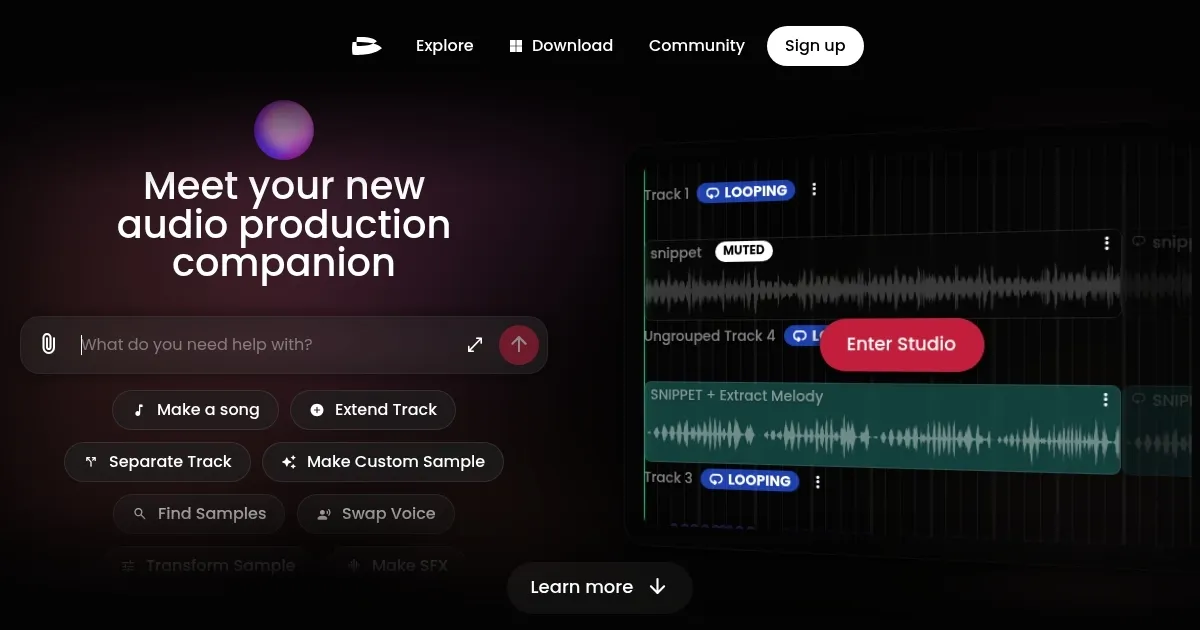
Homepage Screenshot 📸
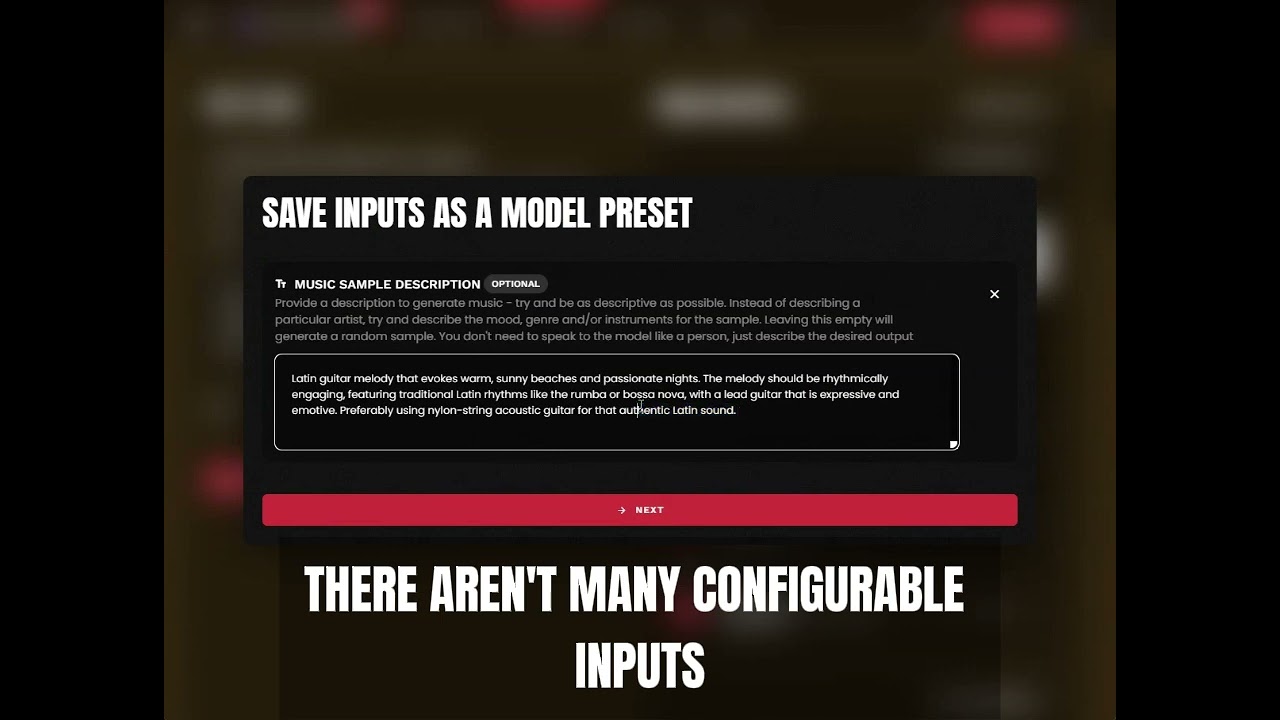
Video Overview 🎬
What are the key features? ✨
- Audio Sampler Plugin: Integrates with DAWs to browse and manipulate samples effortlessly.
- AI-Powered Search: Finds samples by voice, text, or humming with precise filtering.
- Jam Studio: Browser-based tool for real-time AI sample generation and remixing.
- Community Catalog: Offers over 150,000 user-uploaded samples for diverse projects.
- Content Protection: Uses anti-piracy tech to safeguard creators’ samples.
Who is it for? 🤔
Examples of what you can use it for 💡
- Bedroom Producer: Uses the Jam Studio to turn hummed melodies into polished samples.
- Professional Producer: Integrates the Audio Sampler Plugin into Ableton for fast workflows.
- Sample Creator: Uploads original loops to the community catalog for licensing.
- Collaborative Artist: Remixes community samples in the Jam Studio for unique tracks.
- Live Performer: Searches for specific loops to prep for real-time performances.
Pros & Cons ⚖️
- Fast AI-driven sample search
- Seamless DAW integration
- Free tier for casual use
- AI struggles with vague inputs
- Paid plan needed for full access
FAQs 💬
Ready to try TwoShot?
Turn ideas into music using AI-powered sampling and remixing tools
Visit TwoShotTwoShot alternatives 🔗