MusicGPT
Generates original music from text prompts in seconds
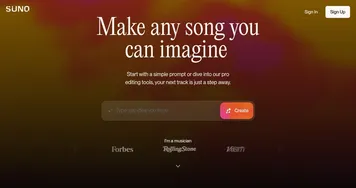
I fired up MusicGPT yesterday, curious to see if it could turn my half-baked idea for a podcast intro into reality. Spoiler: it did, and I’m still humming the result. This AI tool is like a musical genie, granting wishes in the form of original songs, sound effects, or even voiceovers, all from a simple text prompt. Type “upbeat pop with female vocals about adventure,” and in seconds, you’ve got a track that sounds like it belongs on Spotify. I tried it, and the AI Song Generator delivered a catchy tune that had me nodding along, though I’ll admit, I tweaked the prompt twice to get the vibe just right.
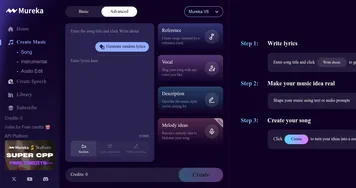
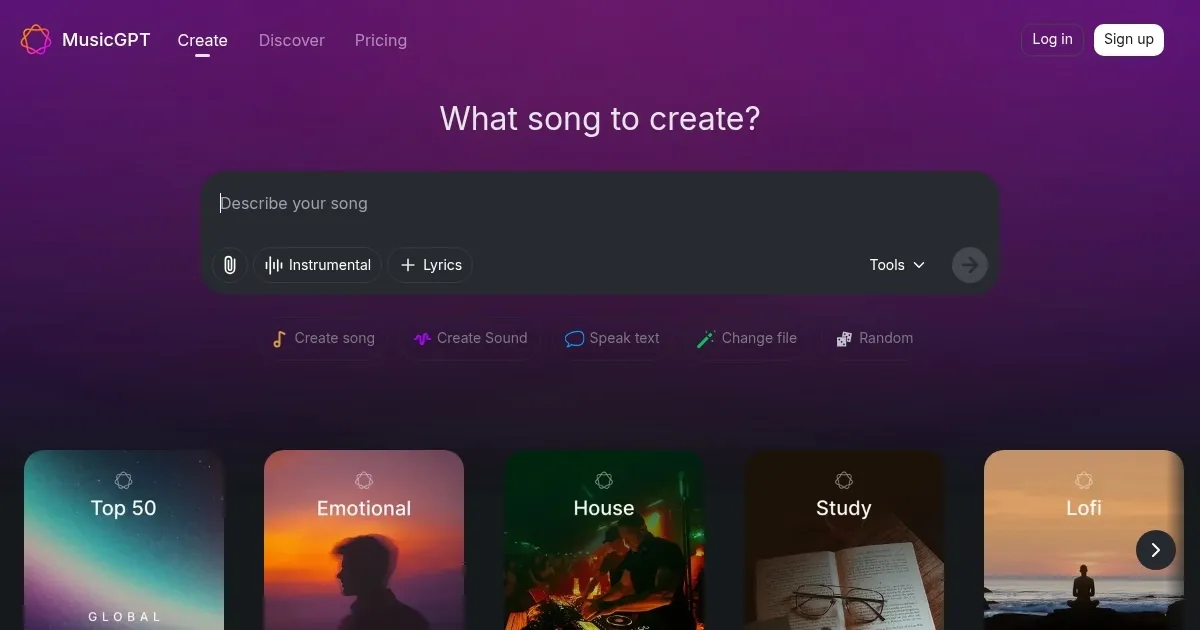
The interface is slick, almost like a music app you’d already know, with a Smart Music Player that lets you save and organize your creations. The Lyrics Generator surprised me — my prompt for “hopeful acoustic” spat out lyrics that felt personal, not robotic. I also played with the Stem Separation feature, uploading a rough recording and isolating the guitar. It worked well, though the vocals had a slight artifact. Features like Text-to-Speech and Voice Changer are fun — imagine turning your voice into a deep baritone for a skit. Compared to Suno, MusicGPT feels more versatile for non-music tasks like sound effects. Udio might have a slight edge for polished vocals, but MusicGPT’s range is hard to beat.
The downside? The free plan’s 500 credits vanish fast — my two songs ate most of them. Paid plans unlock faster generation and commercial use, which is great for creators, but I wish the free tier gave a bit more to play with. On X, users rave about the output quality but some gripe about wait times on the free plan. Pricing seems fair, aligning with Suno’s structure, though Udio’s unlimited tiers might tempt heavy users. The API, with its developer-friendly docs, is a hidden gem for techies wanting to build music apps.
What struck me was the AI Music Library. Browsing community tracks sparked ideas I hadn’t considered. It’s like flipping through a musical mood board. My advice: don’t overthink your prompts — start simple, like “chill jazz,” and use the Remix feature to refine. If you’re on a budget, stick to the free plan but expect to upgrade for serious projects.
Homepage Screenshot 📸
Video Overview 🎬
What are the key features? ✨
- AI Song Generator: Creates full songs from text prompts in various genres.
- Lyrics Generator: Crafts original lyrics based on user-specified themes.
- Stem Separation: Isolates vocals or instruments from uploaded audio files.
- Voice Changer: Modifies voices for creative or privacy-focused applications.
- AI Music Library: Offers a collection of community-generated tracks for remixing.
Who is it for? 🤔
Examples of what you can use it for 💡
- YouTuber: Generates background music for videos using text prompts.
- Podcaster: Creates custom intro music with AI-generated vocals.
- Game Developer: Produces sound effects for games via text descriptions.
- Social Media Creator: Uses Voice Changer for unique audio in reels.
- Music Hobbyist: Remixes community tracks for personal projects.
Pros & Cons ⚖️
- High-quality music output
- Versatile audio editing tools
- Developer-friendly API
- Free plan credits run out fast
- Minor audio artifacts
FAQs 💬
MusicGPT alternatives 🔗