Typebot
A no-code chatbot builder that enables users to create and integrate advanced chatbots
Typebot is a no-code chatbot builder that enables users to create and integrate advanced chatbots into websites and chat platforms like WhatsApp. With over 650 companies worldwide using its services, Typebot has become a trusted tool for businesses looking to enhance customer engagement and streamline operations.
The platform offers a visual drag-and-drop interface, making it accessible to users without programming skills. Users can build conversational forms and chatbots, integrating different elements like text, images, videos, and input fields.
Typebot supports integration with external platforms and services such as OpenAI, Google Sheets, WhatsApp, and more. This is meant to enable businesses to connect their chatbots with existing tools and workflows to enhance efficiency and data management.
Typebot emphasizes customization, offering theming options to match the chatbot’s appearance with brand aesthetics. Furthermore, advanced functionalities like computation, conditional branching, and team collaboration tools cater to complex form-building needs.
Lastly, we should add that Typebot is an open-source product and as such, it allows users to self-host the platform on their servers. As a result, users get flexibility and control over data, which is always a plus in our book. Check it out.
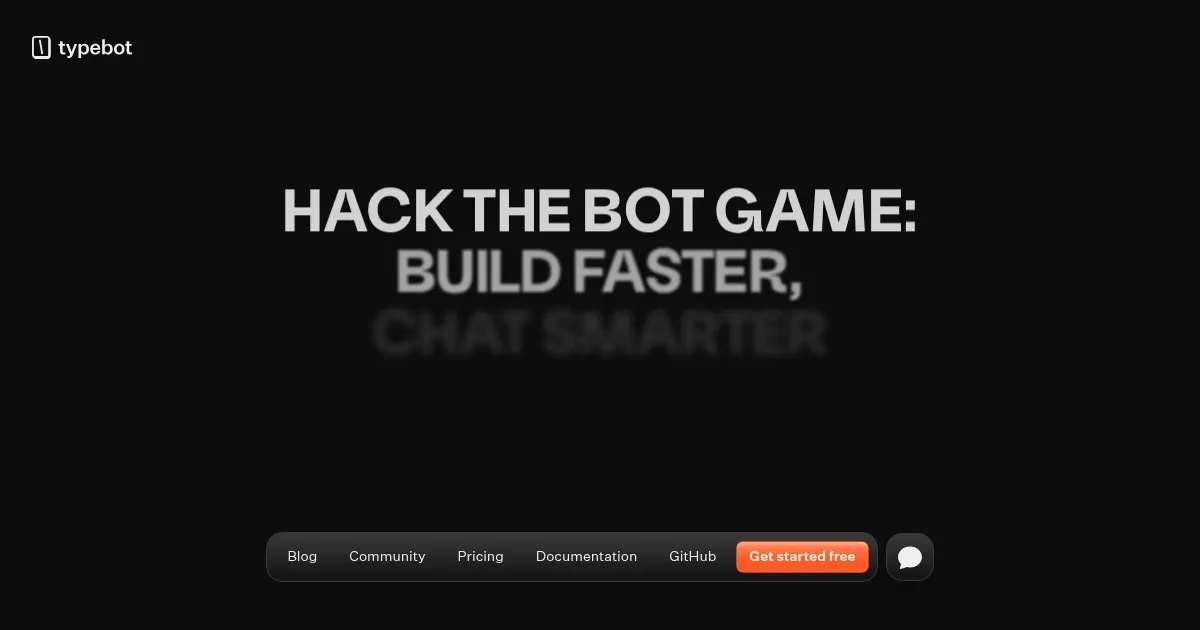
Homepage Screenshot 📸
Video Overview 🎬
What are the key features? ✨
- Visual drag-and-drop builder: Users can create chatbots using a user-friendly interface, incorporating elements like text, images, videos, and different input fields.
- Multi-platform deployment: Typebot allows chatbots to be deployed across multiple platforms, including websites and messaging apps like WhatsApp.
- Integrations: The platform supports integration with tools like OpenAI, Google Sheets, and Zapier, among others.
- Customizations & theming: Users can tailor the chatbot's appearance to align with their brand identity, adjusting fonts, colors, and other design elements.
- Open-source & self-hosting options: Typebot's open-source nature allows businesses to self-host the platform, providing greater control over data and customization.
Who is it for? 🤔
Examples of what you can use it for 💡
- Businesses can use Typebot to create interactive forms that qualify leads
- Create chatbots that handle frequently asked questions, providing instant responses and reducing the workload on support teams
- E-commerce platforms can utilize Typebot to guide customers through product selections
- Service-based businesses can integrate Typebot to facilitate appointment bookings
- Organizations can deploy Typebot to gather customer feedback, conducting surveys and collecting insights to inform business decisions
Pros & Cons ⚖️
- Supports deployment across different platforms
- Offers extensive integration options with popular tools and services
- Customization features to align chatbots with brand aesthetics
- Initial setup for self-hosting may be complex
Ready to try Typebot?
A no-code chatbot builder that enables users to create and integrate advanced chatbots
Visit TypebotTypebot alternatives 🔗