Google has quietly been building Gemini Spark into something much more ambitious than a chat interface. The latest round of updates, announced on June 30, brings Spark to the macOS desktop, connects it to a wider range of third-party apps, and gives it the ability to monitor topics and events in real time. Taken together, the changes push Spark closer to the kind of always-on AI assistant that the tech industry has been promising for years.
The updates arrive at a moment when AI assistants are under pressure to prove they can do real work, not just answer questions. Tools like Spark are now being judged on whether they can take meaningful action on a user’s behalf, across different apps and devices, without constant hand-holding. Google is clearly aware of that pressure, and these updates are a direct response to it.
Here’s what’s actually new and why it matters.
The headline addition is macOS support. Spark can now operate outside the browser and work directly with your desktop files and applications. That means you can ask it to sort PDFs from your Downloads folder into specific locations, or pull together a budget spreadsheet from invoices saved on your computer and schedule regular updates. Google is also previewing a remote task feature, where you assign a multi-step job to Spark from your phone and it carries out the work on your Mac while you’re away. Something like: find a specific sales report, pull the revenue figure, and email it to you.
Privacy is a reasonable concern here. Google says Spark only touches files you explicitly give it permission to access, which is a sensible baseline, though users will want to pay attention to what they’re authorizing as Spark takes on more complex desktop tasks.
The macOS version is currently in Beta and limited to Google AI Ultra subscribers who are 18 or older, starting in the US. You can download it at gemini.google/mac.
On the integrations front, Spark now works with a broader set of apps:
- Google Tasks and Google Keep, so you can turn notes into action items automatically
- Canva, for designing custom materials
- Dropbox, for accessing and sharing files
- Instacart, for ordering groceries
- OpenTable, for restaurant reservations
- Zillow Rentals, for scheduling apartment tours
These integrations roll out over the next week on web and mobile, with the macOS app getting them in the coming weeks. Google is also adding support for custom Model Context Protocol (MCP), which lets developers and power users connect their own apps directly into Spark. That’s a significant move. MCP has been gaining traction as a way to standardize how AI tools talk to external services, and Google’s adoption of it signals that Spark is being built to work within that broader ecosystem rather than stay walled off.
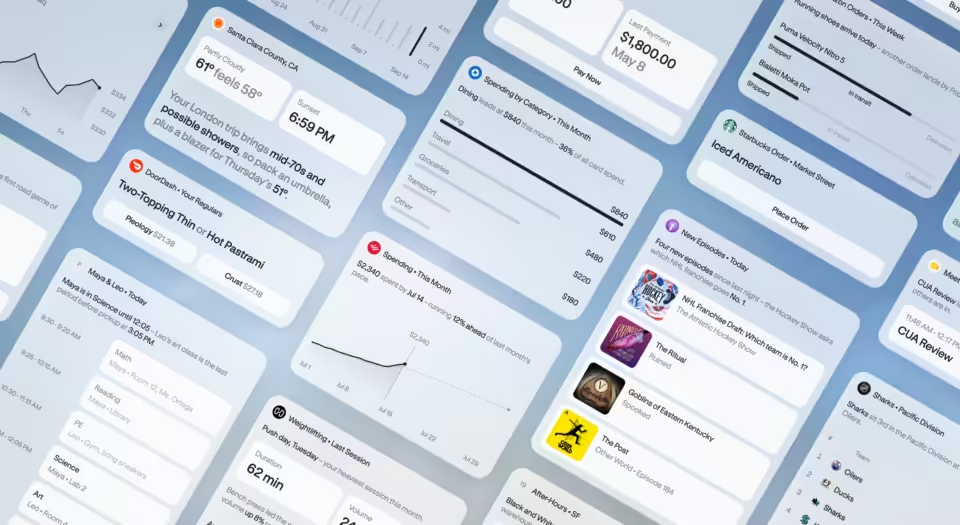
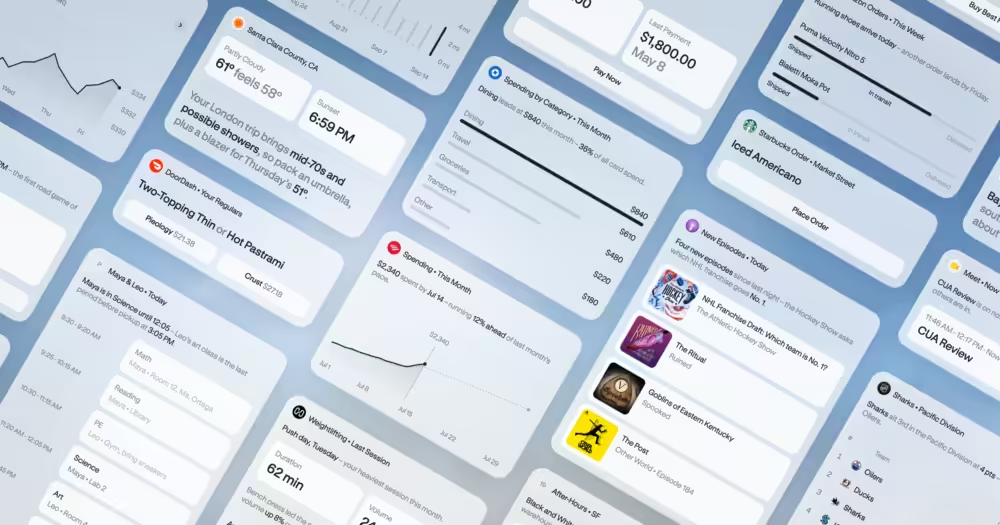
The third update is real-time topic monitoring. You can now ask Spark to watch specific subjects and alert you when something worth knowing happens. The examples Google gives include receiving a post-match breakdown when your soccer team finishes a game, or getting a financial report when a stock hits a target price. Spark can now monitor blogs, news sites, social media, finance, shopping, weather, and sports, on top of email. The goal is to reduce the constant need to check different sources manually.
This kind of proactive monitoring is where AI assistants start to feel genuinely useful rather than just capable. The difference between an AI that answers when asked and one that surfaces relevant information without being prompted is meaningful for people managing a lot of information across a lot of places.
Google says all of these updates are rolling out starting today, with more Spark news expected later this summer.