AnyVoice
An AI voice cloning tool that can replicate voices using just a 3-second audio sample
AnyVoice is an AI voice cloning tool that enables users to replicate voices using just a 3-second audio sample. This technology enables the creation of hyper-realistic voiceovers in multiple languages, including English, Chinese (Mandarin), Japanese, and Korean. The platform is easy to use and doesn’t require technical expertise to get started.
What makes AnyVoice so cool is its speed. You can generate voice clones almost instantly after uploading or recording a short audio clip. This rapid processing makes it ideal for content creators who need quick turnaround times. The platform also offers real-time generation, which can be beneficial for dynamic content creation and rapid prototyping.
As noted above, AnyVoice supports multiple languages, making it a versatile tool for global users. Currently, it offers voice cloning in English, Chinese (Mandarin), Japanese, and Korean — which can be useful for businesses and educators looking to reach diverse (global) audiences.
The platform offers both free and paid plans. The free plan allows users to generate up to 1,200 seconds of audio per month and create up to 10 voice clone models. The Pro plan offers unlimited generations, commercial use rights, and priority processing. This tiered approach is meant to cater to both casual users and professionals.
When it comes to competing services, there are ElevenLabs, Voices AI, Altered, and MyVocal AI. Some of these may be better suited for what you need, though, for most users, AnyVoice will get the job done.
Lastly, we should note that AnyVoice emphasizes user privacy and responsible AI practices. Users are advised to obtain proper permissions when cloning someone else’s voice and to avoid using the platform for impersonation, fraud, hate speech, or spam.
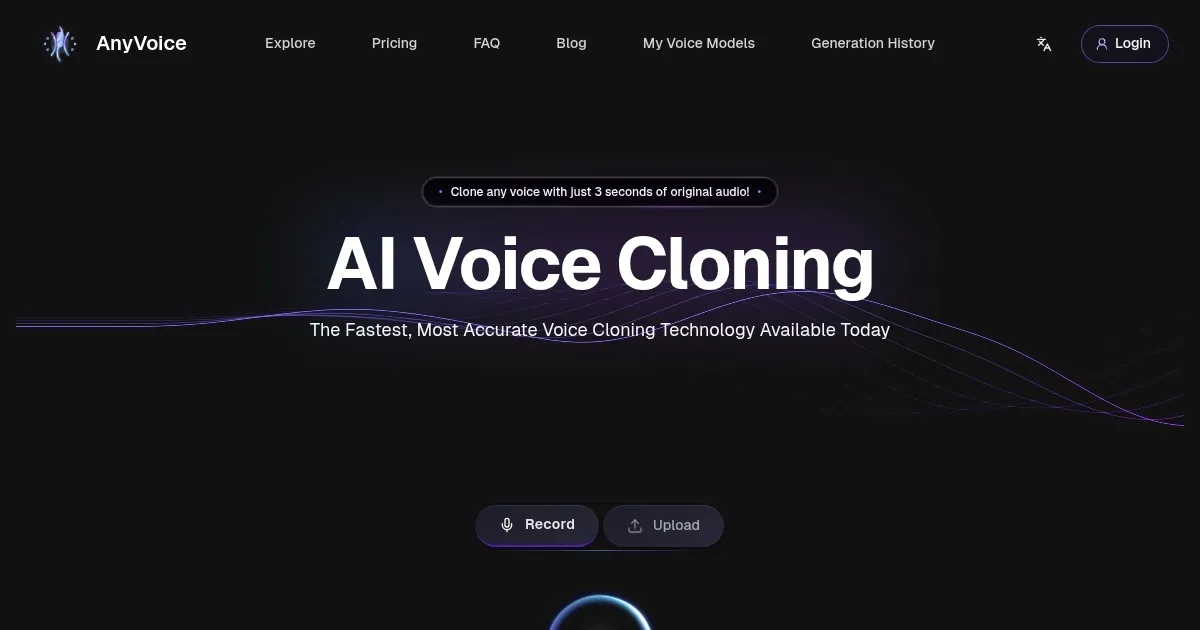
Homepage Screenshot 📸
Video Overview 🎬

What are the key features? ✨
- Rapid voice cloning: Generate a realistic voice clone using only a 3-second audio sample, saving time and simplifying content creation.
- Multilingual support: Clone voices in English, Chinese (Mandarin), Japanese, and Korean.
- User-friendly interface: The platform is designed for ease of use, requiring no technical skills.
- Real-time generation: Voice clones are generated almost instantly, facilitating rapid prototyping and dynamic content creation.
- Flexible pricing plans: Offers both free and Pro plans to accommodate different user needs. The Pro plan includes commercial use rights and priority processing.
Who is it for? 🤔
Examples of what you can use it for 💡
- Produce voiceovers for videos, podcasts, and other media without hiring voice actors
- Create audio materials in multiple languages to assist with language education
- Generate professional voiceovers for presentations and promotional materials
- Develop audio content for individuals with visual impairments or reading difficulties
- Create character voices for games, animations, or storytelling projects
Pros & Cons ⚖️
- Rapid voice cloning with minimal effort
- Supports multiple languages
- There's a free plan to try it out
- Currently (mid-2025) supports only four languages
Ready to try AnyVoice?
An AI voice cloning tool that can replicate voices using just a 3-second audio sample
Visit AnyVoiceAnyVoice alternatives 🔗