CalStudio
Builds and monetizes custom AI apps without coding.
CalStudio is a no-code platform that enables creators to build, brand, and monetize custom AI applications and chatbots using models like OpenAI’s GPT-4.1, Anthropic’s Claude Sonnet 4, Meta’s Llama 3.2, or Grok. Users can create apps without coding knowledge, integrate them with websites or messaging platforms like WhatsApp, and monetize via Stripe. The platform supports white-label branding, access controls, and usage analytics, with hosting and API management included.
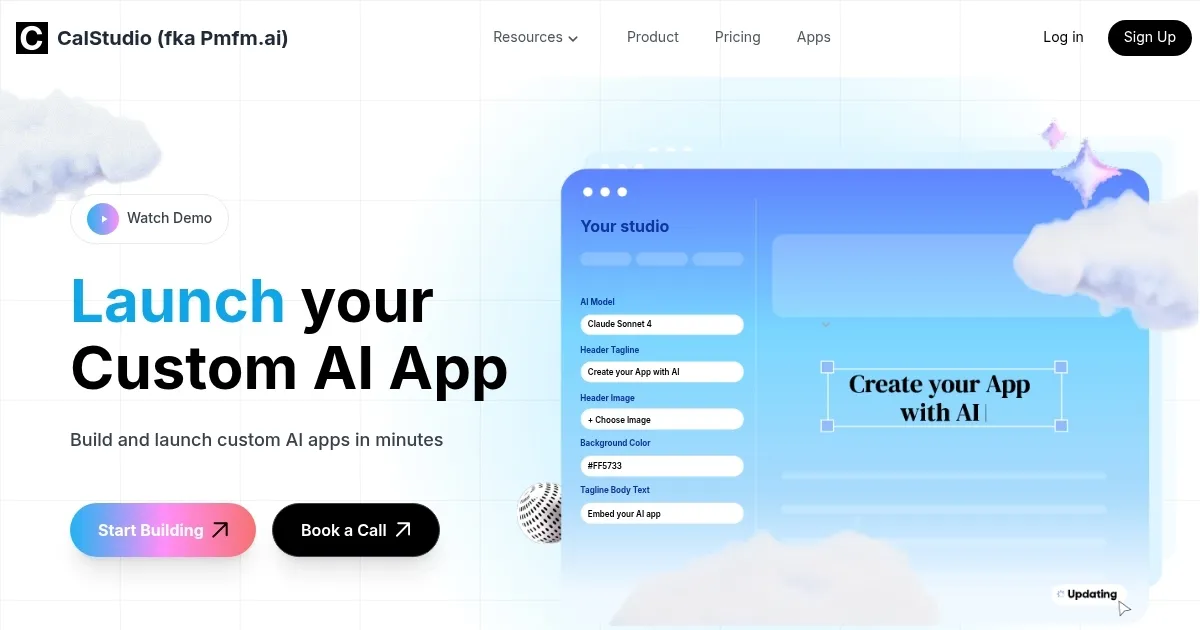
The platform offers a streamlined process. Users select an AI model, configure app settings, and launch in minutes. White-labeling allows custom logos and colors, while access codes restrict usage to specific audiences. Stripe integration enables subscription or one-time payment models, with creators retaining full revenue. Analytics track user interactions, aiding performance optimization. Integration with tools like Zapier or Twilio expands functionality, and document uploads enable apps to answer questions based on custom content.
Compared to competitors like AppMaster.io, which focuses on broader app development, or Softr, which excels in data-driven portals, CalStudio prioritizes AI-driven conversational tools. Its pricing starts at $15/month, lower than the $20/month average for similar platforms, with a free plan available. Some users may find the template options limited compared to Bubble, and advanced integrations may require technical tweaks.
CalStudio suits creators and businesses aiming to monetize AI without coding. Its ease of use and monetization focus make it a strong choice. To get started, explore the free plan, test different AI models, and use analytics to refine your app. Check pricing tiers on the website to scale as needed.
Homepage Screenshot 📸
What are the key features? ✨
- No-Code App Creation: Build AI apps without coding skills.
- Multiple AI Models: Choose from GPT-4.1, Claude, Grok, and more.
- Monetization via Stripe: Set up subscriptions or one-time payments.
- White-Label Branding: Customize apps with your logo and colors.
- Usage Analytics: Track user interactions to optimize performance.
Who is it for? 🤔
Examples of what you can use it for 💡
- Content Creator: Builds a subscription-based AI chatbot for exclusive fan content.
- Small Business Owner: Creates a customer service bot for their website.
- Educator: Develops a study aid app using uploaded course materials.
- Marketer: Launches a branded AI tool for lead generation on WhatsApp.
- Hobbyist: Shares a niche trivia bot with access codes for paid users.
Pros & Cons ⚖️
- No coding needed for AI app creation.
- Full revenue retention via Stripe.
- Supports multiple AI models.
- Easy website embedding.
- Custom branding options.
- Limited template variety.
- Basic analytics dashboard.
- Some integrations need setup.
FAQs 💬