logo-darklogo-darklogo-darklogo-dark
  • Tool Categories
    • 🎨Art & Creative Design505
    • 🏢Business Management644
    • 💻Coding & Development515
    • 👮Detection83
    • 🧠General Use727
    • 🏥Health & Wellness55
    • 📷Image & Photo Analysis100
    • 🖼️Image Generation & Editing618
    • 📐Interior & Architectural Design37
    • 🎓Learning & Education483
    • ⚖️Legal & Finance90
    • 🎭Lifestyle & Entertainment236
    • 📢Marketing & Advertising627
    • 🎧Music & Audio138
    • 👔Office & Workplace1,014
    • 🔬Research & Data Analysis372
    • 👥Social Media245
    • 🎥Video Generation & Editing426
    • 👧🏻Virtual Companion135
    • 🎤Voice Generation & Editing381
    • ✍️Writing & Editing808
    • All Categories
    • AI Use Cases
  • News
  • Events
    • Academic Conferences
    • Developer Conferences
    • Expos / Trade Shows
    • Industry Summits
    • Workshops / Training
    • All Events
    • Past Events
  • Saved Tools
  • Suggest a Tool
✕
Home › Office & Workplace › Charting› ChartAI
ChartAI

ChartAI

Generates professional charts, diagrams, and visualizations instantly from text prompts

ChartAI is an innovative tool designed for creating charts and diagrams using AI.

What makes it somewhat unique is its integration with Telegram, allowing users to generate, customize, and share complex charts within the Telegram messaging platform. This integration marks a significant shift in how data is interacted with and consumed on messaging platforms, making it more accessible without switching between different apps.

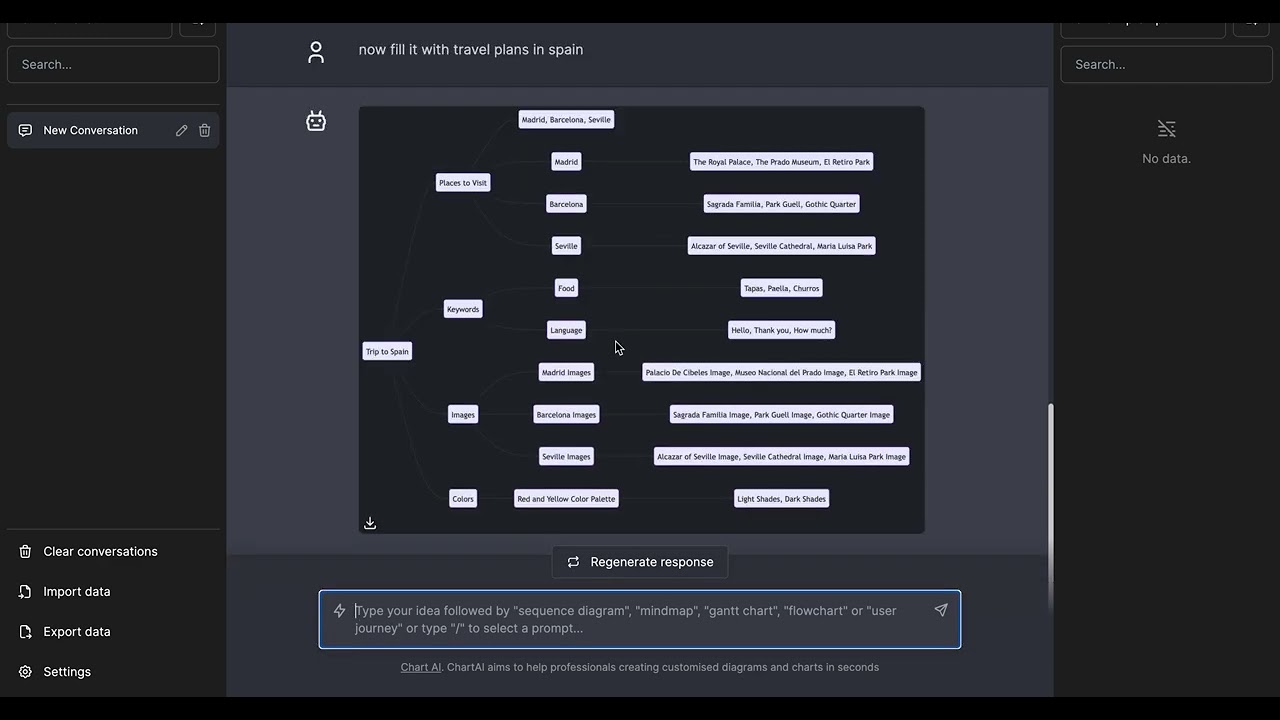
The application lets you create various types of diagrams, including sequence diagrams, Gantt charts, user journeys, ER diagrams, flowcharts, mind maps, pie charts, class diagrams, state diagrams, and Git diagrams. It also offers automated layout generation and timeline optimization to simplify and speed up the diagramming process, making ChartAI particularly useful when you need to generate a diagram quickly.

Like that’s the case with similar apps, ChartAI relies on natural language processing to interpret user textual inputs and convert them into Mermaid code — which is a popular diagramming and charting syntax specifically tailored for creating visual data representations.

The tool offers a free testing period, so you can try it without spending a single dime. Check it out.

Visit ChartAI ↗
Categories
👔 Work
📈 Charting 📐 Diagram Generation
🔬 Research
📊 Data Analytics
🎓 Education
🗺️ Mind Mapping

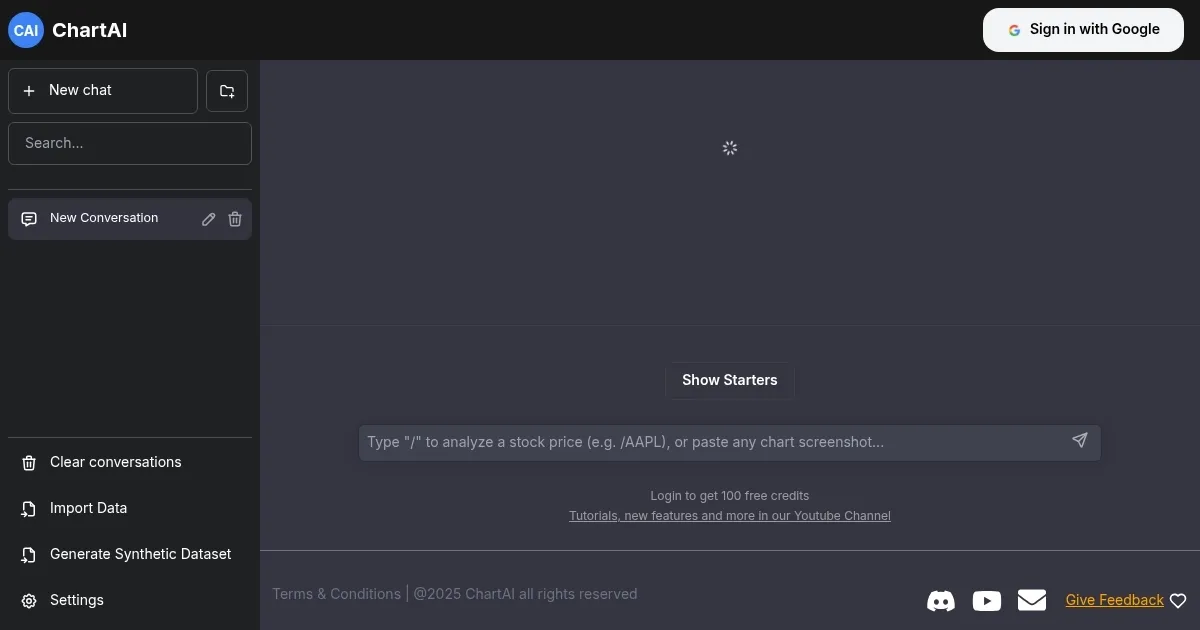
Homepage Screenshot 📸

ChartAI screenshot

Video Overview 🎬

ChartAI - Video Overview

What are the key features? ✨

  • Text-to-Diagram Generation: Creates full diagrams and charts instantly from natural language descriptions.
  • Supported Diagram Types: Handles flowcharts, timelines, org charts, mind maps, user journeys, and data visualizations.
  • Layout Optimization: AI automatically arranges elements, identifies dependencies, and balances the design for professional results.
  • White Paper Generation: Produces accompanying explanatory documents alongside complex diagrams.
  • Credit-Based Access: Uses credits for generations, with downloads, priority support, and premium features unlocked via purchases.

Who is it for? 🤔

ChartAI helps busy professionals, students, educators, marketers, project managers, and anyone who needs clear visual aids but lacks time or design skills for manual creation. It's especially useful for people preparing presentations, reports, academic papers, or planning documents where quick, polished diagrams strengthen communication without requiring expertise in diagramming software.

Examples of what you can use it for 💡

  • Business Professional: Quickly builds process flowcharts or org charts for meetings and reports from a short description.
  • Student or Researcher: Generates timelines, mind maps, or concept diagrams for papers and study materials in minutes.
  • Project Manager: Creates Gantt-style timelines or dependency charts to visualize schedules and workflows.
  • Marketer: Produces user journey maps or strategy visuals to share in pitches or internal docs.
  • Presenter: Crafts eye-catching charts and infographics on the fly to enhance slides without design delays.

Pros & Cons ⚖️

  • Multiple chart types support
  • Generate charts from Telegram
  • Free to try
  • UI could use be nicer

FAQs 💬

What kinds of diagrams can ChartAI create?
It supports flowcharts, timelines, organizational charts, mind maps, user journeys, Gantt charts, and various data visualizations like bar or line charts from descriptions.
Do I need design skills to use ChartAI?
No. You simply describe what you want in plain text, and the AI handles layout, styling, and arrangement.
How fast does ChartAI generate a diagram?
Most diagrams appear in seconds to a minute, depending on complexity and current load.
Is ChartAI free to use?
It offers some free access or trials, but full features, downloads, and higher volume use require credits via monthly or one-time purchases.
Can I edit the generated diagrams?
You can refine by adjusting your prompt and regenerating, though direct in-tool editing may be limited compared to traditional diagramming apps.
Does ChartAI work with uploaded data?
It focuses primarily on text prompts, though some descriptions can reference data points or structures for visualization.
What makes ChartAI different from traditional tools like Lucidchart?
It emphasizes instant AI generation from prompts rather than manual drag-and-drop or heavy data imports, making it faster for quick conceptual visuals.
Can I use generated diagrams commercially?
Yes, downloaded diagrams are generally yours to use in presentations, reports, or other work, per the tool's terms.

Ready to try ChartAI?

Generates professional charts, diagrams, and visualizations instantly from text prompts

Visit ChartAI ↗

ChartAI alternatives 🔗

  1. Prezi Prezi Creates engaging AI-powered presentations in seconds
  2. Tableau AI Tableau AI An AI tool made to streamline and accelerate the data analysis process across the entire Tableau platform
  3. Monarch Monarch A financial management platform that allows users to track, organize, and budget
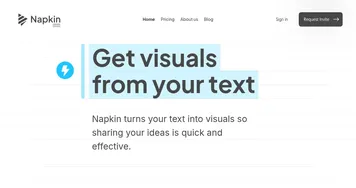
  4. Napkin AI Napkin AI Turn text into visually engaging content like infographics, flowcharts, and diagrams
  5. Mermaid Chart Mermaid Chart A diagramming tool that allows users to create a range of diagrams using text
  6. Whimsical AI: Text-to-Flowchart Whimsical AI: Text-to-Flowchart Transforms text prompts into editable flowcharts instantly
Share
ChartAI screenshot enlarged
Promote ChartAI
light badge
Copy Embed Code
dark badge
Copy Embed Code
neutral badge
Copy Embed Code
Best AI Tools

Discover the best AI tools for any use case

Explore
  • Tool Categories
  • AI Use Cases
  • AI Events
  • AI News
  • Saved Tools
Company
  • About Us
  • Contact Us
  • Media & Partnerships
  • Suggest a Tool
Legal
  • Privacy Policy
  • Terms of Service
Copyright © 2026 Best AI Tools 415 Mission Street, 37th Floor, San Francisco, CA 94105