Comfy
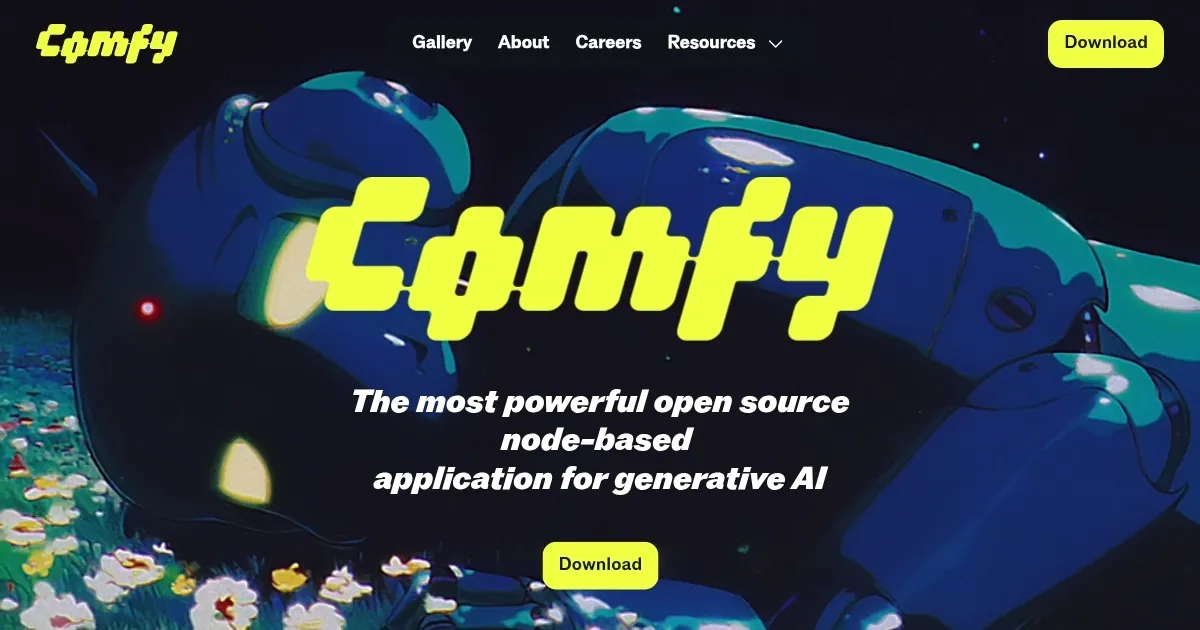
Create images, videos, 3D models, and audio using a modular, node-based AI workflow
Comfy is a free, open-source, node-based application for generating images, videos, 3D models, and audio using AI models like Stable Diffusion and Flux.1. It runs on Windows, macOS, and Linux, supporting GPUs from NVIDIA, AMD, Intel, and Apple Silicon. Users design workflows by connecting nodes on a visual canvas, enabling complex, customizable pipelines without coding. The tool supports models like SDXL, AnimateDiff, and controlnet, with thousands of community-created nodes available. It’s optimized for local execution, requiring as little as 1GB VRAM, and includes a portable Windows build for easy setup.
Key features include real-time workflow adjustments, metadata-rich exports, and native API nodes for integrating models like Google Veo2 and Ideogram. The ComfyUI-Manager extension simplifies node management, while built-in localization supports multiple languages. The desktop app auto-updates with stable releases, and users can share workflows via platforms like comfyworkflows.com. Performance is enhanced by smart memory management and selective node re-execution.
Compared to Automatic1111, Comfy offers more flexibility but a steeper learning curve. RunwayML provides a cloud-based alternative with simpler setup but less customization. Installation can be complex, requiring Python and dependency management, and some custom nodes may not support newer Python versions. Users on X praise recent updates like OmniGen2 support for unified multimodal tasks.
The tool’s open-source model ensures no subscription costs, unlike some competitors. However, setup issues and occasional node conflicts can frustrate beginners. The community-driven ecosystem, with active Discord and Matrix channels, provides robust support.
To get started, download the portable build from comfy.org, use Python 3.12, and explore example workflows. Check the GitHub documentation for troubleshooting, and use ComfyUI-Manager to streamline node installation.
Homepage Screenshot 📸
Video Overview 🎬

What are the key features? ✨
- Node-Based Workflow: Design complex AI pipelines visually by connecting nodes.
- Model Support: Integrates SDXL, Flux.1, AnimateDiff, and more for diverse outputs.
- ComfyUI-Manager: Manages custom nodes for easy installation and organization.
- Workflow Sharing: Export workflows with metadata for seamless collaboration.
- Localization: Supports multiple languages like English, Chinese, and Russian.
Who is it for? 🤔
Examples of what you can use it for 💡
- Digital Artist: Creates photorealistic images using Stable Diffusion nodes
- Animator: Generates smooth video sequences with AnimateDiff integration
- 3D Modeler: Builds 3D assets with Stable Fast 3D nodes in one click
- Content Creator: Produces lip-synced videos using MultiTalk nodes
- Developer: Integrates custom nodes for tailored AI model workflows
Pros & Cons ⚖️
- Free and open-source
- Highly customizable workflows
- Supports diverse AI models
- Steep learning curve
- Node compatibility issues
FAQs 💬
Ready to try Comfy?
Create images, videos, 3D models, and audio using a modular, node-based AI workflow
Visit ComfyComfy alternatives 🔗