Diffus
An AI image generator that can turn your ideas into fancy pictures
Diffus is an AI image generator that can turn your ideas into fancy pictures. It does its magic by using over 70,000 models to help you create art, designs, and more. You don’t need a powerful computer — just a web browser — to do this.
With Diffus, you’re painting with words — type what you want to see, and it will create the image for you. For instance, want a dragon flying over a castle at sunset? Just type it in, and Diffus will bring it to life. It’s like a magic paintbrush that listens to your words.
But wait, Diffus isn’t just for fun. Artists can use it to try new styles, designers can make logos and posters with it, while teachers can create pictures for lessons. Yes, it can help many people in different ways.
As noted above, Diffus works in your browser and you don’t need to download or install anything. This means you can use it on any computer, anywhere where you have a working Internet connection.
In addition to creating new images, Diffus also lets you fix and change existing ones. If you want to make a face look better or change the background, you can do that, as well. In a way, it’s like having a photo editor that makes your images look just the way you want — without Photoshop.
To sum it up – Diffus is a cool tool for anyone looking to create great images with ease. So, whether you’re an artist, teacher, or marketer – it offers the features that help you bring your ideas to life.
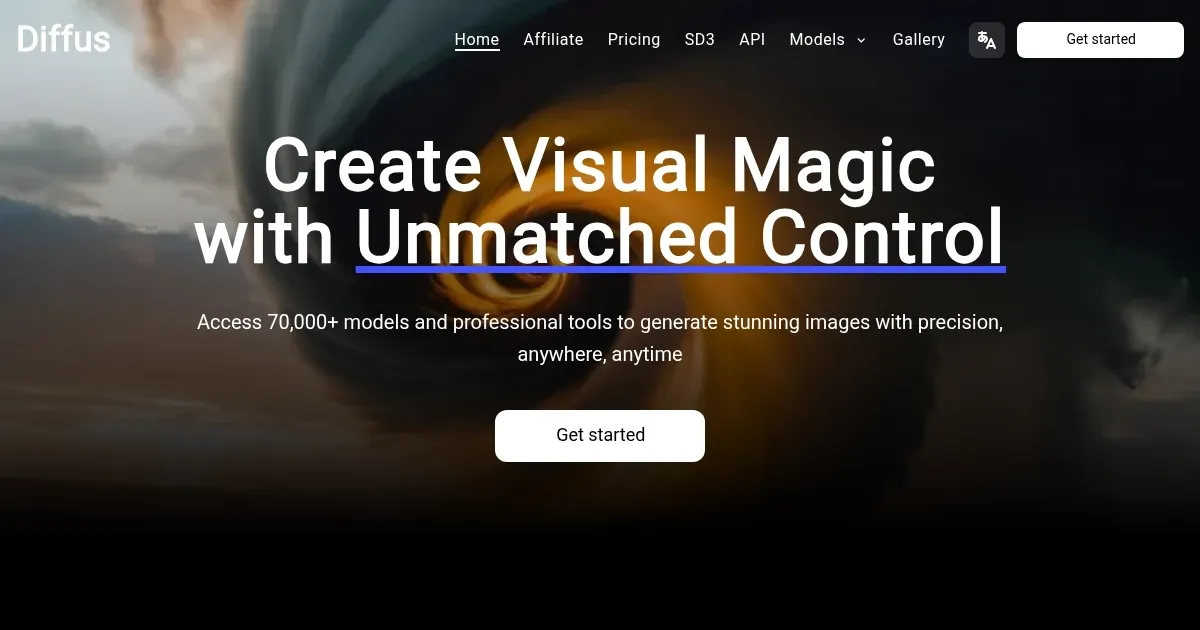
Homepage Screenshot 📸
Video Overview 🎬
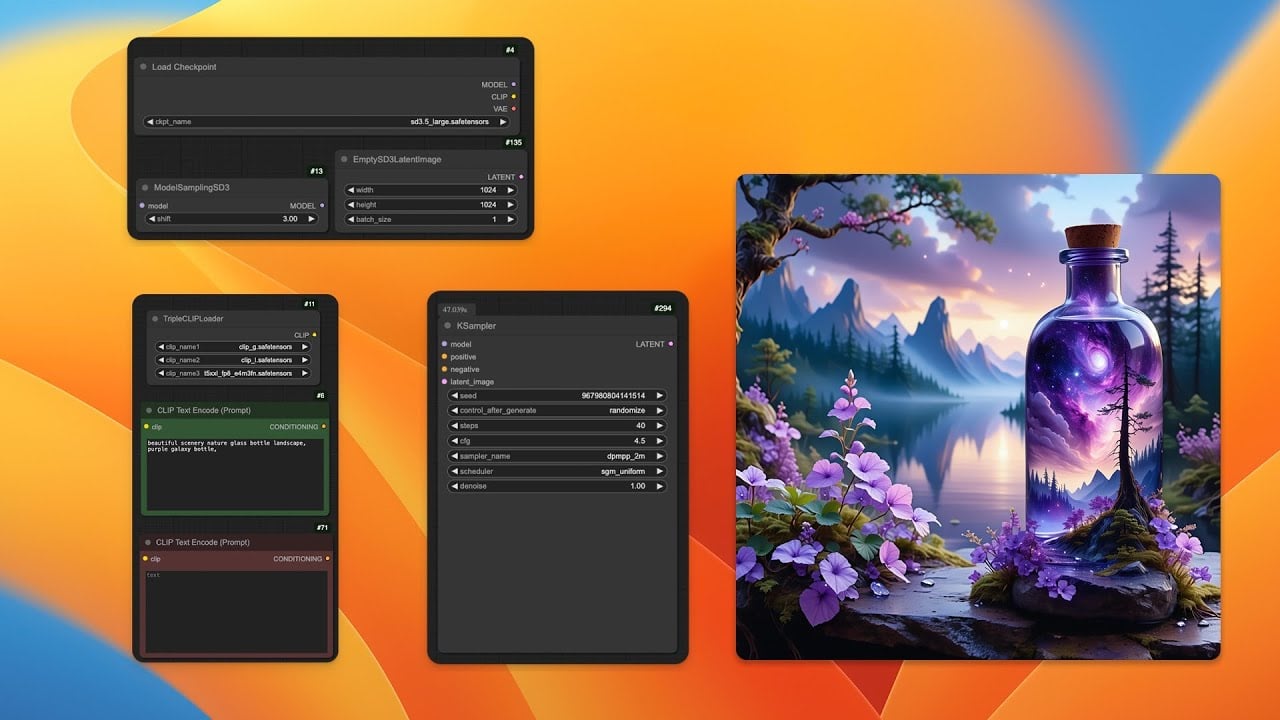
What are the key features? ✨
- Huge model library: Diffus offers over 70,000 models to choose from, enabling you to create images in many different styles and themes.
- Browser-based: You can use Diffus directly in your web browser without installing anything or having a powerful computer.
- Advanced editing tools: With features like face enhancement and composition control, you can easily fine-tune your images.
- Custom model support: Upload and use your own models for unique creations, giving you more control over your art.
- Easy workflow: Diffus guides you through selecting a model, refining your prompt, and perfecting your image. This makes it user-friendly even for beginners.
Who is it for? 🤔
Examples of what you can use it for 💡
- Artists can experiment with new styles and ideas without needing to paint or draw by hand
- Designers can quickly generate visuals for websites, ads, and social media
- Teachers can create custom images to make lessons more engaging
- Writers can visualize scenes and characters from their stories
- Marketers can produce eye-catching images for campaigns and promotions
Pros & Cons ⚖️
- Extensive model selection
- No downloads or installation required
- Support for custom models
- Not sure many folks will switch from Midjourney to Diffus
Ready to try Diffus?
An AI image generator that can turn your ideas into fancy pictures
Visit DiffusDiffus alternatives 🔗