logo-darklogo-darklogo-darklogo-dark
  • Tool Categories
    • ๐ŸŽจArt & Creative Design505
    • ๐ŸขBusiness Management644
    • ๐Ÿ’ปCoding & Development515
    • ๐Ÿ‘ฎDetection83
    • ๐Ÿง General Use727
    • ๐ŸฅHealth & Wellness55
    • ๐Ÿ“ทImage & Photo Analysis100
    • ๐Ÿ–ผ๏ธImage Generation & Editing618
    • ๐Ÿ“Interior & Architectural Design37
    • ๐ŸŽ“Learning & Education483
    • โš–๏ธLegal & Finance90
    • ๐ŸŽญLifestyle & Entertainment236
    • ๐Ÿ“ขMarketing & Advertising627
    • ๐ŸŽงMusic & Audio138
    • ๐Ÿ‘”Office & Workplace1,014
    • ๐Ÿ”ฌResearch & Data Analysis372
    • ๐Ÿ‘ฅSocial Media245
    • ๐ŸŽฅVideo Generation & Editing426
    • ๐Ÿ‘ง๐ŸปVirtual Companion135
    • ๐ŸŽคVoice Generation & Editing381
    • โœ๏ธWriting & Editing808
    • All Categories
    • AI Use Cases
  • News
  • Events
    • Academic Conferences
    • Developer Conferences
    • Expos / Trade Shows
    • Industry Summits
    • Workshops / Training
    • All Events
    • Past Events
  • Saved Tools
  • Suggest a Tool
โœ•
Home › Legal & Finance › Legal Assistant› Filevine
Filevine

Filevine

Streamlines legal case management with AI-powered tools for efficiency

Filevine is a cloud-based legal practice management software designed to streamline case management, document automation, and client communication for law firms. It centralizes workflows, offering tools like FilevineAI for medical record analysis and DemandsAI for drafting demand letters. Over 25,000 legal professionals use it daily, particularly in personal injury and process-oriented practices. It’s hosted on AWS with HIPAA, SOC 2, and GDPR compliance, ensuring robust data security.

Key features include the Project Hub, which provides a unified view of all cases, and the Activity Feed, which consolidates project updates like emails and tasks. FilevineAI extracts key data from documents, such as medical records, in minutes, while Vinesign simplifies e-signatures. Integration with Microsoft 365, QuickBooks, and Zapier enhances connectivity. The platform supports unlimited document storage and mobile access, allowing texting and case updates on the go. Pricing is subscription-based, with costs varying by user count and add-ons, though specific figures require a demo.

Compared to competitors like Clio and Actionstep, Filevine excels in customizability but demands more setup effort. Clio offers a simpler interface for smaller firms, while Actionstep balances ease of use with robust features. Filevine’s add-ons, like Depo CoPilot for real-time deposition analysis, are unique but not included in the core product. Firms can try Filevine via a free trial to assess fit.

Drawbacks include a steep learning curve and inconsistent customer support. Some users report slow performance or inefficient search functionality. Posts on X highlight its scalability for growing firms but note implementation challenges. For process-driven firms, Filevine’s phased workflows and AI tools boost efficiency, but solo practitioners may find it complex.

Advice for potential users, leverage the free trial to test core features like Project Hub and FilevineAI. Assign a team member to manage setup and training. Explore integrations with existing tools like Gmail to ease adoption. For personal injury or immigration firms, prioritize features like DemandsAI to streamline repetitive tasks. Start small to avoid overwhelm.

Visit Filevine ↗
Categories
โš–๏ธ Legal/Finance
โš–๏ธ Legal Assistant ๐Ÿ“ Contract Management
๐Ÿข Business
๐Ÿ‘ฅ CRM ๐Ÿ“‹ Project Management
๐Ÿ‘” Work
๐Ÿ“„ Document Generation ๐Ÿ’ผ Workplace Assistant

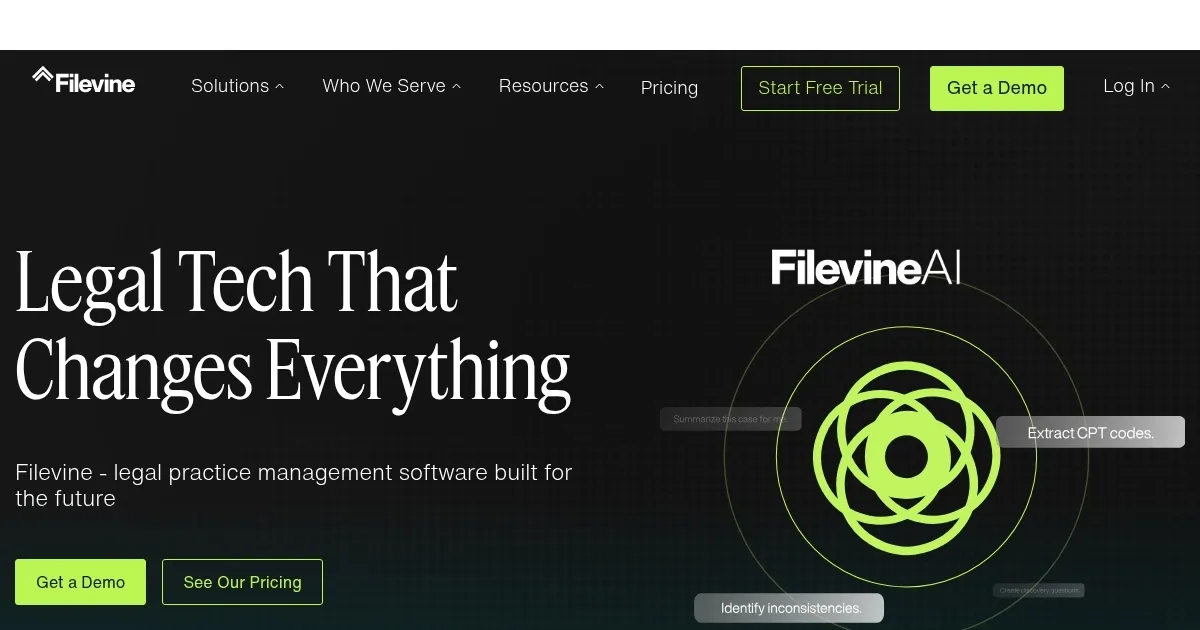
Homepage Screenshot 📸

Filevine screenshot

Video Overview 🎬

Filevine - Video Overview

What are the key features? ✨

  • FilevineAI: Analyzes medical records to extract providers, dates, and clinical data automatically.
  • Project Hub: Offers a unified view of all cases across teams and practice areas.
  • DemandsAI: Streamlines demand letter creation using case data and AI drafting.
  • Vinesign: Simplifies document signing with intuitive, instant e-signatures.
  • Activity Feed: Consolidates project updates, including notes, tasks, and communications.

Who is it for? 🤔

Filevine is ideal for mid-sized to large law firms, especially those specializing in personal injury, immigration, or process-oriented practices, seeking a customizable, AI-powered platform to manage complex workflows, documents, and client communications efficiently.

Examples of what you can use it for 💡

  • Personal Injury Lawyer: Uses FilevineAI to summarize medical records quickly for case preparation.
  • Immigration Attorney: Automates USCIS form completion with AI Data Mapping for accuracy.
  • Firm Administrator: Tracks deadlines and assigns tasks via Project Hub for team efficiency.
  • Paralegal: Sends case updates to clients via text through the Activity Feed.
  • Billing Manager: Generates invoices and tracks payments seamlessly within Filevine.

Pros & Cons ⚖️

  • Highly customizable platform
  • AI tools save time
  • Seamless integrations
  • Steep learning curve

FAQs 💬

What is Filevineโ€™s core function?
Filevine centralizes case management, document automation, and client communication for law firms.
Is Filevine secure for sensitive data?
Yes, it uses AWS hosting with HIPAA, SOC 2, and GDPR compliance.
Does Filevine offer a free trial?
Yes, a free trial is available to test features before subscribing.
Can Filevine integrate with other tools?
It integrates with Microsoft 365, QuickBooks, Zapier,ๆญช4.
Is Filevine suitable for solo practitioners?
Itโ€™s better suited for mid-sized firms due to setup complexity.
What types of firms benefit most from Filevine?
Personal injury and process-oriented firms find it most effective.
Does Filevine support mobile access?
Yes, it offers mobile access for texting and case updates.
How does FilevineAI work?
It analyzes documents like medical records to extract key data quickly.
Are add-ons included in the core product?
No, features like Depo CoPilot require additional purchase.
How customizable is Filevine?
Itโ€™s highly customizable to fit unique firm workflows.

Ready to try Filevine?

Streamlines legal case management with AI-powered tools for efficiency

Visit Filevine ↗


Filevine alternatives 🔗

  1. CoCounsel CoCounsel Tool for legal document review, research memos, deposition preparation, and contract analysis
  2. Harvey Harvey Powers legal research, document analysis, drafting, and workflows for professionals
  3. Spellbook Spellbook A tool that helps users draft, review and suggest contract terms 3x faster
  4. DoNotPay DoNotPay Chatbot that provides users with an AI-powered "robot lawyer"
  5. Smokeball Smokeball Legal practice management software designed to help law firms run more efficiently and profitably
  6. Macro Macro Streamlines document editing with AI-powered tools for seamless workflow
Share
Filevine screenshot enlarged
Promote Filevine
light badge
Copy Embed Code
dark badge
Copy Embed Code
neutral badge
Copy Embed Code
Best AI Tools

Discover the best AI tools for any use case

Explore
  • Tool Categories
  • AI Use Cases
  • AI Events
  • AI News
  • Saved Tools
Company
  • About Us
  • Contact Us
  • Media & Partnerships
  • Suggest a Tool
Legal
  • Privacy Policy
  • Terms of Service
Copyright © 2026 Best AI Tools 415 Mission Street, 37th Floor, San Francisco, CA 94105