Gralio
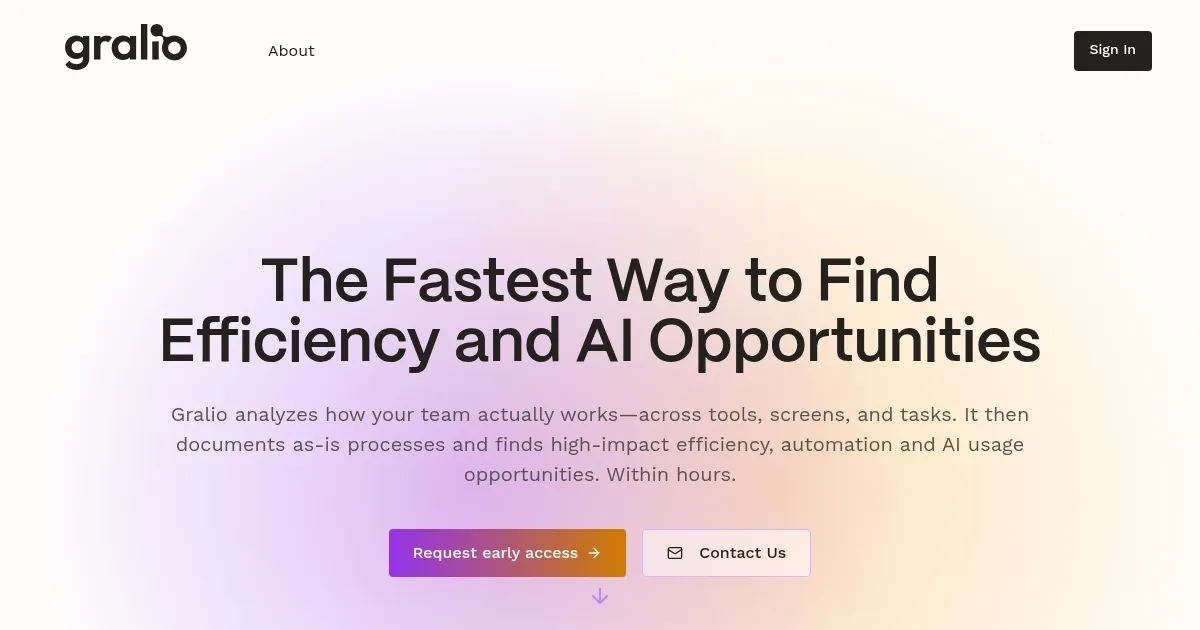
Analyzes workflows to spot automation and AI opportunities quickly
Gralio is an AI-driven platform that analyzes team workflows through screen captures to document processes and identify opportunities for efficiency, automation, and AI integration. It installs a lightweight agent on devices to record activities unobtrusively, uploads data to encrypted cloud storage, and employs AI to mask private information while generating process maps. Key features include Efficiency Diagnostics for pinpointing automatable tasks, AI Opportunity Mapping for prioritized suggestions, and Software Optimization for detecting unused tools.
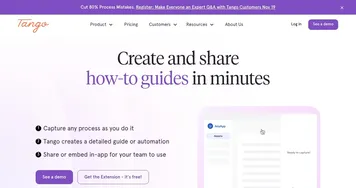
The tool targets small to medium businesses in sectors like professional services, software, and manufacturing, where repetitive screen-based tasks such as ticket triage or CRM updates occur. It provides reports within hours, offering benchmarks against top performers and personalized AI coaching. Compared to competitors like G2 for software reviews and Tango for process documentation, Gralio combines observation with recommendations, though it may require initial trust in data handling.
Users appreciate the quick insights and potential savings, such as canceling unused licenses or automating 65-90% of workflows in pilots. However, some note concerns over screen monitoring despite privacy measures, and recommendations can feel broad for niche operations. Pricing involves no large minimums, allowing pilots for single processes, positioning it as more affordable than enterprise options like Celonis.
Technically, Gralio uses proprietary algorithms on masked data to ensure security and accuracy, integrating with common tools for seamless adoption. It supports various use cases, from support workflows to admin tasks across HR and finance.
To implement, teams start with a pilot on one process, review generated maps and suggestions, then scale based on results for optimal impact.
Homepage Screenshot 📸
Video Overview 🎬

What are the key features? ✨
- Efficiency Diagnostics: Identifies specific time-wasting issues in team workflows with automation potential.
- AI Opportunity Mapping: Prioritizes suggestions for AI agents to save significant weekly hours.
- Helpful Team Benchmarking: Compares performance to reveal faster task completion methods.
- Software Optimization: Detects unused tools and licenses for cost savings.
- AI Coaching: Provides personalized recommendations to integrate AI tools effectively.
Who is it for? 🤔
Examples of what you can use it for 💡
- Support Manager: Uses Gralio to map ticket triage processes and automate repetitive escalations.
- Sales Team Lead: Analyzes CRM updates to recommend AI tools for faster deal closures.
- HR Administrator: Identifies inefficiencies in onboarding flows for streamlined training automation.
- Finance Specialist: Detects manual invoice reconciliations ripe for software optimization.
- IT Coordinator: Benchmarks admin tasks across tools to suggest cost-saving cancellations.
Pros & Cons ⚖️
- Quick insights
- Privacy-focused
- Affordable pilots
- Actionable suggestions
- Screen monitoring concerns
- Generic recommendations sometimes
FAQs 💬
Ready to try Gralio?
Analyzes workflows to spot automation and AI opportunities quickly
Visit GralioGralio alternatives 🔗