Humbot
An AI tool that can transform machine-generated text into human-like writing
Humbot is an AI tool that can transform machine-generated text into human-like writing. In that sense, it aims to help users bypass AI detectors that flag content as created by artificial intelligence.
By analyzing and rephrasing text, Humbot ensures the output appears natural and authentic — like it’s been written by an actual human being. In that sense, the service is particularly useful for those who rely on AI for content creation but need their work to pass as human-written.
Using advanced algorithms, Humbot examines text to identify patterns typical of AI-generated content. It then reworks sentences, alters word choices, and adjusts structures to mimic human writing nuances. The ultimate goal is to produce text that reads well and evades detection by AI content checkers.
Humbot lets even those with minimal technical expertise navigate the platform with ease. The tool delivers quick results, allowing users to efficiently process large volumes of text. This efficiency is crucial for professionals who need to meet tight deadlines without compromising on content quality.
However, it’s important to add that some users have reported that the rephrased content can occasionally be verbose or alter the original tone. Therefore, it is advisable to review and edit the humanized text to ensure it aligns with the intended voice and clarity. This step is there to ensure the final content meets personal or brand-specific standards.
To sum it up, Humbot offers a neat solution for those looking to humanize AI-generated text. Its ability to bypass AI detectors makes it a noteworthy tool for anyone involved in content creation. If that includes you – check it out.
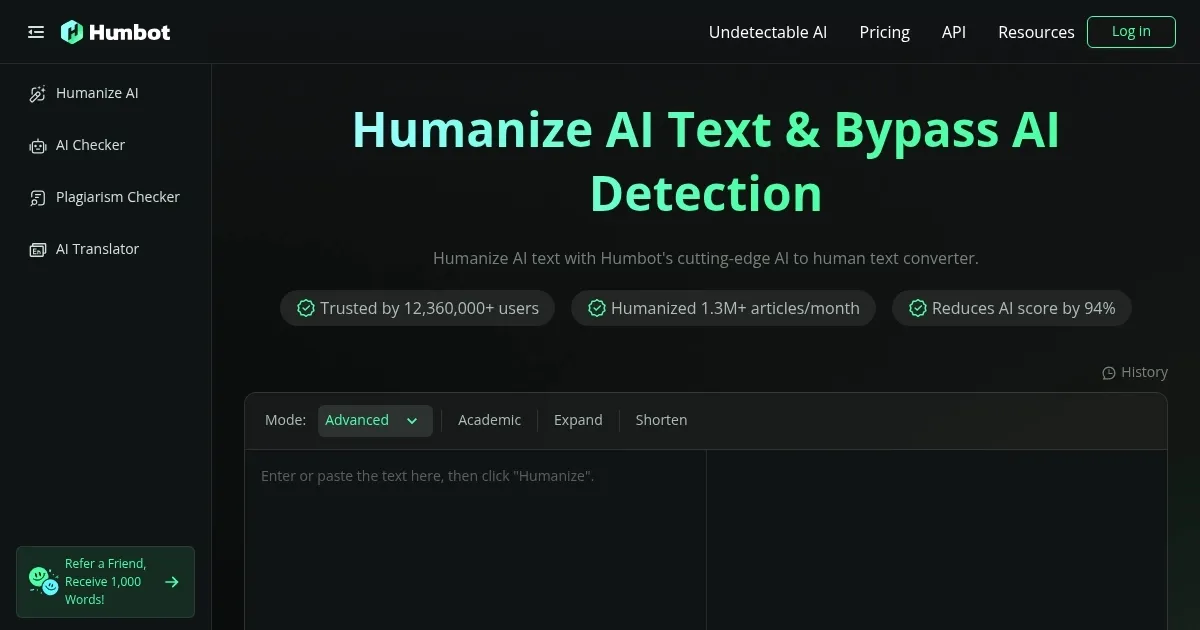
Homepage Screenshot 📸
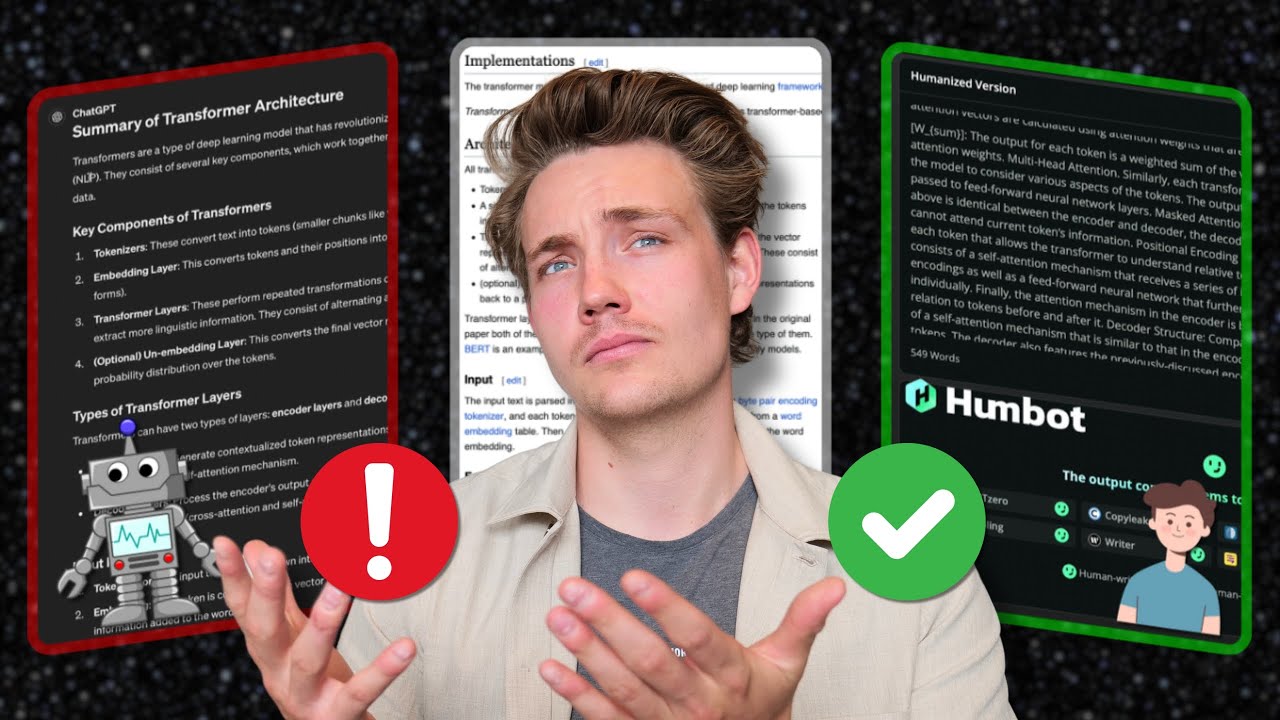
Video Overview 🎬
What are the key features? ✨
- Bypass AI detectors: Transforms AI-generated text to pass undetected by AI content checkers, ensuring your content appears human-written.
- User-friendly interface: Designed for ease of use, allowing users to navigate and utilize the tool without technical difficulties.
- Fast processing: Delivers quick rephrasing of text, enabling efficient handling of large volumes of content under tight deadlines.
- Maintains original meaning: Rewrites content while preserving the original message, ensuring the essence of the text remains intact.
- Supports multiple languages: Capable of humanizing text in over 50 languages to cater to a diverse user base.
Who is it for? 🤔
Examples of what you can use it for 💡
- Bloggers and writers can refine AI-generated drafts to ensure their articles pass AI detection tools
- Students can rephrase AI-assisted research notes, making sure their final submissions are original and undetectable by academic integrity software (not advised)
- Business professionals can polish AI-generated reports or presentations
- Marketers can use Humbot to create engaging posts that resonate with audiences
- Everyone can humanize content in various languages to expand their reach to global audiences
Pros & Cons ⚖️
- Efficiently bypasses AI detectors
- Preserves the original message during rephrasing
- Supports a range of languages
- Rephrased content may sometimes be verbose
FAQs 💬
Ready to try Humbot?
An AI tool that can transform machine-generated text into human-like writing
Visit HumbotHumbot alternatives 🔗