Mida
Runs lightweight A/B tests on websites with no-code tools
You know how frustrating it gets when your website tweaks don’t deliver the results you hope for, right? That’s where Mida steps in as this refreshingly straightforward A/B testing platform that keeps things simple yet powerful. I think it’s particularly appealing for those CRO folks who want to experiment without the usual headaches of bloated software. From the get-go, the tool shines with its visual editor, letting you click, drag, and drop elements to create variations in minutes, no developer required. And the code editor? It’s there for those moments when you need a bit more control with custom JavaScript or CSS, all without complicating the workflow.
What really sets Mida apart is its obsession with speed and lightness. The script clocks in at just 8KB, loading in about 20 milliseconds, which means your site’s performance stays snappy, avoiding any SEO dips or user frustration from slow loads. Users on platforms like Capterra rave about this, noting how it outperforms heavier competitors in real-world tests. I probably should mention that while it’s great for web, the mobile native support is still in beta, so if that’s your main focus, you might wait a tad. But for standard websites, it integrates effortlessly with GA4, pulling in analytics to track goals and conversions right out of the box.
Now, let’s talk competitors briefly. Tools like VWO offer robust features including heatmaps and session recordings, but they come with a much larger script size that can bog down pages, and their pricing tiers escalate quickly for advanced use. Similarly, Optimizely excels in enterprise-level personalization and multivariate testing, yet it’s notoriously pricey and overkill for smaller teams, often requiring dev involvement for setup. Mida, on the other hand, keeps general pricing accessible with a forever free tier up to 25,000 monthly tested users, scaling usage-based without surprise add-ons, making it a smarter pick for agencies or growing marketers who value efficiency over excess.
One surprise element here is the AI-assisted features, like suggested copywriting for variations and goal verification, which pop up unexpectedly helpful during setup. Readers might love how it supports cross-domain testing, letting you run experiments across multiple sites with one snippet, saving tons of time. But honestly, some users point out occasional bugs in the visual builder, like changes not saving right away, though refreshing usually fixes it quick. And while the dashboard provides solid reports with breakdowns by device or channel, it lacks built-in heatmaps, so you might pair it with something else for deeper behavioral insights. Still, the unlimited tests on paid plans mean you can iterate freely without hitting walls.
The onboarding feels intuitive, almost like chatting with a savvy colleague who knows the ropes. I’ve seen feedback from Reddit threads where folks switched from Google Optimize and found Mida’s interface a breath of fresh air, less cluttered and more focused. It works on popular builders like Webflow, Wix, or Shopify, injecting via a simple HTML snippet in the head. For funnel sites, it’s equally seamless. One thing that might catch you off guard is how the monthly tested users metric counts unique visitors hitting any experiment once per month, which keeps billing fair but requires monitoring if traffic spikes.
Overall, Mida empowers you to make data-backed changes that stick. If you’re dipping into A/B testing, start with a simple headline swap on your landing page using the visual editor, track it against GA4 goals, and watch the insights roll in. That way, you build confidence fast and refine your site without overthinking it.
Homepage Screenshot 📸
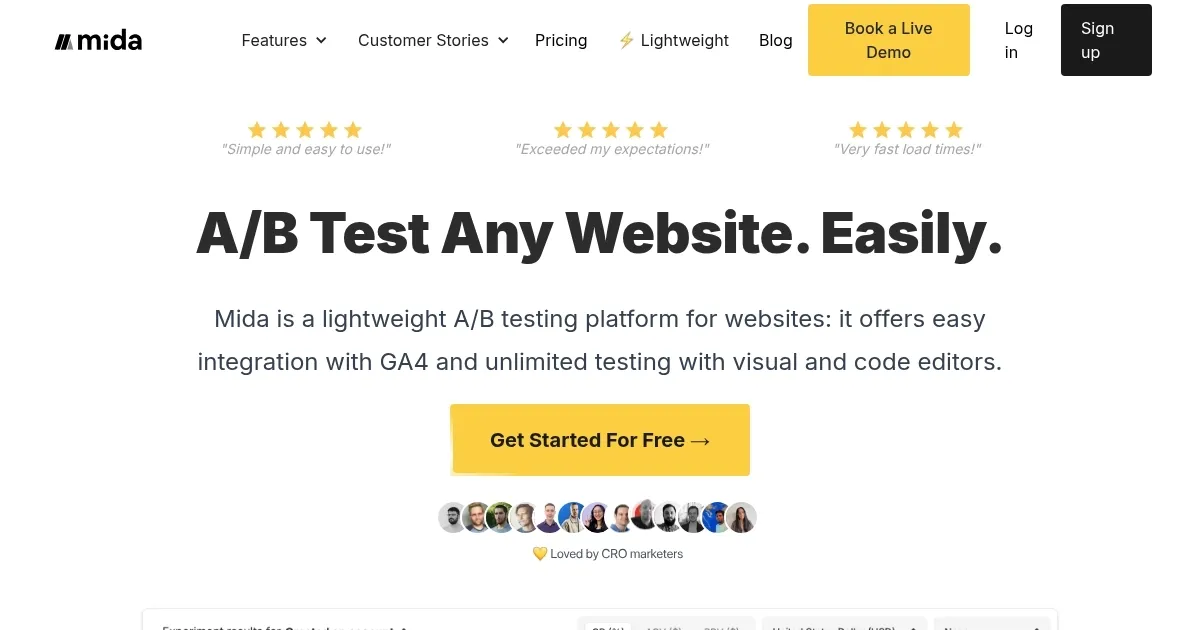
Video Overview 🎬

What are the key features? ✨
- Visual Editor: Allows no-code creation of A/B variations by clicking, editing, and dragging elements on the page.
- Code Editor: Supports custom JavaScript and CSS for advanced modifications in experiments.
- GA4 Integration: Seamlessly connects with Google Analytics 4 to track goals and conversions in real time.
- Lightweight Script: 8KB size loads in 20 milliseconds, ensuring minimal impact on site speed and SEO.
- Cross-Domain Testing: Enables running experiments across multiple websites using one project snippet.
Who is it for? 🤔
Examples of what you can use it for 💡
- CRO Marketer: Uses the visual editor to test headline variations on a landing page, tracking click-through rates via GA4 to identify winning copy that lifts engagement.
- E-commerce Owner: Runs split URL tests on product pages across domains, comparing layouts to optimize add-to-cart rates without coding.
- Agency Manager: Deploys sequential tests for client funnels, using AI suggestions to personalize elements and share interactive reports for feedback.
- Growth Hacker: Integrates custom JS for button tweaks on high-traffic sites, monitoring revenue goals to refine checkout flows rapidly.
- UX Designer: Tests drag-and-drop element repositions on Webflow builds, analyzing device breakdowns to ensure mobile responsiveness.
Pros & Cons ⚖️
- No-code editor
- GA4 integration
- Affordable free tier
- No heatmaps
FAQs 💬