MimicPC
A cloud-based platform that lets you create image, audio and video files from your web browser
MimicPC is a cloud-based platform that lets you use powerful AI tools right from your web browser. You don’t need fancy hardware or complicated setups. With MimicPC, you can create images, edit photos, and even work with audio using advanced AI applications. In other words, it’s like having a high-tech studio at your fingertips.
MimicPC’s user-friendly design comes with more than 20 pre-installed AI and there is no need to download or install anything. Plus, it works on any device with a web browser, so you can be creative wherever you are.
MimicPC also offers flexible computing power. Depending on your project’s needs, you can choose different GPU options to ensure everything runs smoothly. This means whether you’re working on a simple task or a big project, MimicPC can handle it.
The service comes with cloud storage, allowing you to save your files, AI models, and settings securely online. This makes it easy to access your work anytime and keeps your computer clutter-free.
To sum it up, MimicPC aims to make advanced AI tools accessible and convenient for everyone. Check it out.
Homepage Screenshot 📸
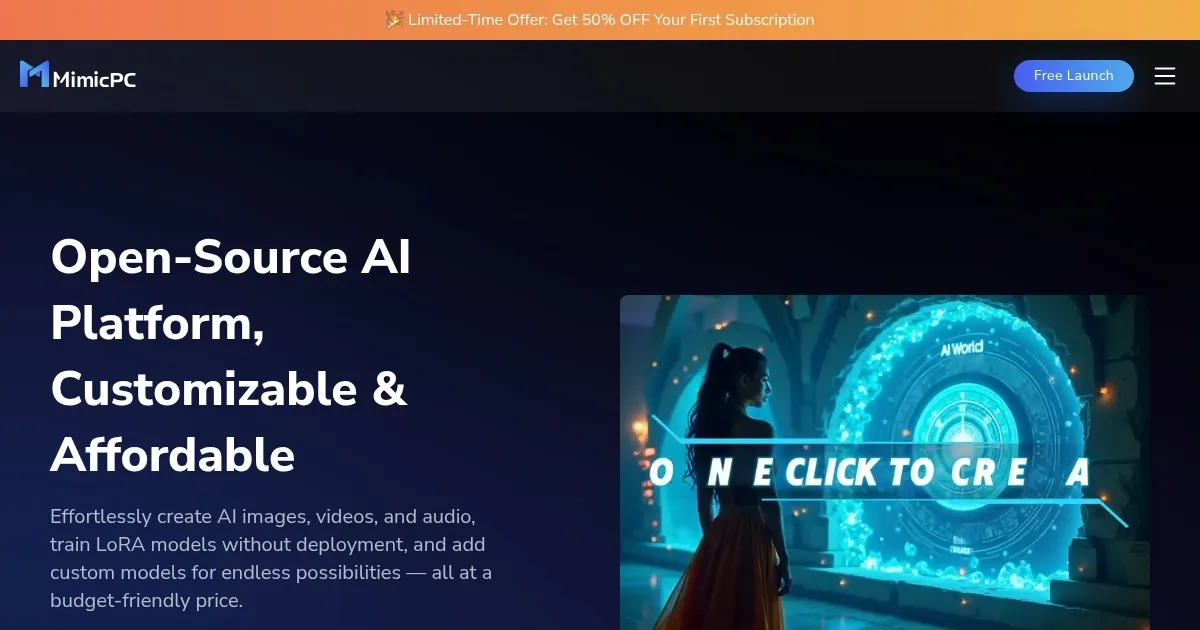
Video Overview 🎬

What are the key features? ✨
- Access to AI apps: With over 20 pre-installed applications, you can start creating without any setup. Just log in and go.
- Browser-based platform: Use powerful AI tools directly from your web browser. No need for downloads or installations.
- Flexible GPU options: Choose from different GPU configurations to match your project's requirements, ensuring optimal performance.
- Cloud storage: Save and manage your files and models in the cloud, giving you access from anywhere and keeping your local storage free.
- User-friendly interface: Navigate through the platform with ease, thanks to its intuitive design that caters to both beginners and professionals.
Who is it for? 🤔
Examples of what you can use it for 💡
- Create stunning visuals using AI-powered image generation and editing tools
- Improve and retouch photos effortlessly with advanced AI applications
- Convert text to speech or modify audio files using sophisticated AI-driven audio tools
- Train custom AI models without high-end hardware, all within your browser
- Students and educators can explore AI applications and conduct experiments without investing in expensive equipment
Pros & Cons ⚖️
- Use advanced AI tools from any device with an internet connection
- Eliminates the need for expensive hardware investments
- Adjust computing resources based on project needs
- ChatGPT alone can handle many of these tasks
FAQs 💬
Ready to try MimicPC?
A cloud-based platform that lets you create image, audio and video files from your web browser
Visit MimicPCMimicPC alternatives 🔗