Mix Check Studio by RoEx
Analyze audio tracks to provide feedback for better mixing and mastering
Mix Check Studio is an AI-powered web application by RoEx that analyzes audio tracks to provide feedback on mixing and mastering. Users upload WAV or MP3 files, select a genre, and receive a Mix Check Report detailing issues like clipping, phase problems, stereo field balance, and loudness levels. The tool offers genre-specific suggestions to improve audio quality. The Mix Enhance feature applies AI-driven processing to polish tracks, mimicking professional studio effects. No account is required, and the service is free. RoEx ensures user privacy by deleting uploaded files after analysis. The platform has processed over 1.7 million tracks since April 2023.
The tool identifies common mixing issues, such as mono compatibility and tonal imbalances, making it valuable for beginners and intermediate producers. The Mix Check Report provides actionable advice, like adjusting EQ or compression settings. Mix Enhance optimizes tracks for streaming platforms, adding clarity and punch. The Discord community allows users to share feedback and collaborate. The platform supports multiple genres, ensuring relevant analysis for diverse music styles.
Compared to iZotope Ozone, which offers advanced mastering tools, or LANDR, which automates mastering and distribution, Mix Check Studio focuses on diagnostic feedback. Its free access sets it apart, though competitors provide more processing options. The tool’s interface is intuitive but lacks customization. File size limits restrict larger uploads, and analysis requires an internet connection. Some users note the AI feedback may not suit experimental mixes.
Mix Check Studio excels for quick, objective insights. It’s less suited for users needing hands-on editing or offline access. The platform’s privacy measures and community engagement add value. Processing times can slow during peak usage. The tool’s recognition by MusicRadar as an innovative product in 2023 highlights its credibility.
For best results, upload early mixes to catch issues before finalizing. Use the Mix Check Report to guide adjustments in your DAW. Explore Mix Enhance for a polished sound, but verify results with your ears. Join the Discord community for additional support and feedback.
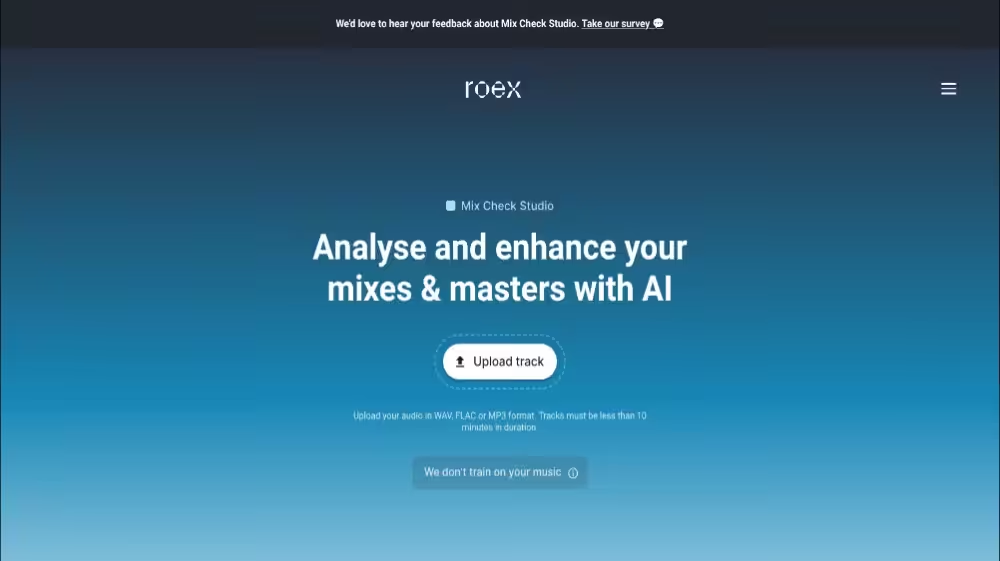
Homepage Screenshot 📸
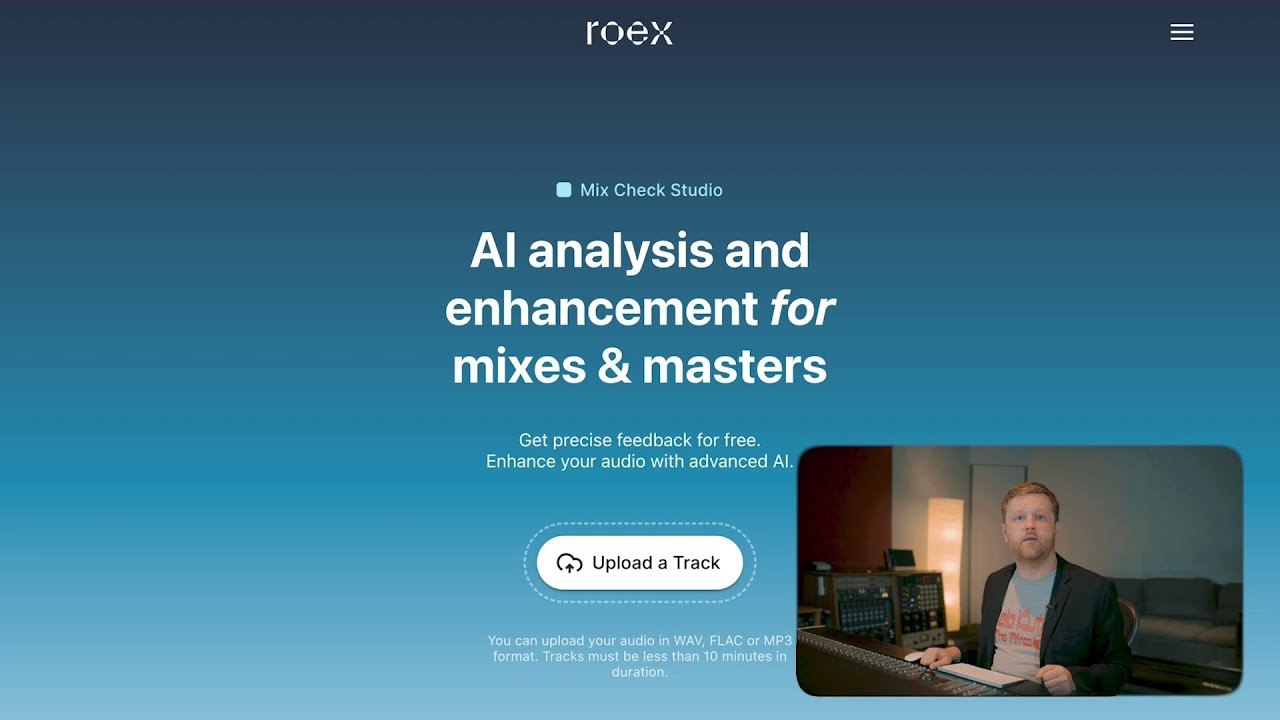
Video Overview 🎬
What are the key features? ✨
- Mix Check Report: Analyzes audio for issues like clipping and provides tailored feedback.
- Mix Enhance: Applies AI-driven processing to polish tracks for streaming platforms.
- Genre-Specific Feedback: Offers suggestions based on the selected music genre.
- Privacy Protection: Deletes uploaded files after analysis to ensure user data safety.
- Discord Community: Enables users to share feedback and collaborate with other creators.
Who is it for? 🤔
Examples of what you can use it for 💡
- Indie Musician: Uses Mix Check Studio to refine a demo’s mix before releasing it on Spotify.
- Audio Engineer: Analyzes a client’s track to identify phase issues and improve stereo imaging.
- Podcaster: Enhances episode audio clarity with Mix Enhance for better listener experience.
- Music Producer: Checks a hip-hop track’s loudness to meet streaming platform standards.
- Home Studio Owner: Gets feedback on a rock mix to adjust tonal balance for better playback.
Pros & Cons ⚖️
- Free to use with no account needed.
- Actionable, genre-specific feedback.
- Polishes tracks with Mix Enhance.
- Interface lacks customization.
- AI may miss artistic nuances.
FAQs 💬
Ready to try Mix Check Studio?
Analyze audio tracks to provide feedback for better mixing and mastering
Visit Mix Check Studio