phospho
Control robots and train AI models with an open-source toolkit
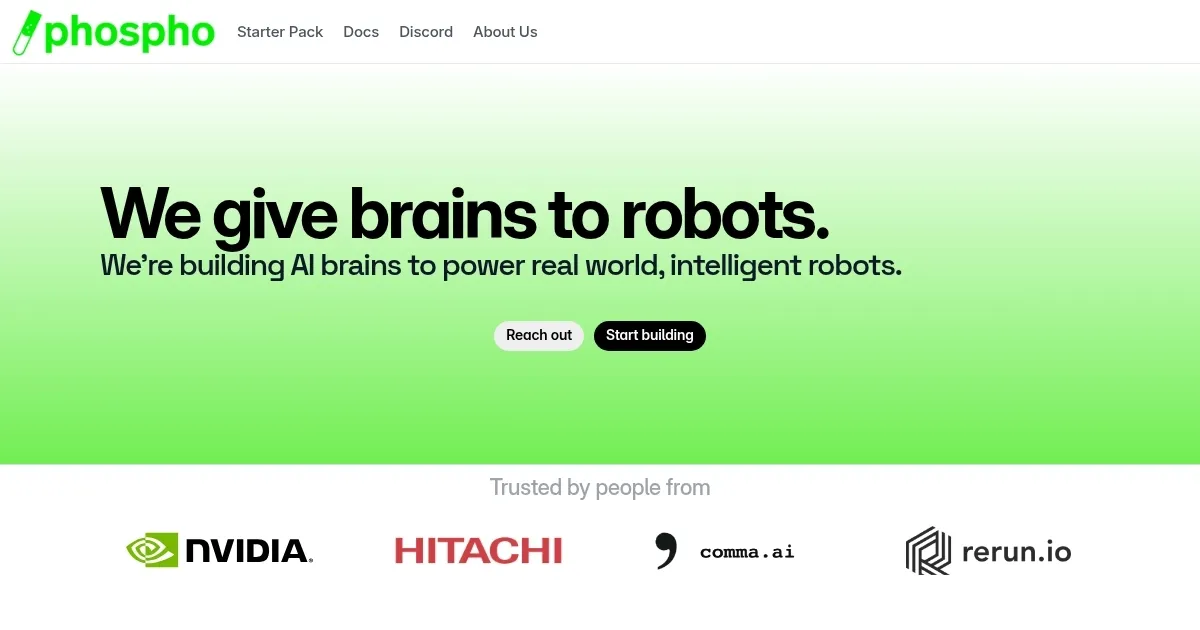
Phospho is an open-source AI robotics toolkit designed to control robots, record datasets, and train vision-language-action (VLA) models. The phosphobot software runs on macOS, Linux, and Windows, offering a browser-based dashboard for robot control and AI training. It supports multiple input methods, including keyboards, gamepads, and Meta Quest headsets for VR teleoperation. Compatible with robots like SO-100, SO-101, and Unitree Go2, it integrates with Hugging Face and LeRobot for dataset management and model fine-tuning. Over 2,000 robots use phosphobot, and its hardware shop provides vetted dev kits starting at around €995.
Key features include the phosphobot dashboard for real-time robot control, dataset recording for tasks like pick-and-place, and one-click AI model training for models like ACT and GR00T-N1.5. The free version supports basic control and training, while the PRO subscription, priced monthly, unlocks advanced features like cloud-based training and private Discord support. Documentation is extensive, covering installation and troubleshooting, though it assumes some technical knowledge. The toolkit’s open-source nature and GitHub repository encourage community contributions.
Compared to NVIDIA’s Isaac Sim and RoboDK, Phospho is more affordable and accessible but less polished. It lacks the simulation depth of NVIDIA’s platform and the extensive robot library of RoboDK. Users may appreciate the low entry barrier and community support but might find the setup process complex, especially for non-developers. The PRO plan’s additional features come at a cost, which may deter hobbyists.
Phospho’s strength is its developer-friendly approach and compatibility with budget hardware. The community, with thousands of users, provides valuable resources via Discord. However, the learning curve can be steep, and some features require external tokens, like Hugging Face or Weights & Biases. For best results, start with the free toolkit, use the documentation, and consider the PRO plan if you need advanced training capabilities.
Homepage Screenshot 📸
Video Overview 🎬
What are the key features? ✨
- Phosphobot Dashboard: Control robots via a browser-based interface in seconds.
- Dataset Recording: Capture data for tasks like pick-and-place with ease.
- AI Model Training: Fine-tune VLA models like ACT or GR00T-N1.5 in one click.
- VR Teleoperation: Operate robots using Meta Quest headsets for precise control.
- Hugging Face Integration: Sync datasets and models seamlessly with Hugging Face.
Who is it for? 🤔
Examples of what you can use it for 💡
- Robotics Hobbyist: Uses phosphobot to control a SO-100 arm for learning AI robotics.
- AI Developer: Trains VLA models with Hugging Face datasets for custom tasks.
- Small Business: Builds a prototype robot using Phospho’s dev kits and software.
- Researcher: Records datasets with VR teleoperation for academic experiments.
- Startup Founder: Leverages custom solutions to develop a unique robotic product.
Pros & Cons ⚖️
- Open-source toolkit
- Hugging Face integration
- VR teleoperation option
- PRO plan adds cost
- Limited polish vs competitors
FAQs 💬