Powder
An AI-powered video editing platform for gamers and content creators
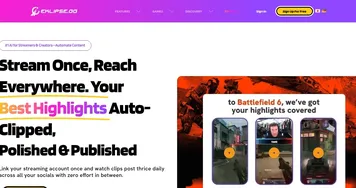
Powder is an AI-powered video editing platform for gamers and content creators. It can automatically transform gameplay recordings and multi-hour gaming streams into polished clips, optimized for sharing on social media platforms like TikTok, Twitter, Instagram, and YouTube .
With features like screen recording, AI video editing, and content management – Powder simplifies the process of creating engaging gaming content. The platform supports over 30 popular games and also offers universal game support, allowing it to generate highlights for any game.
Powder’s editing toolkit is designed to streamline video refinement, offering features like quick trimming, automatic montages, dynamic subtitles, and seamless aspect ratio toggling — all made to help users easily create professional-grade shorts. The platform also provides customizable video templates optimized for vertical and horizontal formats, ensuring content looks its best on different social media platforms. In addition, Powder’s AI tech can automatically identify and clip the most exciting moments from gaming sessions, making it easy for gamers to share their best plays.
So, whether you’re a live-streamer looking to highlight key moments from your streams or an editor aiming to produce high-quality, branded content – Powder’s AI-powered tools can help you achieve your goals. The platform is exclusively available on Windows and (unfortunately) doesn’t have a mobile app.
In a nutshell, Powder offers a powerful suite of AI-driven tools for gamers and content creators looking to streamline their video editing process and share high-quality content on social media. While it has some limitations, its features make it a great asset for its target audience.
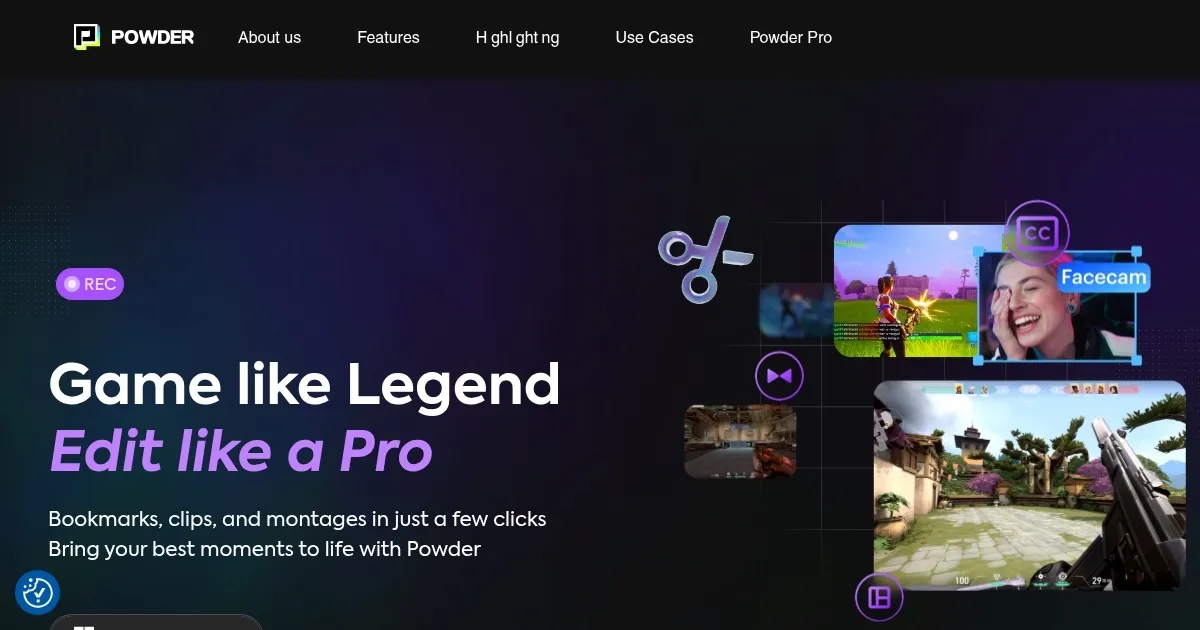
Homepage Screenshot 📸
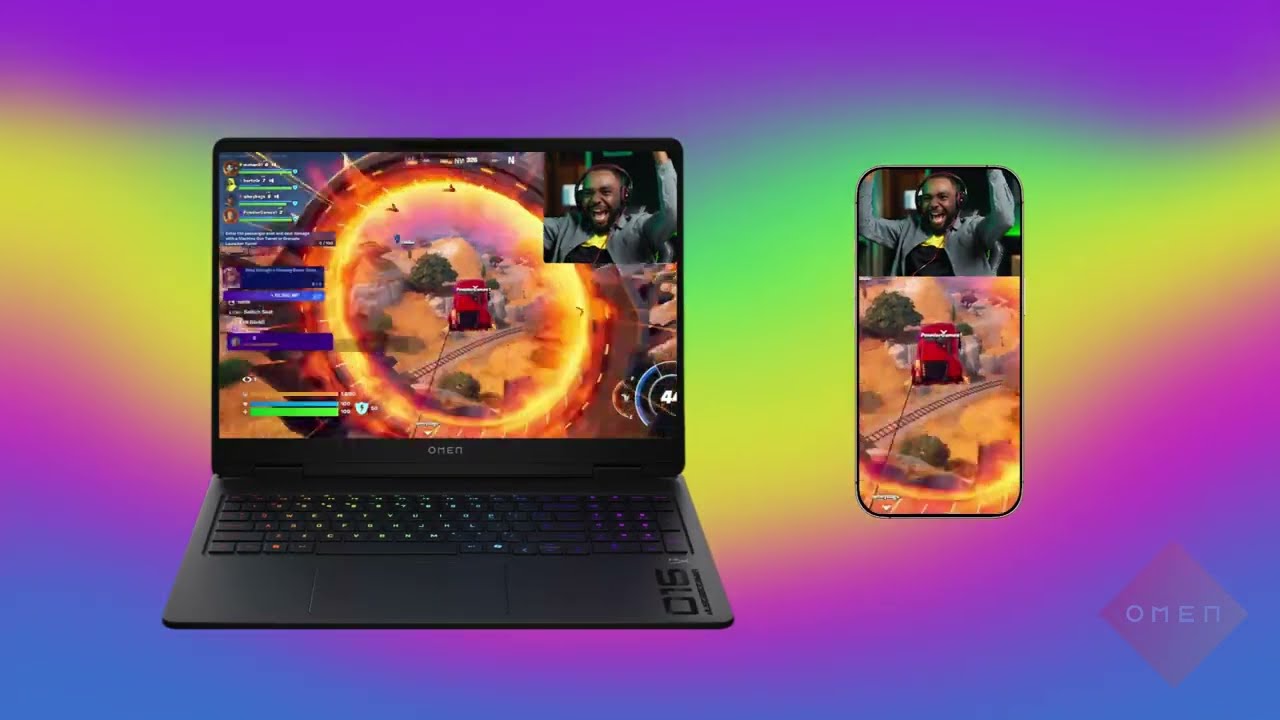
Video Overview 🎬
What are the key features? ✨
- AI-powered clipping: Automatically identifies and clips the most exciting moments from your gaming sessions to simplify the process of sharing highlights.
- Intuitive editing toolkit: Offers quick trimming, automatic montages, dynamic subtitles, and aspect ratio toggling to create professional-grade content.
- Customizable templates: Provides video templates optimized for different social media platforms, ensuring your content looks its best.
- Screen recording: Allows users to effortlessly capture their gaming sessions, ensuring no epic moment is missed.
- Content management: Simplifies the organization and management of your gaming content to make it easier to access and share.
Who is it for? 🤔
Examples of what you can use it for 💡
- Capture and share your best gaming moments effortlessly to enhance your online presence
- Produce high-quality, branded content to grow your audience and engage with fans
- Streamline your video editing process with AI-powered tools, reducing clipping time by over 90%
- Live-streamers can highlight key moments from their streams to share on social media and increase their reach
- Equip creators with tools to produce high-quality content that resonates with their audience and amplifies your game
Pros & Cons ⚖️
- Automates the video editing process, saving time along the way
- Templates for different social media platforms
- Supports over 30 popular games and offers universal game support
- Only available on Windows; no support for Linux, Mac OS, or mobile platforms
Ready to try Powder?
An AI-powered video editing platform for gamers and content creators
Visit Powder