Promptimize AI
Optimizes AI prompts for better content generation across multiple platforms
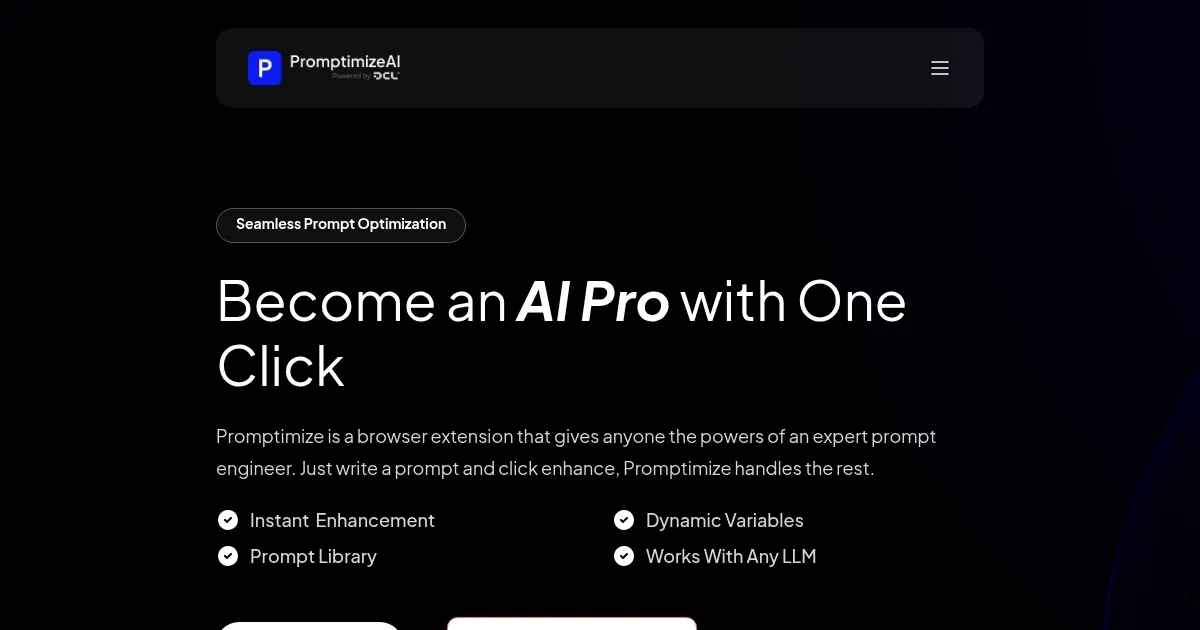
Promptimize AI is like a trusty guide for anyone wandering through the wilds of AI content creation. This browser extension, compatible with platforms like ChatGPT, Claude, and Gemini, takes your rough, half-baked prompts and polishes them into something an AI can truly understand. Think of it as a translator that speaks fluent “machine,” ensuring your ideas come across loud and clear. Its core strength lies in real-time prompt enhancement. You type something basic, hit the “Enhance” button, and watch it transform into a precise, professional query. It’s fast, intuitive, and honestly kind of fun.
The tool’s interface is clean, slipping into your browser like it’s always been there. Features like the Prompt Library let you save your best prompts for quick reuse, which is a lifesaver for marketers or writers juggling multiple projects. Dynamic Variables are another standout, allowing you to set consistent context — like brand tone or project details — across prompts. This is especially handy for teams aiming for uniformity in AI outputs. Privacy is a big focus too. You can opt for on-device processing to keep data local, or use encrypted cloud processing for flexibility. It’s a thoughtful touch in an era where data security matters.
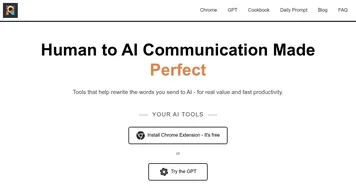
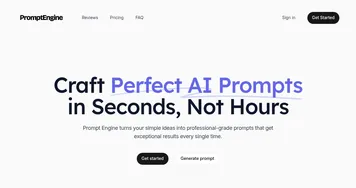
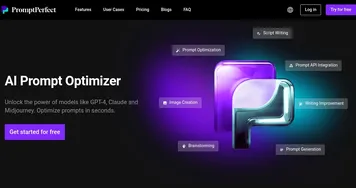
That said, it’s not flawless. Some users on Product Hunt noted that while the extension works across major AI platforms, it may not fully support niche or emerging tools yet. Advanced users might also find the customization options a bit basic compared to manual prompt crafting. I’ve seen feedback on Reddit suggesting a slight learning curve for new users to grasp all the settings. Still, the time saved is hard to argue with. Compared to competitors like PromptPerfect or Promptly, Promptimize AI feels more streamlined, focusing on ease over complexity, though PromptPerfect offers deeper optimization for specific models like GPT-4.
What surprised me was how Promptimize AI subtly teaches you to think like a prompt engineer. By showing suggestions in real time, it’s like having a mentor whispering tips over your shoulder. For businesses, this could mean faster adoption of AI tools without needing a dedicated expert. The free version is robust, with paid plans unlocking advanced features like team management and priority support. Pricing feels competitive, especially compared to Promptly AI’s subscription model, which leans pricier for similar functionality.
For anyone looking to get more from AI without sweating the details, start with the free version. Play with the Prompt Library to store your go-to prompts. Experiment with Dynamic Variables to match your brand’s voice. If you’re a team leader, explore the paid plan for collaboration tools. It’s a practical way to make AI work harder for you.
Homepage Screenshot 📸
Video Overview 🎬
What are the key features? ✨
- Real-Time Prompt Enhancement: Transforms basic prompts into expert-level queries with one click.
- Prompt Library: Saves and organizes favorite prompts for quick reuse across AI platforms.
- Dynamic Variables: Customizes prompts with consistent context, like brand tone or project details.
- Cross-Platform Compatibility: Works seamlessly with major AI tools like ChatGPT and Claude.
- Privacy Options: Offers on-device processing and encrypted cloud processing for secure data handling.
Who is it for? 🤔
Examples of what you can use it for 💡
- Content Creator: Uses Promptimize AI to refine prompts for generating engaging blog posts or social media captions.
- Marketing Manager: Crafts consistent, brand-aligned prompts for AI-driven ad copy across campaigns.
- Data Scientist: Optimizes prompts for complex data analysis queries, improving AI model outputs.
- Small Business Owner: Enhances customer support prompts to automate responses with a professional tone.
- Freelance Writer: Saves time by reusing optimized prompts for client-specific content creation.
Pros & Cons ⚖️
- Simplifies prompt creation
- Ensures brand consistency
- Broad AI platform support
- Basic customization options
FAQs 💬
Ready to try Promptimize AI?
Optimizes AI prompts for better content generation across multiple platforms
Visit Promptimize AIPromptimize AI alternatives 🔗