logo-darklogo-darklogo-darklogo-dark
  • Tool Categories
    • 🎨Art & Creative Design505
    • 🏢Business Management644
    • 💻Coding & Development515
    • 👮Detection83
    • 🧠General Use727
    • 🏥Health & Wellness55
    • 📷Image & Photo Analysis100
    • 🖼️Image Generation & Editing618
    • 📐Interior & Architectural Design37
    • 🎓Learning & Education483
    • ⚖️Legal & Finance90
    • 🎭Lifestyle & Entertainment236
    • 📢Marketing & Advertising627
    • 🎧Music & Audio138
    • 👔Office & Workplace1,014
    • 🔬Research & Data Analysis372
    • 👥Social Media245
    • 🎥Video Generation & Editing426
    • 👧🏻Virtual Companion135
    • 🎤Voice Generation & Editing381
    • ✍️Writing & Editing808
    • All Categories
    • AI Use Cases
  • News
  • Events
    • Academic Conferences
    • Developer Conferences
    • Expos / Trade Shows
    • Industry Summits
    • Workshops / Training
    • All Events
    • Past Events
  • Saved Tools
  • Suggest a Tool
✕
Home › Image Generation & Editing › Headshot Generation› ProPhotos
ProPhotos

ProPhotos

Easily generate high-quality, photorealistic headshots that capture your personality and style

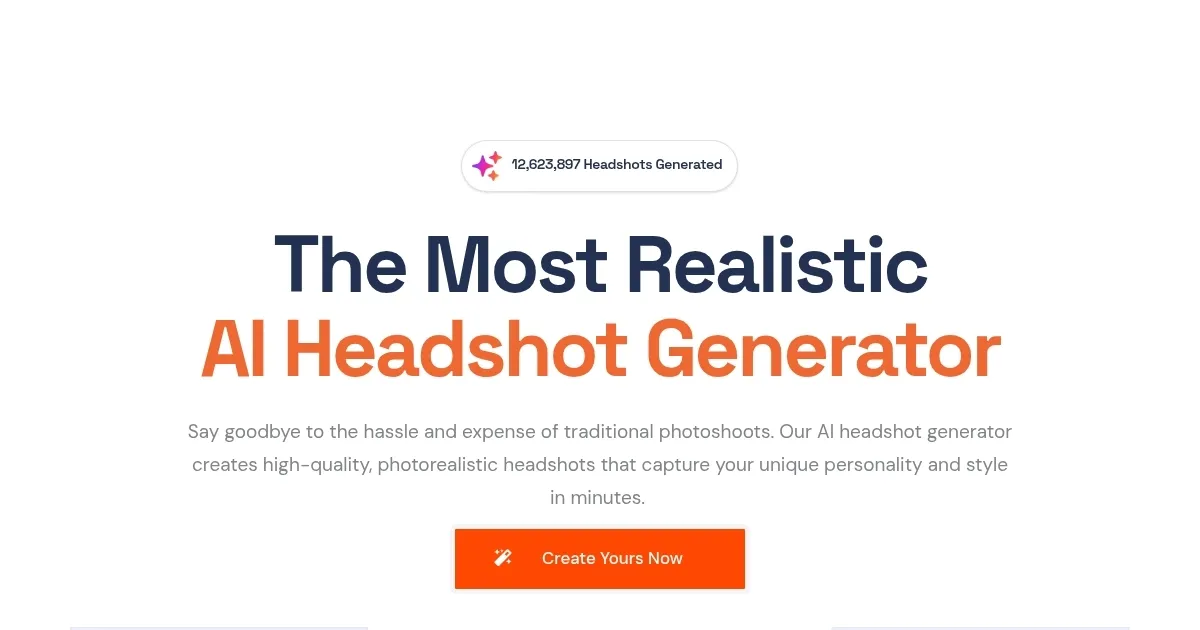
ProPhotos can produce professional headshots at an affordable price — allowing you to revamp your LinkedIn, boost your resume, or upgrade the team page on your company’s website.

The tool will quickly generate high-quality, photorealistic headshots that “capture your unique personality and style” — while delivering a professional and polished look that “sets you apart from the competition.” Except if that competition doesn’t use ProPhotos as well, that is.

As that’s the case with other similar tools, this one won’t generate a single headshot, but a bunch of them — and it is up to you to select those you like best. And from what we’ve seen, we’re sure you will be able to find at least some that you like.

Lastly, we should also mention what happens with your photos after you upload them. First, they are used to train the algorithm so it can do its magic.

Once generated, your photos remain on ProPhotos’ servers for 30 days — after which they are automatically deleted. Or you can delete your data and account at any time by selecting “delete account.”

As of November 2023, over 2.5 million headshots have been created by more than 30,000 ProPhotos customers.

Visit ProPhotos ↗
Categories
🖼️ Image
📸 Headshot Generation 👤 Profile Picture Generation 🧑‍🎤 Avatar Generation 🌟 Photo Enhancing
👥 Social
💼 Linkedin Headshot
🎨 Art
📷 Photography

Homepage Screenshot 📸

ProPhotos screenshot

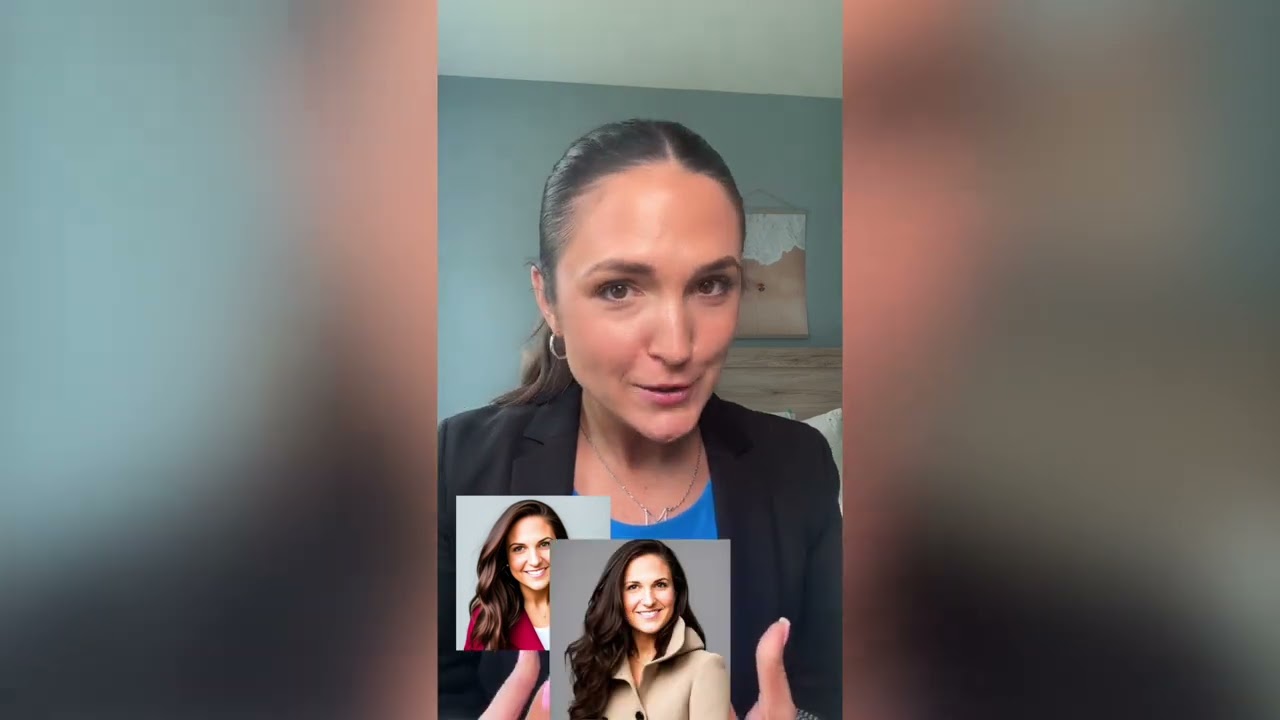
Video Overview 🎬

ProPhotos - Video Overview

What are the key features? ✨

  • Photorealistic Headshot Generation: creates high-quality, lifelike professional portraits from casual photos
  • Industry-Specific Styles: generates outfits and poses tailored to roles like doctor, lawyer, real estate agent, or chef
  • Customizable Backgrounds: offers studio, office, bokeh, and plain options with full customization available
  • Fast Turnaround: delivers batches of headshots typically in 30 to 90 minutes
  • Commercial Rights & Privacy: grants full usage rights and automatically deletes models after 30 days

Who is it for? 🤔

This tool helps professionals who need polished profile pictures for LinkedIn, resumes, or company directories, job seekers aiming to stand out in applications, students building early career branding, small business owners wanting consistent team imagery, and anyone avoiding the time and cost of traditional photoshoots.

Examples of what you can use it for 💡

  • Job Seeker: uses the tool to create sharp, professional headshots for LinkedIn and resume submissions to boost first impressions
  • Real Estate Agent: generates branded portraits in business attire with office backgrounds to enhance property listings and profiles
  • Medical Professional: produces doctor or nurse headshots in lab coats for practice websites and professional directories
  • Student or Recent Graduate: creates polished images for internships, job applications, and academic networking platforms
  • Small Business Team: orders bulk headshots via enterprise credits to maintain uniform branding across employee profiles

Pros & Cons ⚖️

  • Fast delivery of realistic headshots
  • Wide variety of outfits and backgrounds
  • Strong likeness from good inputs
  • Full commercial usage rights
  • Occasional AI artifacts on close inspection
  • Results depend heavily on photo variety

FAQs 💬

What do I need to get started with ProPhotos?
Upload 10-20 diverse photos of yourself showing different angles, lighting, and expressions. No special equipment is required.
How long does it take to receive headshots?
Most batches arrive in 30 to 90 minutes, depending on the selected package and current demand.
Do I own the generated headshots?
Yes, you receive full commercial rights to use all generated images however you like.
What happens to my uploaded photos and AI model?
Your data is processed securely, and the AI model is automatically deleted after 30 days for privacy.
Can I customize the backgrounds?
Yes, options include studio, office, bokeh, plain colors, and fully custom backgrounds in higher packages.
Is there a free trial or free version?
Core headshot generation requires payment, but free tools like LinkedIn headline and resume generators are available.
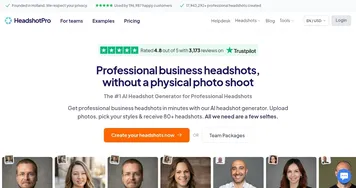
How does ProPhotos compare to HeadshotPro?
ProPhotos offers more outfit and role variety, while HeadshotPro often excels in strict corporate consistency.
Can teams or companies use it?
Yes, enterprise accounts allow bulk credit purchases for multiple employees.
What if I don't like the results?
Higher packages include rework credits to regenerate select shots with improved accuracy.
Does it work well for people with glasses or facial hair?
It generally handles them, though some users note occasional minor distortions that rework credits can address.

Ready to try ProPhotos?

Easily generate high-quality, photorealistic headshots that capture your personality and style

Visit ProPhotos ↗

ProPhotos alternatives 🔗

  1. Fotor Fotor Enhances and edits photos with AI-powered tools and creative features
  2. LiveMemory LiveMemory A tool from MyHeritage that creates AI-generated avatars of people in historical attire and settings
  3. Remaker AI Remaker AI Online platform offering media manipulation, such as face swapping, AI portraits, and video enhancements
  4. Artguru Avatar Generator Artguru Avatar Generator Create highly realistic and expressive avatars with Artguru's advanced AI model
  5. Artguru Artguru Transforms text or photos into unique AI-generated artwork in seconds
  6. Supawork Supawork Streamlines the job application process by leveraging AI to enhance professional presentation
Share
ProPhotos screenshot enlarged
Promote ProPhotos
light badge
Copy Embed Code
dark badge
Copy Embed Code
neutral badge
Copy Embed Code
Best AI Tools

Discover the best AI tools for any use case

Explore
  • Tool Categories
  • AI Use Cases
  • AI Events
  • AI News
  • Saved Tools
Company
  • About Us
  • Contact Us
  • Media & Partnerships
  • Suggest a Tool
Legal
  • Privacy Policy
  • Terms of Service
Copyright © 2026 Best AI Tools 415 Mission Street, 37th Floor, San Francisco, CA 94105