SnapHeadshots
An AI headshot generator that helps people create professional photos without photo shootouts
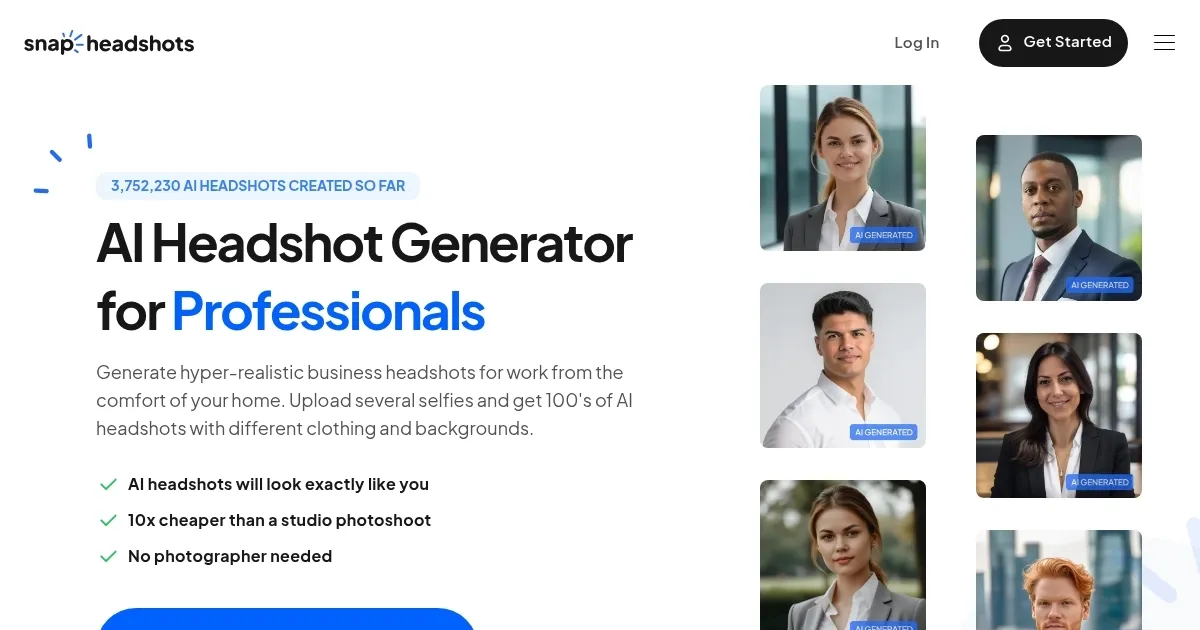
SnapHeadshots is an AI headshot generator designed to help people create professional photos without ever stepping into a studio. In other words, it is a fancy tool that lets anyone turn a few casual selfies into hundreds of polished business shots. And, as of May 2025, it has created over 3.7 million headshots by people from Google, Facebook, and LinkedIn — among others.
Using SnapHeadshots is rather easy. You start by uploading about ten selfies to showe different angles and outfits. SnapHeadshots’ AI kicks in from there to learn the fine details of your face, from your smile lines to the way your hair falls on your forehead. Then, it cooks up dozens or even hundreds of studio-quality images. And if you don’t have good selfies handy, SnapHeadshots offers an AI Photobooth — which is a special feature that guides you through taking better photos step-by-step.
The basic package gives you about 30 headshots, with more expensive one offering even more photos, 4K HD images and even free re-runs if you’re not 100% thrilled. Compared to studio photoshoots, you get the same service for pennies while the delivery time averages just 45 minutes.
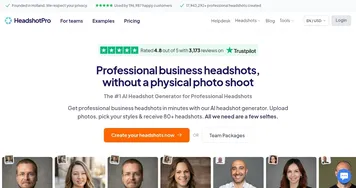
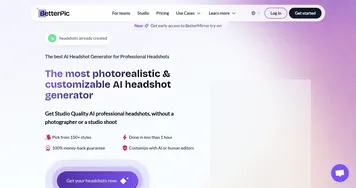
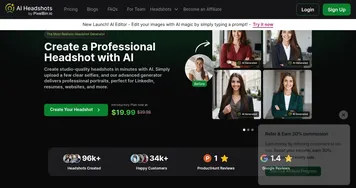
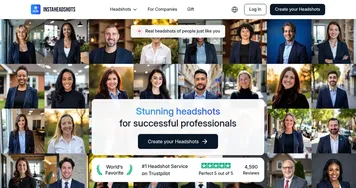
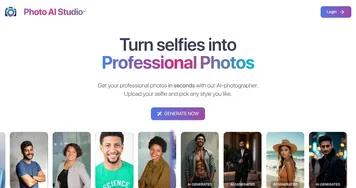
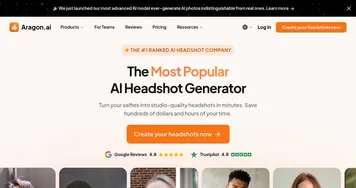
Competitors like BetterPic, Aragon AI, and InstaHeadshots also offer AI headshots — but SnapHeadshots wins with their speed, style choices, and one-time pricing without monthly subscriptions.
Many folks use SnapHeadshots for LinkedIn profiles, resumes, business cards, and even email signatures. One of the users, a small business owner named Kevin, used SnapHeadshots to update his website “About Us” page. After swapping in the new headshots, his site’s traffic bumped by 12% in just two weeks. Another real-world tip: changing your LinkedIn headshot alone can boost profile views by up to 14 times according to LinkedIn’s own research.
To sum it up, SnapHeadshots is designed for anyone who needs to look sharp and trustworthy online. Entrepreneurs, remote workers, job hunters, freelancers, real estate agents, doctors, and even actors can all score big by using it. Plus, it can be a lifesaver for companies needing quick, clean team photos without the hassle of dragging everyone to a photo studio. Check it out.
Homepage Screenshot 📸
Video Overview 🎬
What are the key features? ✨
- AI Photobooth for selfies: This handy tool helps people take better selfies, guiding them through angles and lighting to fix the common problem of not having good starter photos.
- Hundreds of styles & backgrounds: Users can pick headshots with different outfits, backdrops like city streets or office views, and even black turtlenecks like Steve Jobs.
- One-time pricing: Unlike many competitors that charge monthly, SnapHeadshots lets you pay once and get access to your pictures forever.
- 4K HD quality option: The Premium package delivers super crisp headshots in 4K resolution, making your online profiles and business cards pop with life.
- Fast delivery: The average turnaround is 45 minutes, though you may get your photos in just 30 minutes. It's faster than ordering a pizza.
Who is it for? 🤔
Examples of what you can use it for 💡
- People refresh their LinkedIn profiles to land better jobs or new clients with a sharp and polished headshot
- Businesses update their staff pages without the cost and coordination of hiring a professional photographer
- Agents use their headshots on yard signs, flyers, and websites to boost trust with buyers and sellers
- Job seekers add headshots to their CVs or online portfolios to stand out from a sea of faceless applications
- Entrepreneurs personalize their emails with polished headshots that make their messages feel more trustworthy
Pros & Cons ⚖️
- Affordable compared to studio shoots
- Fast turnaround time
- A variety of backgrounds and styles
- Results depend heavily on the quality of selfies (makes sense)
Ready to try SnapHeadshots?
An AI headshot generator that helps people create professional photos without photo shootouts
Visit SnapHeadshotsSnapHeadshots alternatives 🔗