Rork
Generates native mobile apps from text descriptions using AI and React Native
Rork is an AI tool that generates full mobile apps from text descriptions using React Native and Expo. It processes user prompts to create production-ready code for iOS and Android, focusing on native performance without requiring manual programming. Key features include contextual interpretation of ideas, automatic component integration, and one-click deployment to TestFlight.
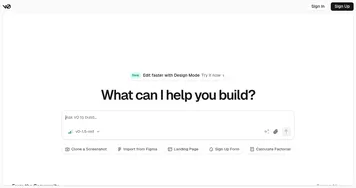
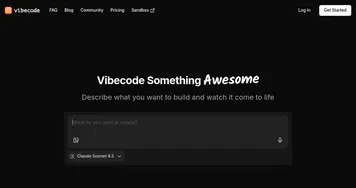
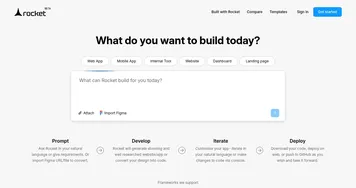
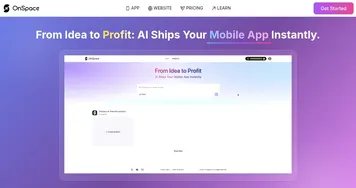
Rork stands apart by producing apps with strong design elements. Outputs often include responsive layouts and intuitive navigation, such as dynamic lists for feed-based apps or forms for data entry. It handles technical aspects like state management and API calls in the generated code. Compared to competitors, Rork outperforms Bolt in mobile-specific builds but shares similarities with Lovable for AI-assisted coding. OnSpace at provides alternative no-code options, though with less emphasis on React Native.
Users value Rork for rapid prototyping. Simple apps emerge in minutes, enabling quick validation of ideas. The free plan offers limited interactions, while paid versions provide unlimited prompts at competitive rates. Drawbacks include occasional freezes in complex scenarios and the need for refined prompts to avoid irrelevant features.
Rork surprises with its optimization capabilities. It incorporates performance tweaks like efficient image handling and minimal bundle sizes. Technical integration with Expo allows hardware access, such as camera or notifications, directly in the app.
To maximize Rork, begin with straightforward prompts and iterate based on previews, ensuring compatibility through device testing before deployment.
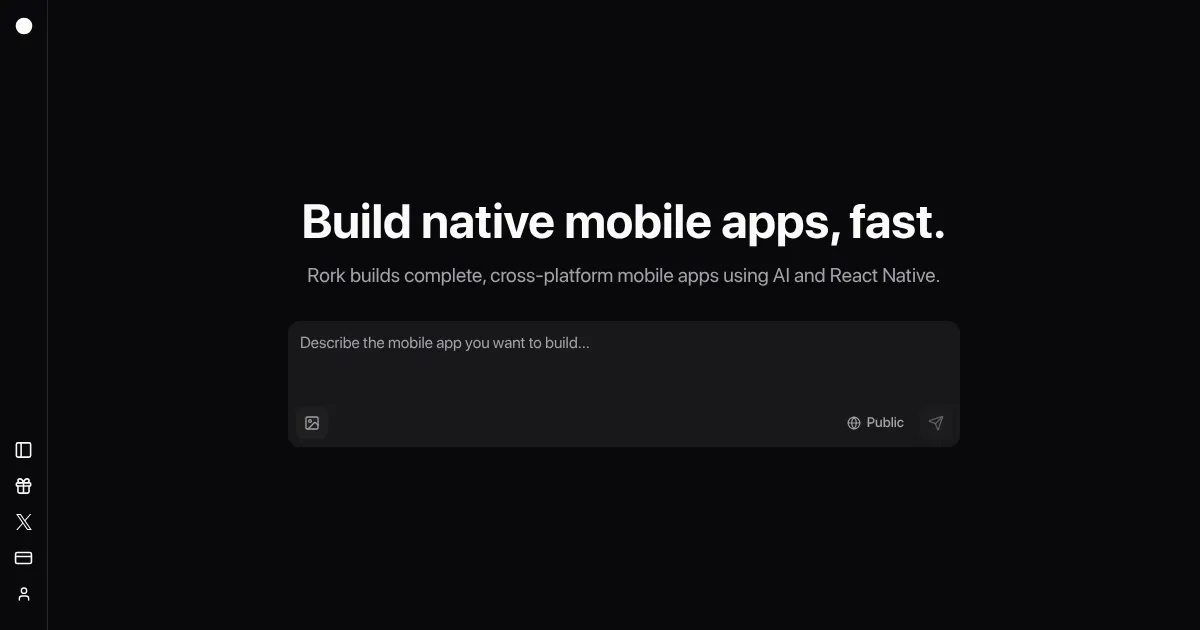
Homepage Screenshot 📸
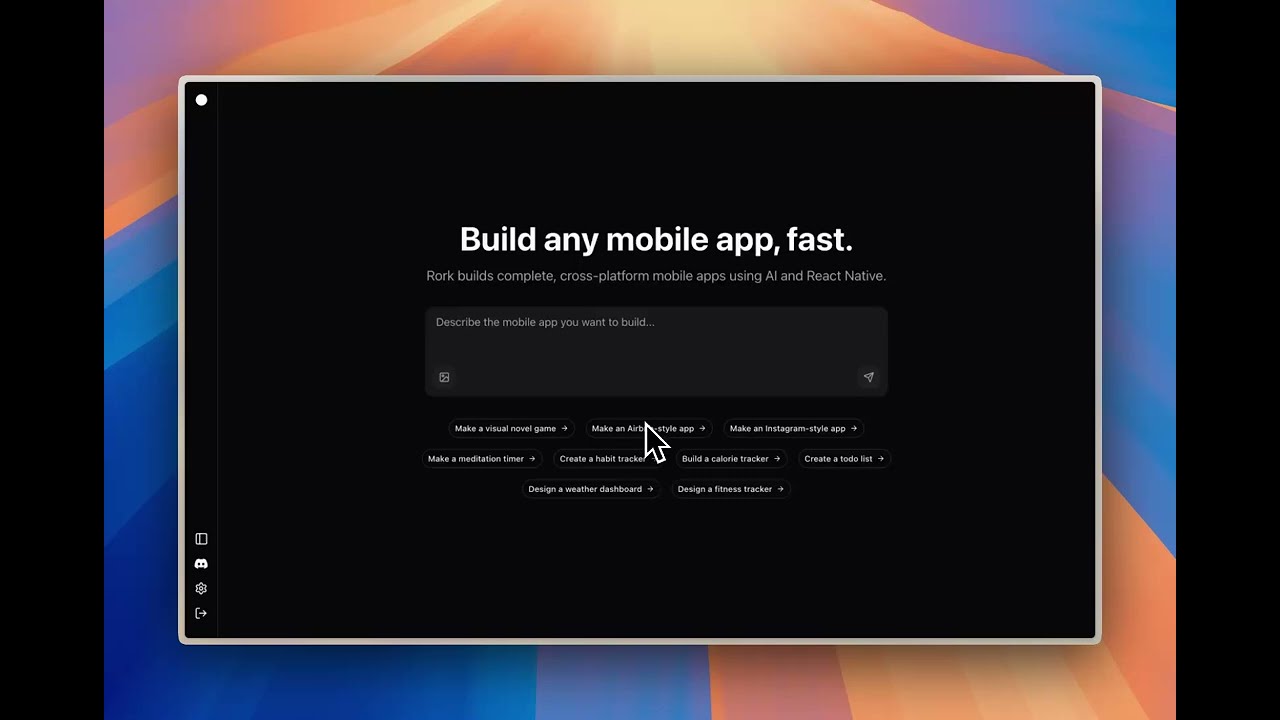
Video Overview 🎬
What are the key features? ✨
- App Generation: Creates complete React Native apps from text prompts.
- Cross-Platform Support: Builds native iOS and Android apps using Expo.
- One-Click Deploy: Publishes apps directly to TestFlight.
- Design Optimization: Produces polished UIs with responsive elements.
- Code Editing: Allows manual tweaks to generated projects.
Who is it for? 🤔
Examples of what you can use it for 💡
- Startup Founder: Builds a minimum viable product to test market interest.
- Designer: Creates interactive prototypes to visualize app flows.
- Marketer: Develops a branded tool for customer engagement.
- Educator: Makes simple learning apps for students.
- Hobbyist: Turns personal ideas into functional mobile tools.
Pros & Cons ⚖️
- Fast app creation.
- No coding needed.
- Polished designs.
- Limited complexity.
- Free plan caps.
FAQs 💬
Ready to try Rork?
Generates native mobile apps from text descriptions using AI and React Native
Visit Rork