Tangia
An AI tool that makes live streaming more fun and engaging, offering custom TTS, memes, and more
Tangia is a novel tool that makes live streaming more fun and engaging. To that end, it offers features like custom text-to-speech (TTS), interactive memes, and AI conversations — helping streamers connect better with their audience.
For instance, Tangia’s AI TTS Studio lets streamers create voices that sound real, using over 150 unique presets. This means you can communicate with your viewers in a personalized way. It’s like having a conversation with a friend to make your streams more lively and engaging.
Tangia also offers a vast meme library to share, with the ability to (obviously) add your own. This is meant to allow you to inject humor into your streams, keeping your audience entertained and coming back for more.
Another feature worth mentioning is the Soundbites. Viewers can submit clips from your stream, which you can turn into soundbites. This way, you can add a personal touch to your streams, making your audience feel more involved. In a way, it’s like creating inside jokes that only your community understands in an effort to strengthen the bond between you and your viewers.
All in all, Tangia offers quite a feature pack that should enable streamers to make their job that much easier to manage. Check it out, if that’s your thing.
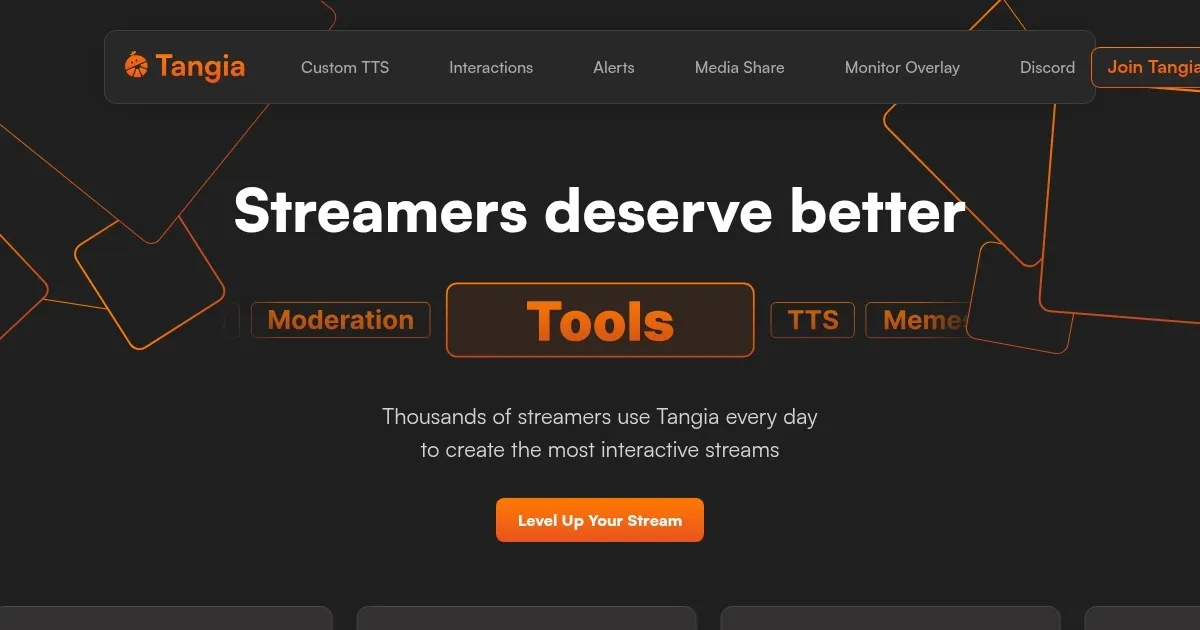
Homepage Screenshot 📸
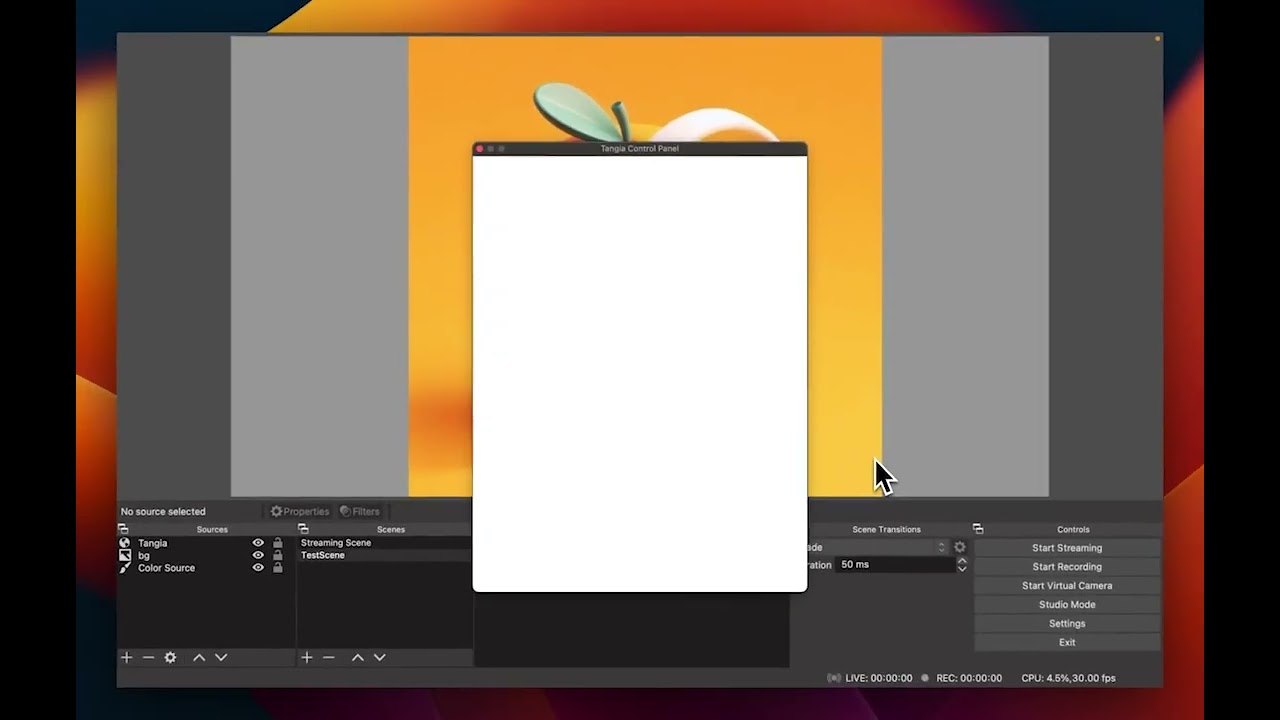
Video Overview 🎬
What are the key features? ✨
- AI TTS Studio: Allows streamers to create realistic text-to-speech voices with over 150 unique presets, enabling personalized communication during streams.
- Meme library: Provides access to thousands of memes that can be shared during streams. Streamers can also add their own memes, keeping the content fresh and entertaining.
- Soundbites: Enables viewers to submit clips from the stream, which can be turned into soundbites to add a personal touch and encourages viewer participation.
- Customizable alerts & media share: Offers advanced options for customizing alerts and media sharing. Streamers have control over how content is displayed during their streams to enhance the viewing experience.
- AI character conversations: Introduces AI characters that can converse with the chat on different topics, adding a unique and spontaneous interaction to the streaming experience.
Who is it for? 🤔
Examples of what you can use it for 💡
- Enhance your gaming sessions by using AI TTS to narrate gameplay or interact with viewers in real time
- Utilize the AI character conversations to dynamically answer viewer questions
- Incorporate customizable alerts to highlight donations and support for causes
- Use the interactive meme library to add humor and relatability to your workshops
- Leverage soundbites to incorporate audience reactions and feedback into your performances
Pros & Cons ⚖️
- Makes streams more interactive and fun
- A range of customizations for streamers to personalize their streaming experience
- Works with any streaming software that supports browser sources
- New users may need time to fully utilize all features
Ready to try Tangia?
An AI tool that makes live streaming more fun and engaging, offering custom TTS, memes, and more
Visit Tangia