KickBot
Cloud-based platform designed to enhance the streaming experience for both creators and viewers
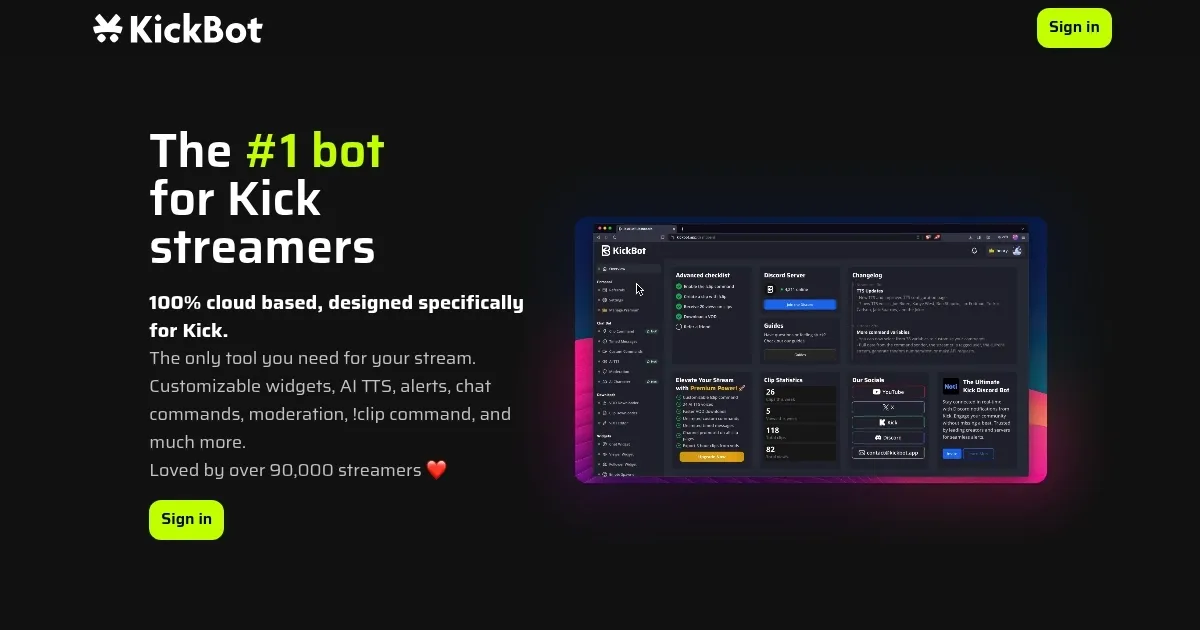
KickBot is a cloud-based platform designed to enhance the streaming experience for both creators and viewers on Kick.com. To that end, it offers a suite of tools — including a customizable chat bot, AI-driven text-to-speech (TTS) features, and interactive overlays — all aimed at boosting audience engagement and streamlining stream management.
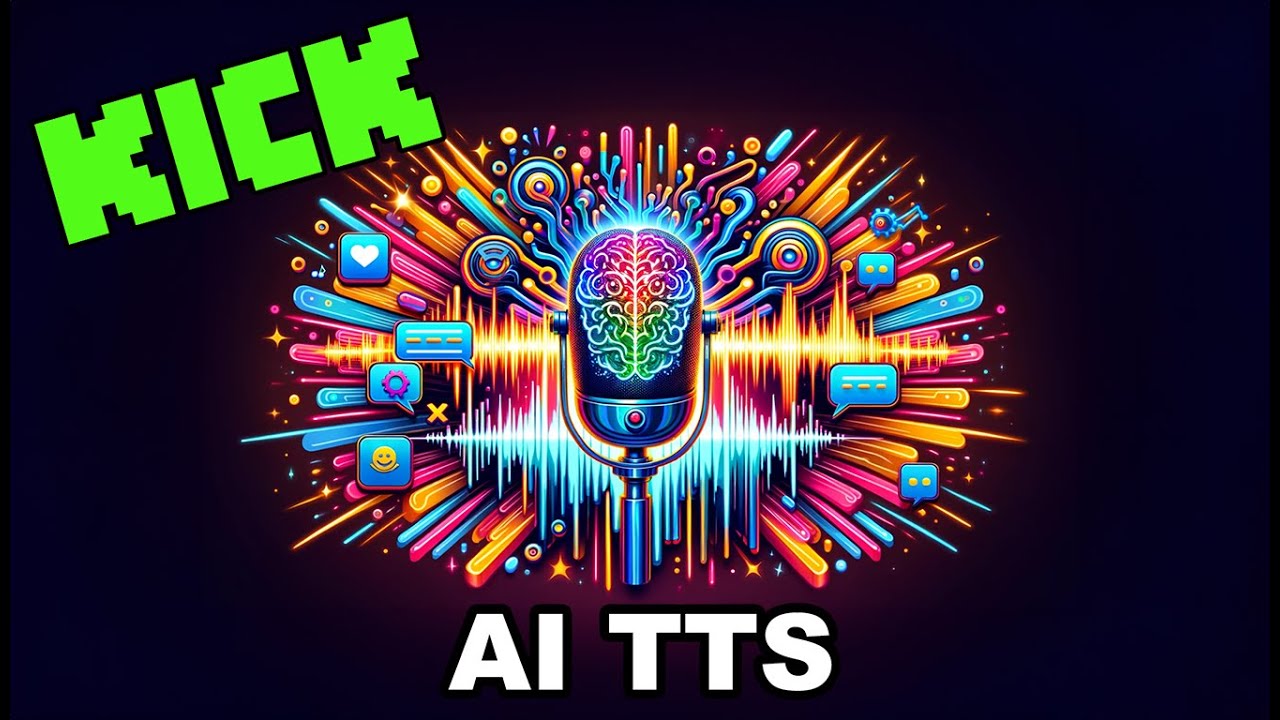
KickBot offers AI-powered text-to-speech functionality, which allows streamers to convert chat messages into spoken words using a variety of lifelike voices. This is meant to make streams more interactive while providing accessibility benefits for viewers. In addition, KickBot boasts a robust clipping feature to enable streamers to capture and share memorable moments from their streams effortlessly.
KickBot operates on a freemium model: the free tier offers essential features, while premium plans unlock advanced capabilities, such as unlimited streamers, counters, and leaderboards — along with priority notifications and subscriber role management.
The tool also integrates with other platforms like Discord, allowing for real-time livestream announcements and community engagement within Discord servers. This multi-platform integration is created to ensure that streamers can maintain consistent communication and interaction with their audience across different channels. Pretty cool, we would add.
Homepage Screenshot 📸
Video Overview 🎬
What are the key features? ✨
- Cloud-based tool: KickBot operates entirely in the cloud, offering custom commands, timed messages, AI integration, and more - all without any downloads or browser extensions.
- AI text-to-speech (TTS): Enhance viewer engagement with AI-powered TTS, allowing messages to be read aloud in various lifelike voices.
- VOD downloader & clipping tools: Easily download and edit your Videos on Demand (VODs) using KickBot's built-in tools, simplifying content management.
- Custom overlays & widgets: Personalize your stream with customizable overlays, including chat, follower, viewer, and subscriber widgets - to create a better viewing experience.
- Stream deck integration: Seamlessly control your stream with KickBot's Stream Deck plugin, enabling efficient clip creation and chat moderation.
Who is it for? 🤔
Examples of what you can use it for 💡
- Utilize custom chat commands and AI TTS to foster real-time engagement with your audience
- Streamline the handling of your streaming content with easy VOD downloads and editing features
- Elevate your stream's visual appeal using tailored overlays and widgets that reflect your brand
- Employ the Stream Deck plugin to manage your stream's functions effortlessly, from clipping highlights to moderating chat
- Set up automated messages, alerts, and moderation tools to maintain a dynamic and viewer-friendly stream environment
Pros & Cons ⚖️
- Chatbots are included as part of the service
- AI-powered text-to-speech works like magic (in most cases)
- You can try it for free
- Text-to-speech AI could struggle with accents
FAQs 💬
Ready to try KickBot?
Cloud-based platform designed to enhance the streaming experience for both creators and viewers
Visit KickBotKickBot alternatives 🔗