logo-darklogo-darklogo-darklogo-dark
  • Tool Categories
    • 🎨Art & Creative Design505
    • 🏢Business Management644
    • 💻Coding & Development515
    • 👮Detection83
    • 🧠General Use727
    • 🏥Health & Wellness55
    • 📷Image & Photo Analysis100
    • 🖼️Image Generation & Editing618
    • 📐Interior & Architectural Design37
    • 🎓Learning & Education483
    • ⚖️Legal & Finance90
    • 🎭Lifestyle & Entertainment236
    • 📢Marketing & Advertising627
    • 🎧Music & Audio138
    • 👔Office & Workplace1,014
    • 🔬Research & Data Analysis372
    • 👥Social Media245
    • 🎥Video Generation & Editing426
    • 👧🏻Virtual Companion135
    • 🎤Voice Generation & Editing381
    • ✍️Writing & Editing808
    • All Categories
    • AI Use Cases
  • News
  • Events
    • Academic Conferences
    • Developer Conferences
    • Expos / Trade Shows
    • Industry Summits
    • Workshops / Training
    • All Events
    • Past Events
  • Saved Tools
  • Suggest a Tool
✕
Home › Coding & Development › Development› Theneo
Theneo

Theneo

Streamlines API documentation with AI-driven automation and branding

Theneo is an AI-powered platform that automates API documentation creation, management, and publishing for developers and technical writers. It supports multiple API formats, including OpenAPI, Postman, and GraphQL, enabling users to import specs and generate clear, professional documentation. The platform integrates with tools like GitHub, Bitbucket, and Visual Studio Code, streamlining workflows for development teams. Theneo offers customizable branding, real-time collaboration, and automated updates to keep documentation current.

The AI-Powered Search feature allows users to query documentation and receive instant, relevant answers, improving usability. The Automatic Changelog tracks API updates and generates release notes, reducing manual work. The API Explorer enables endpoint testing within the documentation, displaying live results for efficient validation. Collaboration tools, including a Notion-like editor, support team editing and commenting. Theneo also provides developer portal templates and custom CSS options for branded, customer-facing hubs.

Compared to competitors like Swagger and Redocly, Theneo emphasizes AI automation and ease of use. Swagger offers strong open-source tools, while Redocly focuses on advanced customization. Theneo’s pricing includes a free tier and premium plans, competitive for teams but potentially costly for individual developers. The platform supports REST, GraphQL, and SOAP APIs but may lack full support for less common formats.

Users appreciate the time-saving automation and intuitive interface but may find the initial setup complex. Advanced features like self-hosting or custom analytics require higher-tier plans, which could limit accessibility for smaller teams. The platform’s integrations enhance productivity, particularly for teams using GitHub or Bitbucket. Analytics and user feedback tools provide insights into documentation performance, aiding continuous improvement.

To get started, explore the free plan to test core features like AI-Powered Search and Automatic Changelog. Import a small API spec to evaluate compatibility with your workflow. Check integrations with your existing tools to ensure seamless adoption.

Visit Theneo ↗
Categories
💻 Coding
👨‍💻 Development 🤖 Code Assistant
👔 Work
📄 Document Generation
🎓 Education
📖 Knowledge Base
✍️ Writing
🤖 Writing Assistant

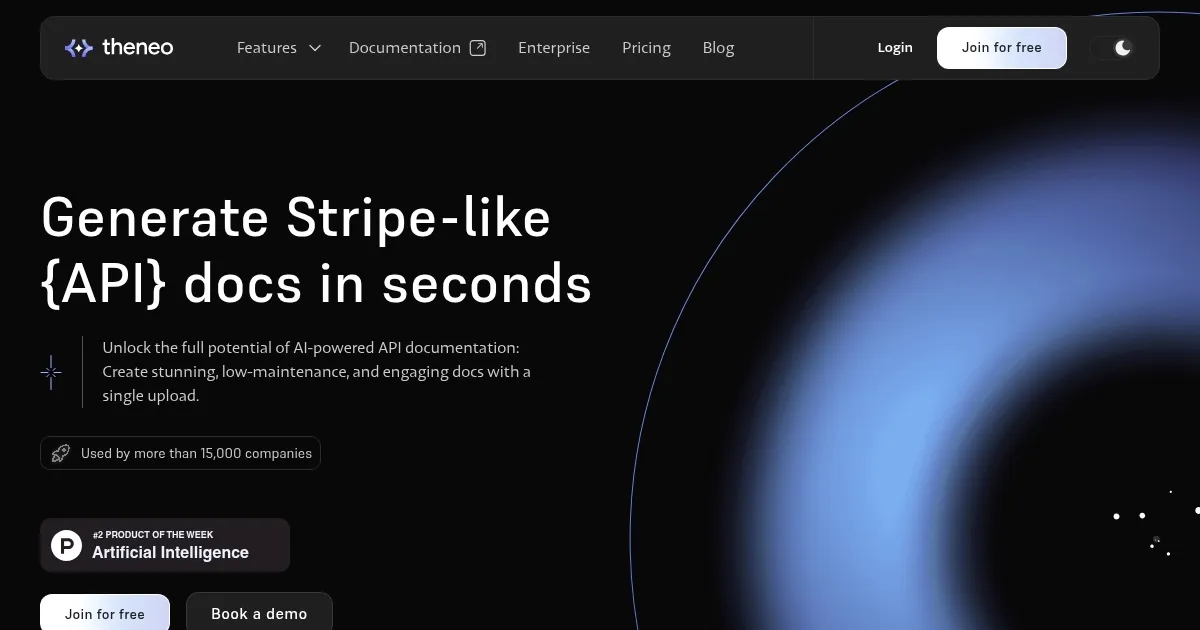
Homepage Screenshot 📸

Theneo screenshot

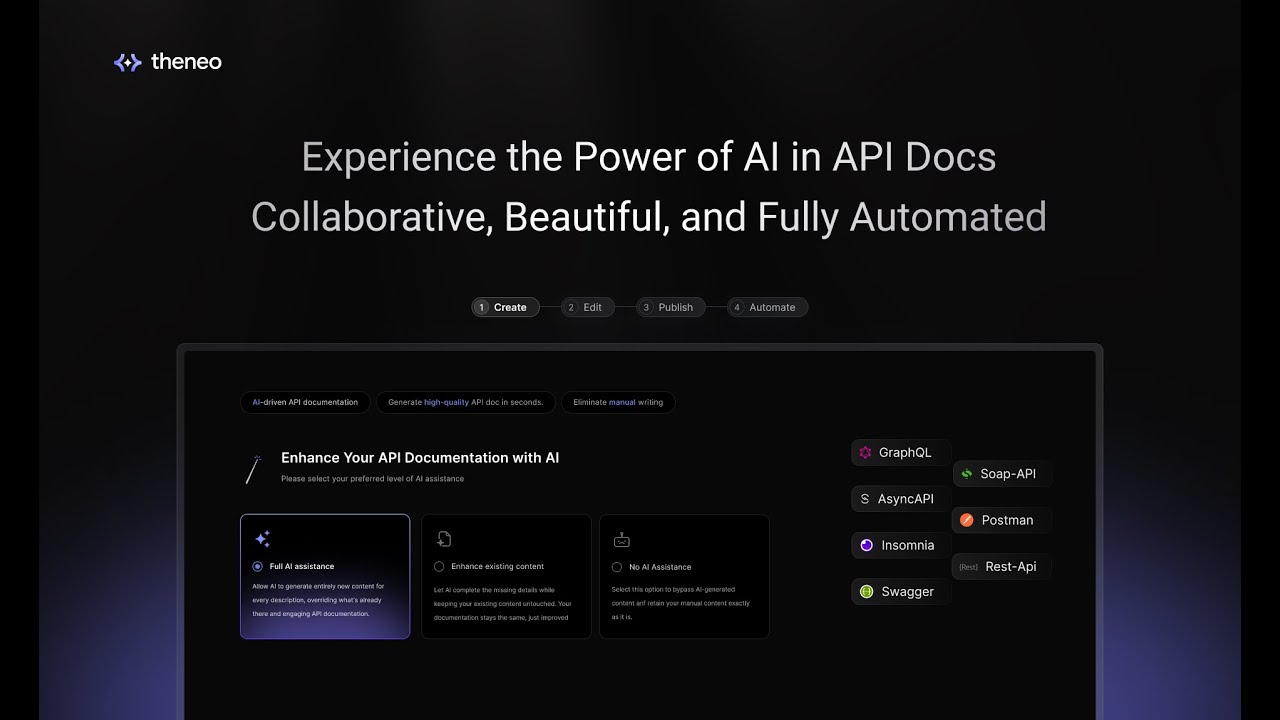
Video Overview 🎬

Theneo - Video Overview

What are the key features? ✨

  • AI-Powered Search: Enables users to query docs and get instant answers.
  • Automatic Changelog: Tracks API updates and generates release notes automatically.
  • API Explorer: Allows endpoint testing with live results within the documentation.
  • Customizable Branding: Offers CSS and templates to align docs with brand identity.
  • Notion-like Editor: Facilitates real-time team collaboration and editing.

Who is it for? 🤔

Theneo is made for software developers, technical writers, and product managers working on API-driven projects, especially in tech startups, open-source communities, and enterprises. It suits teams needing professional, automated documentation to streamline development and boost API adoption, particularly those using platforms like GitHub or Bitbucket for seamless integration.

Examples of what you can use it for 💡

  • API Development Team: Uses Theneo to automate documentation for complex microservices.
  • Tech Startup: Creates branded API docs to attract developers without heavy resources.
  • Open-Source Contributor: Maintains clear docs to encourage community participation.
  • Technical Writer: Streamlines documentation updates with AI and collaboration tools.
  • Product Manager: Builds developer hubs to showcase APIs and drive adoption.

Pros & Cons ⚖️

  • Automates API documentation
  • Intuitive Notion-like editor
  • Strong GitHub integration
  • Limited niche API support
  • Advanced features cost more

FAQs 💬

What API formats does Theneo support?
Theneo supports REST, GraphQL, SOAP, Async, and gRPC formats.
Can I test endpoints in Theneo?
Yes, the API Explorer allows live endpoint testing within the docs.
Does Theneo integrate with GitHub?
Yes, it syncs with GitHub for automated updates and collaboration.
Is there a free plan available?
Theneo offers a free tier with limited projects and features.
Can I customize the look of my docs?
Yes, use custom CSS and templates for branded documentation.
How does the AI-Powered Search work?
Users query docs, and AI delivers instant, relevant answers.
Is Theneo suitable for solo developers?
Yes, but some features may require higher-tier plans.
Does Theneo support team collaboration?
Yes, the Notion-like editor enables real-time team editing.
Can I self-host Theneo?
Self-hosting is available on the Enterprise plan.
How does Theneo compare to Swagger?
Theneo offers more AI automation, while Swagger has robust open-source tools.

Ready to try Theneo?

Streamlines API documentation with AI-driven automation and branding

Visit Theneo ↗

Theneo alternatives 🔗

  1. Black Forest Labs Black Forest Labs Generates high-quality images from text prompts with precision and speed
  2. Cursor Cursor Supercharges coding with AI agents that build, edit, and review code autonomously.
  3. Windsurf Windsurf Empowers developers with AI-driven code generation and real-time collaboration.
  4. Lovable Lovable Builds apps and websites via AI chat prompts.
  5. Replit AI Replit AI Transforms natural language prompts into fully deployable apps using AI agents
  6. GitHub Copilot GitHub Copilot Enhances coding with AI-driven completions and chat assistance
Share
Theneo screenshot enlarged
Promote Theneo
light badge
Copy Embed Code
dark badge
Copy Embed Code
neutral badge
Copy Embed Code
Best AI Tools

Discover the best AI tools for any use case

Explore
  • Tool Categories
  • AI Use Cases
  • AI Events
  • AI News
  • Saved Tools
Company
  • About Us
  • Contact Us
  • Media & Partnerships
  • Suggest a Tool
Legal
  • Privacy Policy
  • Terms of Service
Copyright © 2026 Best AI Tools 415 Mission Street, 37th Floor, San Francisco, CA 94105