logo-darklogo-darklogo-darklogo-dark
  • Tool Categories
    • 🎨Art & Creative Design505
    • 🏢Business Management644
    • 💻Coding & Development514
    • 👮Detection83
    • 🧠General Use728
    • 🏥Health & Wellness55
    • 📷Image & Photo Analysis100
    • 🖼️Image Generation & Editing618
    • 📐Interior & Architectural Design37
    • 🎓Learning & Education483
    • ⚖️Legal & Finance90
    • 🎭Lifestyle & Entertainment236
    • 📢Marketing & Advertising627
    • 🎧Music & Audio138
    • 👔Office & Workplace1,014
    • 🔬Research & Data Analysis373
    • 👥Social Media245
    • 🎥Video Generation & Editing426
    • 👧🏻Virtual Companion135
    • 🎤Voice Generation & Editing381
    • ✍️Writing & Editing808
    • All Categories
    • AI Use Cases
  • News
  • Events
    • Academic Conferences
    • Developer Conferences
    • Expos / Trade Shows
    • Industry Summits
    • Workshops / Training
    • All Events
    • Past Events
  • Saved Tools
  • Suggest a Tool
✕
Home › General Use › Search Engine› ThinkAny
ThinkAny

ThinkAny

Delivers precise answers using AI-driven search and interactive chat

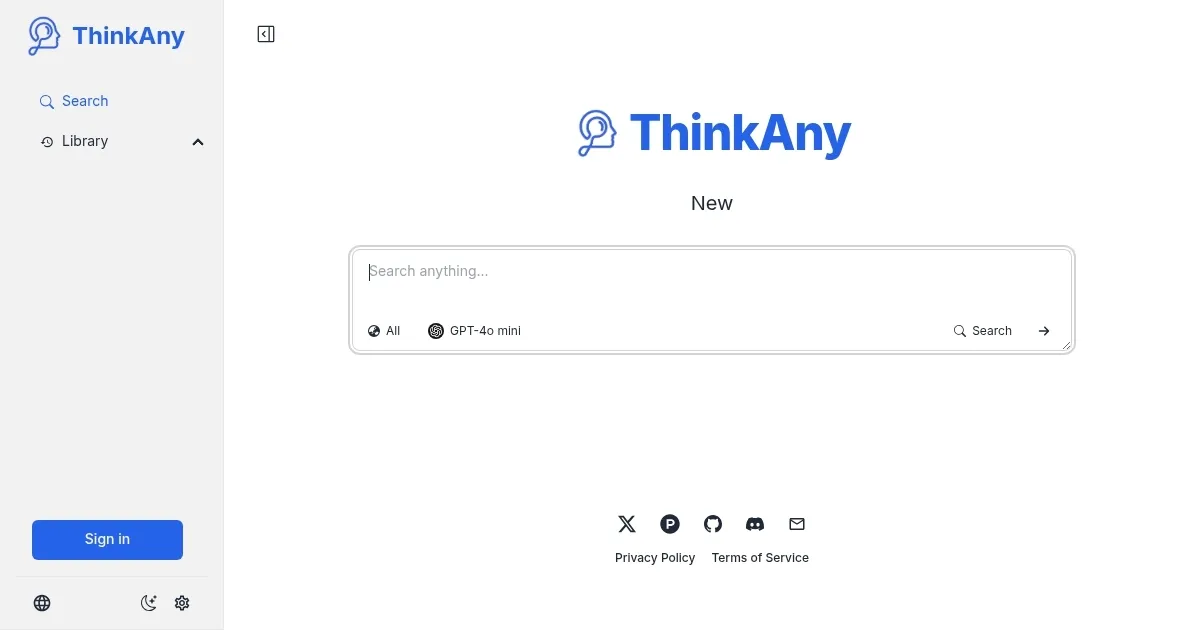
I had a chance to try out ThinkAny, and let me tell you, it’s like having a research buddy who’s way smarter than me but doesn’t make me feel dumb. The interface greeted me with a sleek search bar, and I dove right in, asking about the history of quantum computing. Within seconds, ThinkAny’s RAG technology churned through the web, pulling insights from places like Wikipedia and GitHub, and spat out a concise answer that didn’t bury me in links. The ‘Chat’ feature felt like texting a genius — responsive, clear, and even a bit witty. I tried the ‘MindMap’ feature next, and it spun my query into a visual web of concepts that made the topic feel less like a textbook and more like a puzzle I could actually solve.

What’s great is how ThinkAny feels intuitive. The ‘Search’ function is robust, leaning on advanced vector search to prioritize quality over quantity. I loved the ‘Library’ feature, which acts like a digital bookshelf for curated resources. It’s perfect for anyone who needs to organize research without losing their mind. The multi-model support — think GPT-4-turbo, Claude-3-opus, and Llama3-70b — means you’re not stuck with one AI’s perspective. It’s like having a panel of experts at your fingertips. The free plan is generous, letting you explore without upfront costs, which is a relief in a world of paywalls.

But, I hit a few bumps. The indexing took longer than I expected when I tried searching a dense PDF, and the system hiccuped once, forcing a refresh. It wasn’t a dealbreaker, but it broke the flow. Some X users have mentioned similar issues, particularly on Mac systems, and I can see why that’d frustrate regular users. The free version also teases you with premium features like timeline generation, which are locked behind the Pro paywall. Compared to Perplexity, which feels a bit snappier, or ChatHub, which lets you compare AI models side-by-side, ThinkAny’s strength is its output variety, but it could use a speed boost.

A surprise? The ‘Outline’ mode. I didn’t think I’d care, but it organized my quantum computing notes into a structure that felt like it was ready for a presentation. If you’re curious, start with simple queries to get a feel for the AI’s smarts. Use the Chat feature for quick clarifications, and don’t skip the MindMap — it’s a game-changer for visual thinkers. If you’re on a Mac, maybe keep an eye on performance and join their Discord for community fixes.

Visit ThinkAny ↗
Categories
🧠 General
🔍 Search Engine 💬 Chatbot 🤖 Assistant
🎓 Education
❓ Answer 📖 Knowledge Base
🔬 Research
🔬 Research

Homepage Screenshot 📸

ThinkAny screenshot

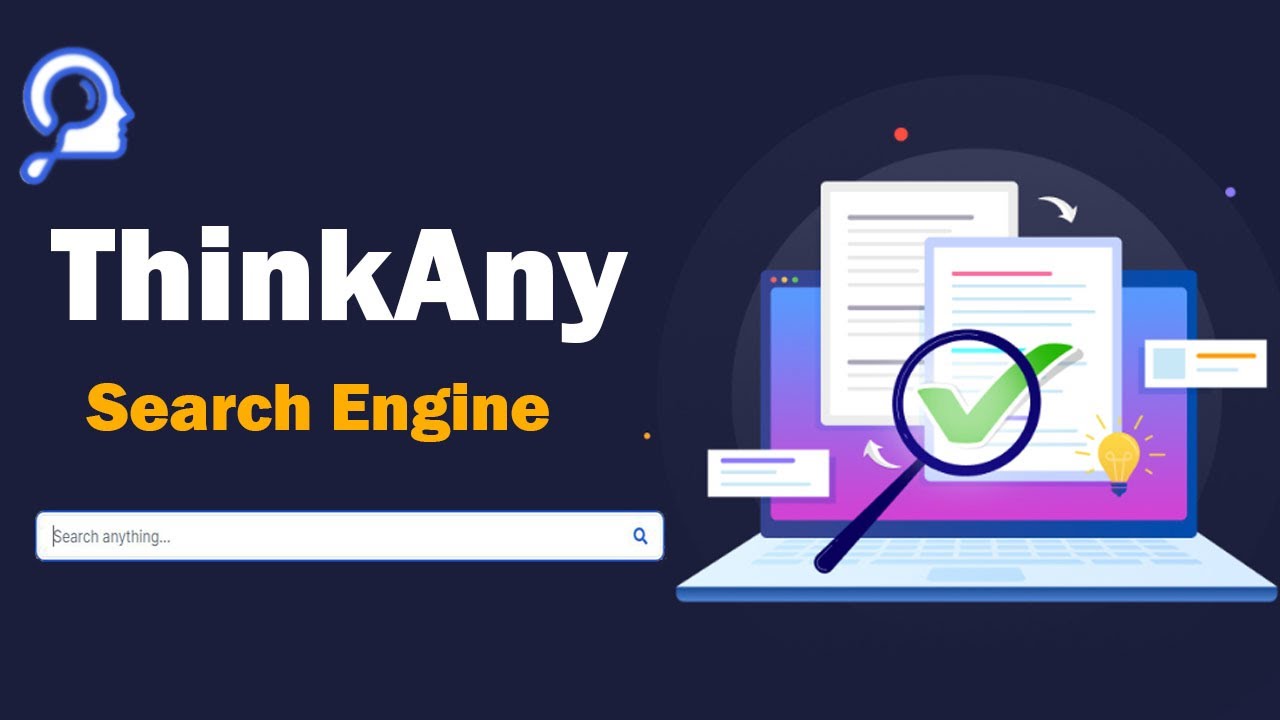
Video Overview 🎬

ThinkAny - Video Overview

What are the key features? ✨

  • RAG Vector Search: Retrieves high-quality content for precise answers.
  • Interactive AI Chat: Engages users with conversational query responses.
  • MindMap Generation: Visualizes complex topics for easier understanding.
  • Outline Mode: Organizes information into structured, digestible formats.
  • Library Feature: Stores curated resources for efficient research.

Who is it for? 🤔

ThinkAny is ideal for students, researchers, educators, content creators, business professionals, and tech enthusiasts who need efficient, accurate information retrieval. Its RAG technology and multi-model AI support make it a powerful tool for academic research, market analysis, or personal projects, while the free plan appeals to budget-conscious users and the Pro plan suits those needing advanced features like timeline generation.

Examples of what you can use it for 💡

  • Student: Uses ThinkAny to gather and organize research for academic papers.
  • Business Analyst: Leverages RAG search to analyze market trends quickly.
  • Content Creator: Employs MindMap to brainstorm and visualize content ideas.
  • Educator: Accesses Library for curated resources to enhance teaching.
  • Tech Enthusiast: Explores multiple AI models for advanced data processing.

Pros & Cons ⚖️

  • Multiple AI models available
  • Unique MindMap and Outline modes
  • Supports multiple languages
  • Slow indexing for large data
  • Limited free plan features

FAQs 💬

What is ThinkAny?
ThinkAny is an AI search engine using RAG technology for precise answers.
Is ThinkAny free to use?
Yes, ThinkAny offers a free plan with basic features.
What is the Pro plan?
The Pro plan unlocks advanced features like premium AI models and timelines.
Does ThinkAny support multiple languages?
Yes, it supports languages like English, Chinese, and Japanese.
What makes ThinkAny different from other search engines?
Its RAG technology and AI chat provide precise, aggregated answers.
Do I need an account to use ThinkAny?
No, you can use it without an account.
Can I save search results?
Yes, ThinkAny allows saving and sharing results.
What is the MindMap feature?
It visualizes query results in a diagram for better understanding.
Is my data secure with ThinkAny?
Yes, it uses anonymous search and advanced security measures.
What are the supported platforms?
ThinkAny is currently available on the web and as a desktop app.

Ready to try ThinkAny?

Delivers precise answers using AI-driven search and interactive chat

Visit ThinkAny ↗

ThinkAny alternatives 🔗

  1. ChatGPT ChatGPT All-round AI assistant generating human-like responses to user queries and tasks
  2. Gemini Gemini Generates responses from text, images, audio, and video inputs using advanced multimodal AI
  3. Grok Grok Delivers witty, real-time AI responses with advanced reasoning and image generation
  4. Perplexity Perplexity Delivers cited AI answers from web searches instantly
  5. Poe Poe Aggregates top AI models for seamless chatting and bot creation
  6. Bing Bing Empowers searches with AI-driven insights and creative generation
Share
ThinkAny screenshot enlarged
Promote ThinkAny
light badge
Copy Embed Code
dark badge
Copy Embed Code
neutral badge
Copy Embed Code
Best AI Tools

Discover the best AI tools for any use case

Explore
  • Tool Categories
  • AI Use Cases
  • AI Events
  • AI News
  • Saved Tools
Company
  • About Us
  • Contact Us
  • Media & Partnerships
  • Suggest a Tool
Legal
  • Privacy Policy
  • Terms of Service
Copyright © 2026 Best AI Tools 415 Mission Street, 37th Floor, San Francisco, CA 94105