Thunkable
Build native mobile apps without coding using a drag-and-drop interface
Thunkable is a no-code platform that hands you the keys to app development without demanding a PhD in computer science. I think it’s a bit like giving everyone a paintbrush and a canvas, except the canvas is your phone screen, and the paintbrush is a slick drag-and-drop interface. Founded by MIT App Inventor alumni, Thunkable has grown into a tool trusted by millions, from startups to third-graders in Alabama who’ve built award-winning apps. The premise is simple yet powerful: you dream it, Thunkable helps you build it, no coding required. Its visual editor lets you stack components like buttons, maps, or animations, while logic blocks snap together to make your app functional, all in a way that feels like playing with digital Legos.
The platform’s AI Template Generator is a standout, I’d say. You type a sentence like “I want a fitness tracker for runners,” and it spits out a starter app with screens, layouts, and basic logic. It’s not perfect, but it’s a huge time-saver, especially for beginners who might feel overwhelmed starting from scratch. The Live Test feature is another gem, letting you preview your app on your phone in real-time via the Thunkable Live app. And publishing? Thunkable streamlines that too, with direct deployment to Apple’s App Store, Google Play, or the web, though you’ll need developer licenses from Apple and Google, which is standard but adds a step.
Compared to competitors like Bubble and Adalo, Thunkable shines for mobile-first development. Bubble leans heavily into web apps, with mobile as an afterthought, while Adalo matches Thunkable’s mobile focus but lacks the same depth in native features like Bluetooth or offline capabilities. Thunkable’s edge is its native app support, letting you tap into phone sensors or notifications, which is critical for apps needing real-time interaction. That said, Thunkable’s free plan is restrictive, capping you at three public projects and 2,000 AI tokens, which might run dry fast if you’re experimenting with generative AI features. Paid plans, starting with the Accelerator tier, offer more flexibility, but you’ll need to weigh the cost against competitors like Adalo, which might feel more generous with free-tier features.
What might surprise you is how Thunkable balances accessibility with power. It’s beginner-friendly, yet seasoned developers can use its advanced logic blocks to build complex apps, like a water-monitoring tool created by a young innovator. However, the platform’s learning curve, while gentle, isn’t nonexistent. New users might fumble with the Blocks Editor, especially when trying to integrate third-party APIs. The community forums and Thunkable Academy tutorials help, but they’re not always as polished as you’d hope. Also, if you’re working on sensitive projects, the free plan’s lack of private projects could be a dealbreaker, forcing an upgrade.
For those looking to dip their toes into app development, Thunkable is a solid bet. Start with the free plan to test the waters, use the AI Template Generator to kickstart your idea, and lean on the Live Test feature to refine your app. If you’re serious, budget for a paid plan to unlock private projects and more AI tokens. Check the community forums for tips, and don’t skip the Getting Started Guide on Thunkable’s site. It’s your roadmap to turning that app idea into reality.
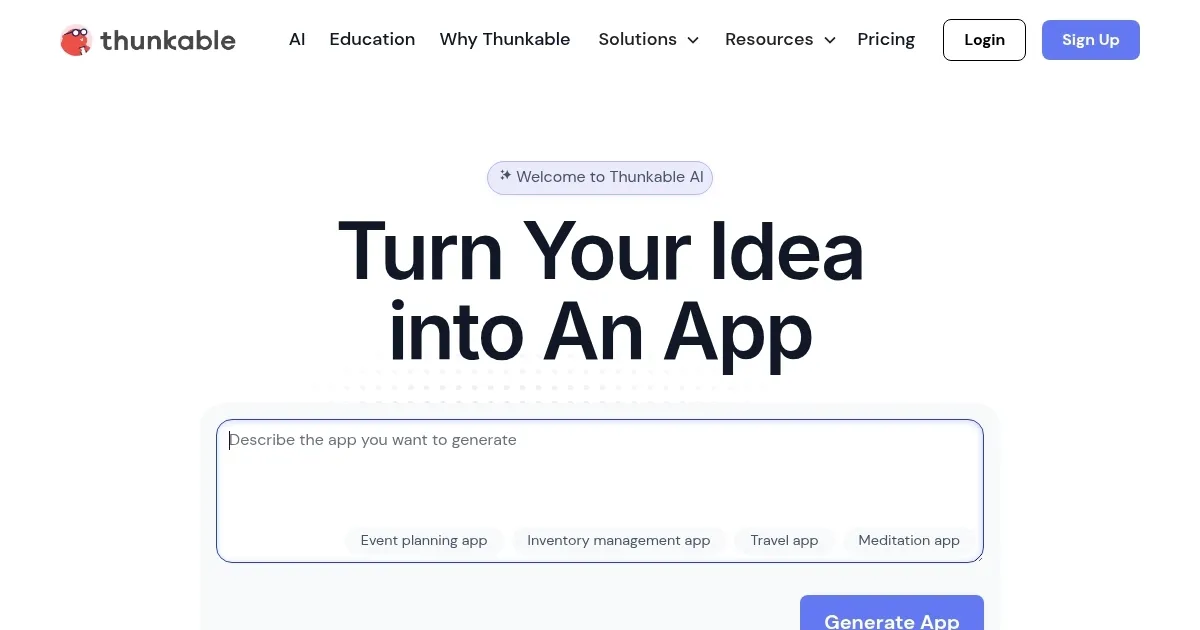
Homepage Screenshot 📸
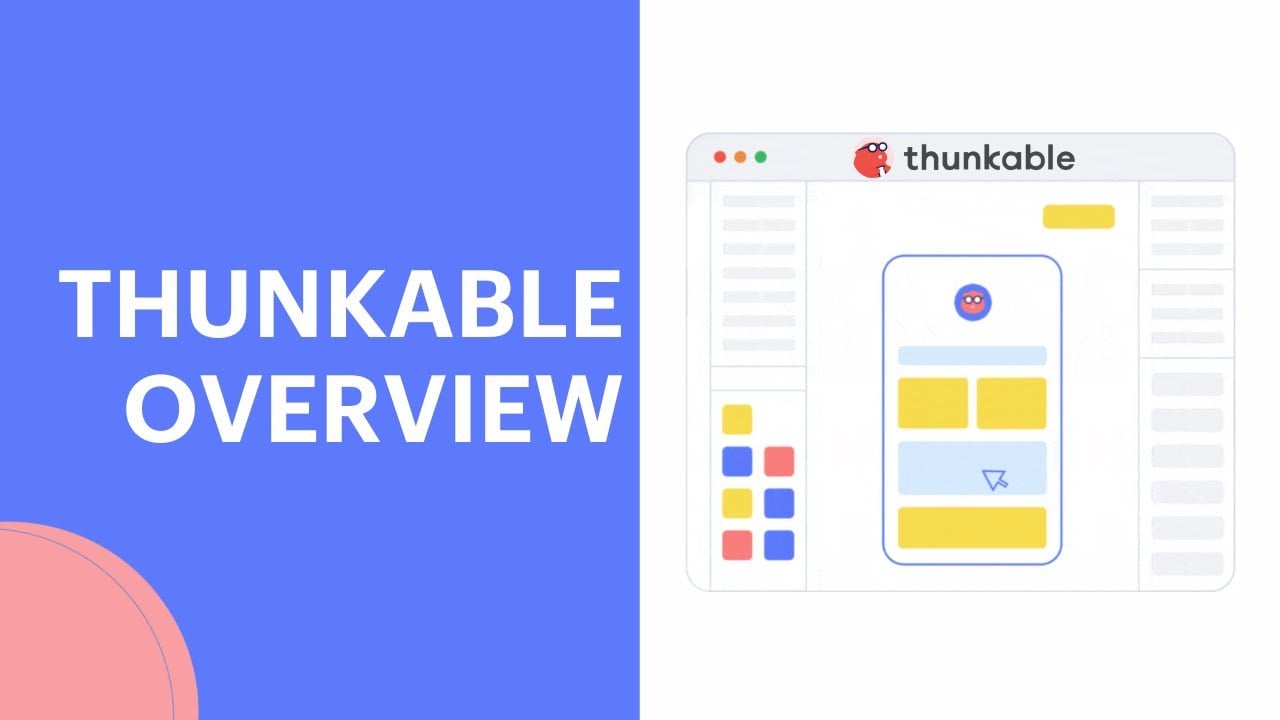
Video Overview 🎬
What are the key features? ✨
- AI Template Generator: Creates starter apps from text prompts with screens and logic.
- Live Test: Previews apps in real-time on mobile devices via the Thunkable Live app.
- Blocks Editor: Enables visual logic creation with snap-together blocks for app functionality.
- Native App Support: Accesses device sensors, notifications, and offline capabilities for robust apps.
- Publishing Tools: Simplifies deployment to Apple App Store, Google Play, or the web.
Who is it for? 🤔
Examples of what you can use it for 💡
- Student: Builds a study app with flashcards using the AI Template Generator.
- Small Business Owner: Creates a customer engagement app with push notifications.
- Educator: Develops a classroom app to teach coding concepts via blocks.
- Entrepreneur: Prototypes a fitness app with maps and sensors for quick testing.
- Hobbyist: Designs a personal project like a recipe app with custom layouts.
Pros & Cons ⚖️
- Intuitive drag-and-drop interface
- AI speeds up app creation
- Strong native app support
- Free plan limits projects
- Learning curve for APIs
FAQs 💬
Ready to try Thunkable?
Build native mobile apps without coding using a drag-and-drop interface
Visit Thunkable