Torq AI
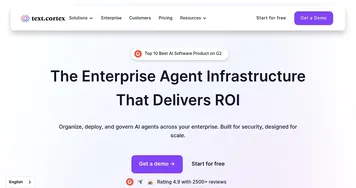
Automates complex security workflows with AI agents for triage, investigation, and response
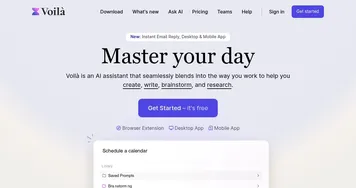
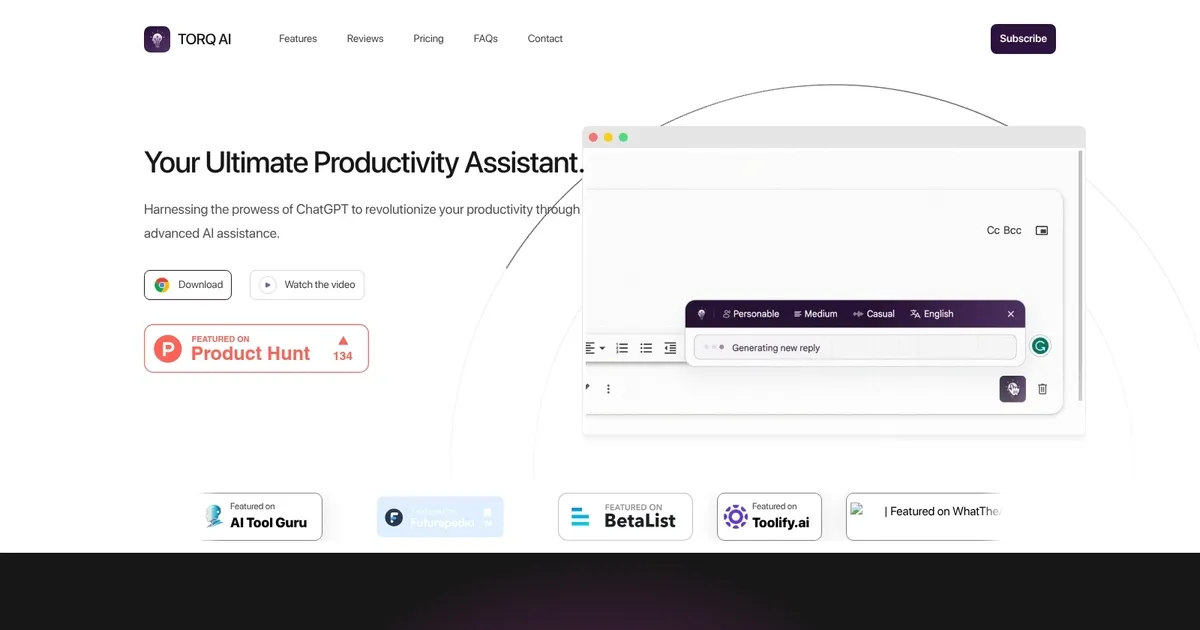
Torq AI is an AI-powered productivity assistant designed to streamline different daily tasks to enhance efficiency and effectiveness. By leveraging advanced AI models, it offers features such as rapid text processing, seamless email generation, and integrated search capabilities.
Torq AI particularly shines at generating emails swiftly with a single click. In addition, it provides automated reply generation to enable users to efficiently respond to incoming emails. This functionality can be particularly beneficial for professionals managing high volumes of correspondence.
Beyond email management, Torq AI excels in text processing by offering swift text analysis and language translation capabilities. Users can rapidly process text and translate selected website content into other languages to enhance comprehension and accessibility. These features can be invaluable for individuals working in multilingual environments or dealing with diverse content sources.
Torq AI is available as a Chrome extension, which means quick installation and immediate access to its robust features. Users can use the tool’s capabilities for free, including rapid text processing, integrated AI responses with Google searches, swift email generation, and flexible search management options. That’s awesome!
Homepage Screenshot 📸
Video Overview 🎬

What are the key features? ✨
- Multi-Agent System: Coordinates specialized AI agents to handle triage, investigation, enrichment, and remediation in parallel for autonomous operations.
- AI Workflow Builder: Uses natural language prompts to generate complete security workflows and integrations in seconds without manual coding.
- HyperSOC: Provides an AI-powered SOC platform that automatically triages, prioritizes, and resolves cases while reducing alert fatigue.
- No-Code Hyperautomation: Enables rapid building and deployment of scalable automations across thousands of security tools and vendors.
- Socrates AI Analyst: Acts as the central AI coordinator that reasons over alerts, pulls context, and guides or executes responses within guardrails.
Who is it for? 🤔
Examples of what you can use it for 💡
- SOC Analyst: Uses Torq to automatically triage and resolve Tier-1 alerts so they focus on complex threats and strategic hunting.
- Security Engineer: Builds and deploys custom hyperautomation workflows in minutes to orchestrate responses across endpoint, cloud, and network tools.
- MSSP Provider: Scales multi-tenant automation to deliver faster incident response and better margins for multiple clients simultaneously.
- CISO: Monitors SOC efficiency metrics and reduces overall risk by enabling AI agents to handle routine investigations and remediations autonomously.
- Incident Responder: Leverages Socrates and agents for quick contextual enrichment and guided or automated containment during active incidents.
Pros & Cons ⚖️
- Fast workflow creation
- Autonomous AI agents
- Deep integrations
- Reduces analyst burnout
- Enterprise pricing
- Initial tuning needed
FAQs 💬
Ready to try Torq AI?
Automates complex security workflows with AI agents for triage, investigation, and response
Visit Torq AITorq AI alternatives 🔗