Vidwud
Transforms images and text into engaging AI-generated videos in seconds
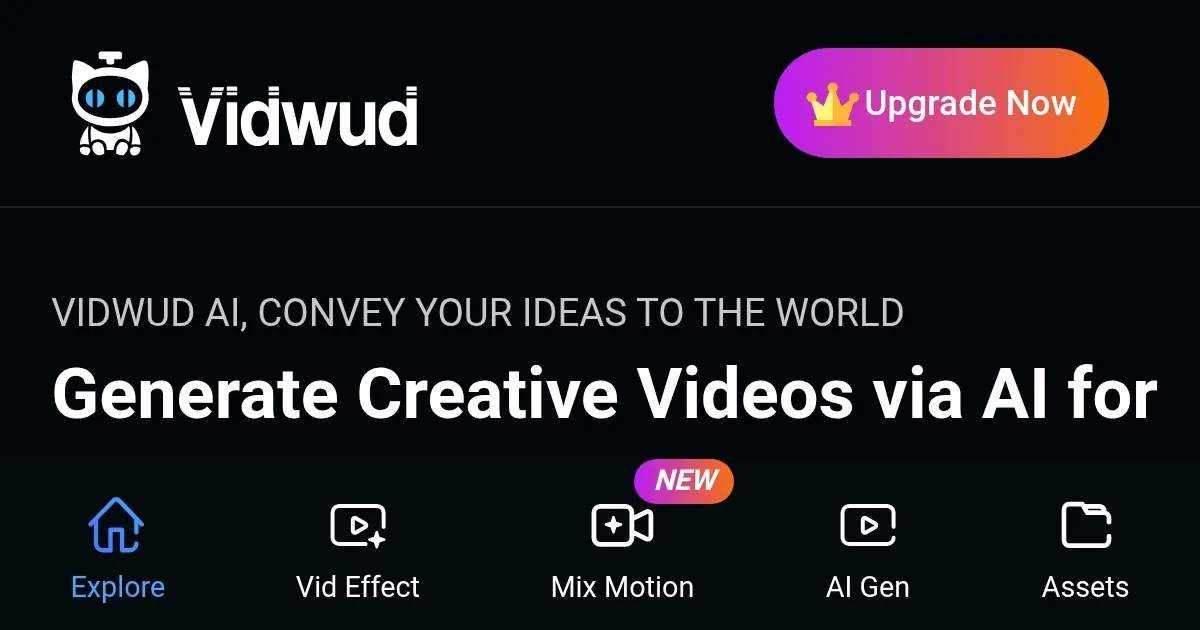
Vidwud can turn your static images or a few lines of text into vibrant, professional-grade videos without breaking a sweat. I think it’s the kind of tool that makes you sit up and wonder why you ever fussed with clunky editing software. You upload a photo, pick a template, maybe add some text, and poof — within seconds, you’ve got a video that looks like it took hours to craft. It’s fast, it’s free for basic use, and it’s got a knack for making you feel like a creative genius, even if you’re just messing around with a selfie or a product shot.
What sets Vidwud apart is its sheer accessibility. The interface is clean, almost playful, guiding you through the process with minimal fuss. Features like Face Swap let you plop your face onto a movie character or a dancing avatar, which is honestly more fun than it should be. Image to Video takes your still photos and adds smooth motion effects, while Text to Video spins your words into a narrated clip with AI voices that sound surprisingly human. I was impressed by how Vidwud’s algorithms analyze images for elements like lighting and composition, then apply effects like zooms or particle animations to make the output pop. It’s not perfect — sometimes the transitions feel a bit canned — but the results are polished enough to share on social media or pitch to clients.
Compared to competitors like Vidu or Vidnoz AI, Vidwud holds its own with a broader free tier. Vidu focuses heavily on 2D animation and cinematic content, which is great for niche creators but less versatile for casual users. Vidnoz, meanwhile, offers similar avatar-driven video tools but leans more into business applications, with a slightly steeper learning curve for its editing suite. Vidwud’s edge is its one-click simplicity and no-cost entry point, though its premium features — like HD resolution and watermark-free videos — require a paid upgrade, which feels fair but might nudge you to spend if you want that extra polish.
There’s a lot to like here. The speed is a game-changer; I mean, who has time to wrestle with keyframes in traditional editors? The platform’s multi-language support, including less common ones like Catalan, makes it a boon for global creators. And the AI Kissing Video Generator? It’s quirky, niche, and oddly compelling for romantic content creators. But there are hiccups. The free tier limits video length and resolution, which can feel restrictive if you’re aiming for longer-form content. Some users on Trustpilot grumbled about inconsistent results with face swaps, especially in complex videos, and I can see why — AI can struggle with side profiles or low-quality images. Also, while the platform prioritizes privacy, you’ll want to double-check their Privacy Policy to feel secure about your uploaded content.
Here’s the surprise: Vidwud’s AI Photo Dance feature. It’s not just a gimmick; it turns your still images into dancing characters with eerie accuracy, perfect for grabbing attention on TikTok or Instagram. I didn’t expect to be wowed by this, but it’s the kind of thing that makes you want to experiment more. For anyone dipping their toes into video creation, start with a simple image-to-video project to get a feel for the platform. Play with the templates, test the face swap with a clear photo, and don’t overthink it — just create and share.
Homepage Screenshot 📸
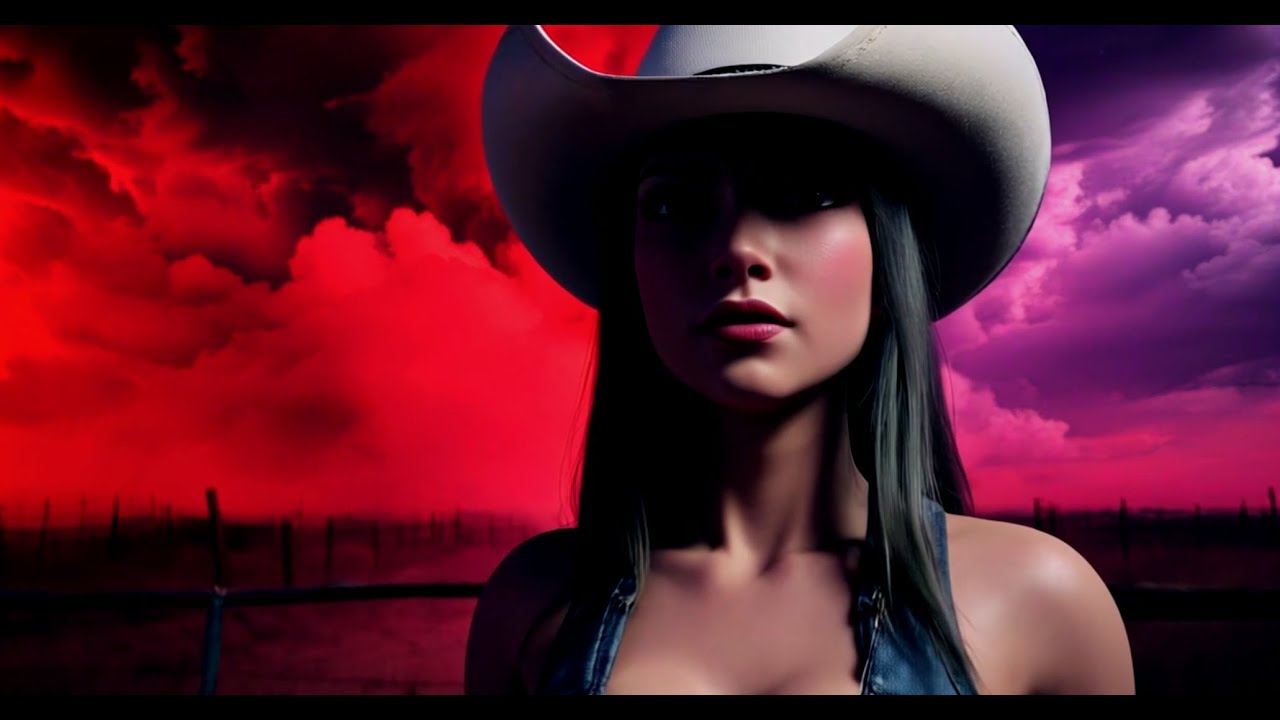
Video Overview 🎬
What are the key features? ✨
- Face Swap: Replaces faces in photos or videos with high accuracy.
- Image to Video: Converts static images into dynamic videos with motion effects.
- Text to Video: Generates narrated videos from text prompts with AI voices.
- AI Video Effects: Offers customizable templates for visual enhancements.
- AI Photo Dance: Animates still images into dancing characters for engaging content.
Who is it for? 🤔
Examples of what you can use it for 💡
- Content Creator: Uses Image to Video to turn photos into engaging social media clips.
- Small Business Owner: Creates product demo videos with Text to Video for marketing.
- Educator: Converts diagrams into animated tutorials using Image to Video.
- Influencer: Swaps faces with Face Swap for fun, shareable content.
- Event Planner: Animates event photos with AI Photo Dance for memorable recaps.
Pros & Cons ⚖️
- Free tier offers robust features.
- Multi-language support for global use.
- Fun, creative tools like AI Photo Dance.
- Free tier limits video length.
- Some templates feel repetitive.
FAQs 💬
Ready to try Vidwud?
Transforms images and text into engaging AI-generated videos in seconds
Visit VidwudVidwud alternatives 🔗