logo-darklogo-darklogo-darklogo-dark
  • Tool Categories
    • 🎨Art & Creative Design505
    • 🏢Business Management644
    • 💻Coding & Development515
    • 👮Detection83
    • 🧠General Use727
    • 🏥Health & Wellness55
    • 📷Image & Photo Analysis100
    • 🖼️Image Generation & Editing618
    • 📐Interior & Architectural Design37
    • 🎓Learning & Education483
    • ⚖️Legal & Finance90
    • 🎭Lifestyle & Entertainment236
    • 📢Marketing & Advertising627
    • 🎧Music & Audio138
    • 👔Office & Workplace1,014
    • 🔬Research & Data Analysis372
    • 👥Social Media245
    • 🎥Video Generation & Editing426
    • 👧🏻Virtual Companion135
    • 🎤Voice Generation & Editing381
    • ✍️Writing & Editing808
    • All Categories
    • AI Use Cases
  • News
  • Events
    • Academic Conferences
    • Developer Conferences
    • Expos / Trade Shows
    • Industry Summits
    • Workshops / Training
    • All Events
    • Past Events
  • Saved Tools
  • Suggest a Tool
✕
Home › Office & Workplace › Form› Weavely
Weavely

Weavely

Creates custom forms and surveys instantly from text, voice, or documents

Weavely is an AI-powered form builder that creates custom forms and surveys from text prompts, voice notes, or uploaded documents. It streamlines form creation for non-coders, offering features like Conditional Logic and Answer Piping to make forms dynamic and user-friendly. Integration with tools like Google Sheets, HubSpot, and Notion via Zapier ensures seamless data flow. The platform supports unlimited forms and responses on its free plan, with premium features like custom domains available for a fee. Weavely’s Figma integration allows for precise branding, making it ideal for design-conscious users.

The AI generates context-aware questions based on your input, reducing manual setup time. For example, a prompt like “feedback form for a workshop” produces relevant fields like satisfaction ratings and open-ended questions. Advanced field types, including sliders, file uploads, and star ratings, add flexibility. The platform’s responsive design ensures forms work across devices, and form input validation minimizes errors. Compared to Google Forms, Weavely offers superior design customization and integrations, while Typeform provides more manual control for complex forms.

Users appreciate the speed and ease of creating branded forms without coding skills. The free plan is robust, supporting unlimited responses, which is a big draw for small businesses. Integration with over 6,000 apps via Zapier enhances its utility for automating workflows. However, some users may find the AI’s question suggestions too generic, requiring manual tweaks. The learning curve for non-tech users can be noticeable, and premium features come at an additional cost. Compared to Jotform, Weavely’s interface is more intuitive but less feature-heavy for advanced users.

A standout feature is the ability to import Google Forms and enhance them with AI-driven styling and advanced fields. This makes transitioning from basic tools seamless. The platform’s GDPR compliance and EU hosting add trust for privacy-conscious users. Real-time analytics provide insights into form performance, though they’re basic compared to dedicated analytics tools.

To get the most out of Weavely, start with a clear prompt or document upload to leverage the AI’s strengths. Test integrations early to streamline workflows. If you need specific question formats, be prepared to edit AI suggestions. Explore the free plan before committing to premium features.

Visit Weavely ↗
Categories
👔 Work
📃 Form
📢 Advertising
🎯 Lead Generation
💻 Coding
🏗️ Website Building 🚀 Landing Page Building
🏢 Business
🔄 Workflow
🔬 Research
🔬 Research

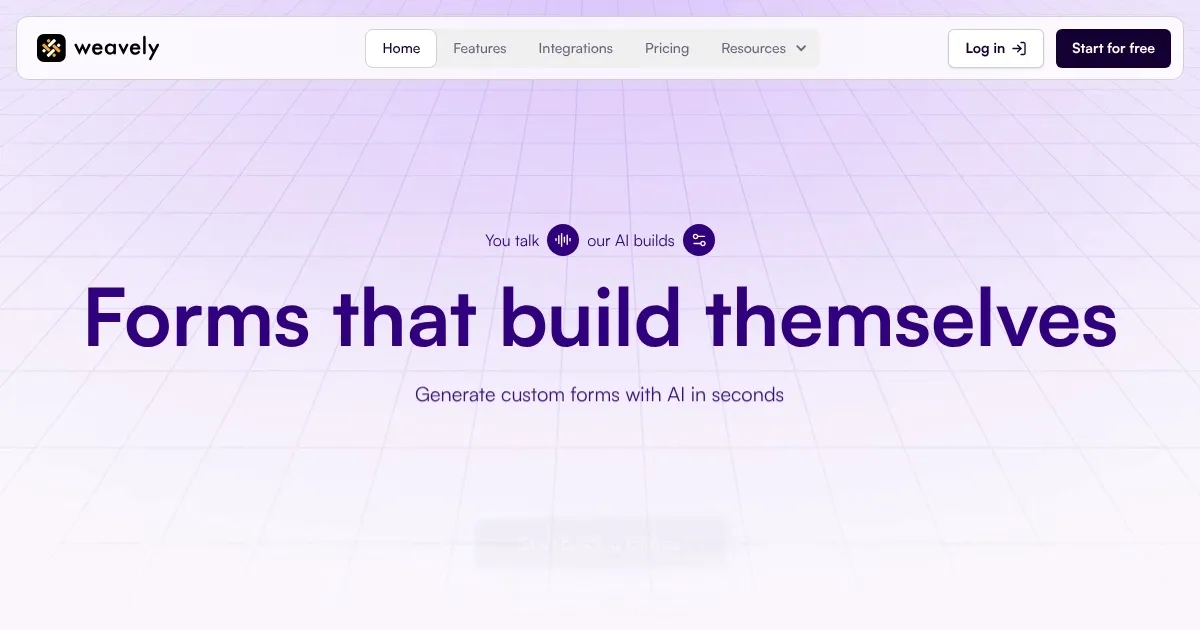
Homepage Screenshot 📸

Weavely screenshot

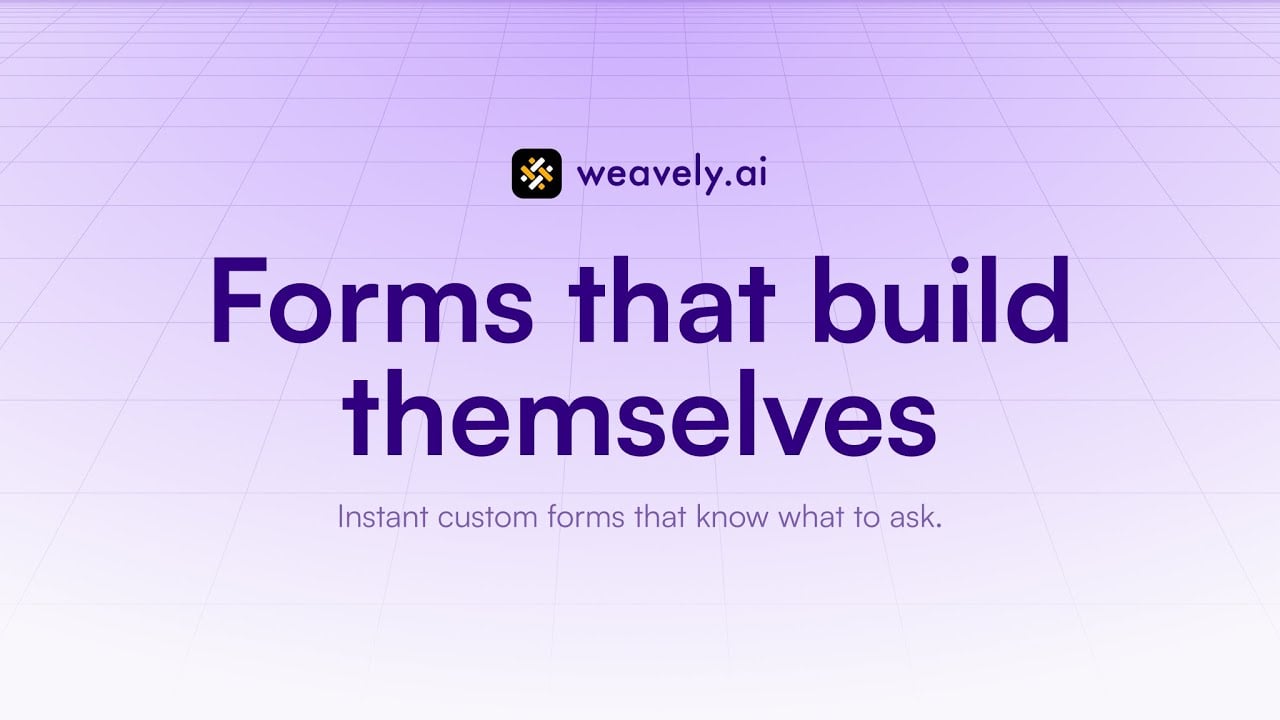
Video Overview 🎬

What are the key features? ✨

  • AI Form Generation: Creates forms from text, voice, or documents in seconds.
  • Figma Integration: Designs brand-aligned forms using Figma’s tools.
  • Conditional Logic: Adapts form questions based on user responses.
  • Answer Piping: Personalizes questions using prior responses.
  • Data Integration: Connects with Google Sheets, HubSpot, Notion, and 6,000+ apps via Zapier.

Who is it for? 🤔

Weavely is ideal for small business owners, marketers, and designers who need quick, branded forms without coding skills. It suits user researchers collecting feedback, event planners gathering RSVPs, or startups validating products, especially those using tools like Notion or HubSpot for workflows.

Examples of what you can use it for 💡

  • Small Business Owner: Uses Weavely to create a customer feedback form for a new product launch.
  • Marketer: Builds a survey to collect audience insights for a campaign, integrated with HubSpot.
  • Event Planner: Designs an RSVP form with conditional logic for event preferences.
  • Designer: Crafts a branded feedback form using Figma integration for a client project.
  • Startup Founder: Creates a product validation survey to share with potential users via Zapier.

Pros & Cons ⚖️

  • Fast AI-driven form creation
  • Robust free plan with unlimited use
  • Easy branding with Figma
  • AI suggestions may need tweaks
  • Slight learning curve for beginners

FAQs 💬

What is Weavely?
Weavely is an AI-powered tool that creates custom forms and surveys from text, voice, or documents.
Is Weavely free to use?
Yes, it offers a free plan with unlimited forms and responses, with premium features available for a fee.
Can I integrate Weavely with other tools?
It connects with Google Sheets, HubSpot, Notion, and 6,000+ apps via Zapier.
Does Weavely support branding?
Yes, you can customize forms with your brand's colors and fonts, especially via Figma integration.
Can I import Google Forms to Weavely?
Yes, you can import Google Forms and enhance them with AI styling and advanced fields.
Is Weavely GDPR-compliant?
Yes, it offers GDPR compliance and EU hosting for data privacy.
What types of forms can I create?
You can build surveys, feedback forms, RSVPs, and more with advanced fields like sliders and ratings.
Does Weavely work on mobile devices?
Yes, its responsive forms adapt seamlessly to all devices.
Can I use voice input to create forms?
Yes, Weavely supports voice notes to generate form questions.
How does Weavely compare to Typeform?
Weavely offers faster AI-driven creation, while Typeform provides more manual customization options.

Ready to try Weavely?

Creates custom forms and surveys instantly from text, voice, or documents

Visit Weavely ↗
Weavely alternatives 🔗

  1. Forms.app Forms.app An online tool that simplifies form creation with a user-friendly interface and AI
  2. Hotjar AI Hotjar AI Create surveys for any goal in seconds and generate summary reports automatically
  3. Involve.me Involve.me Create contact forms, surveys, quizzes, and statistics with the help of AI
  4. Quilgo Quilgo An AI tool that lets you automate online assessments, exams, and interviews
  5. BlockSurvey BlockSurvey Create your survey in just a few clicks, using AI-generated questions
  6. Typebot Typebot A no-code chatbot builder that enables users to create and integrate advanced chatbots
Share
Weavely screenshot enlarged
Promote Weavely
light badge
Copy Embed Code
dark badge
Copy Embed Code
neutral badge
Copy Embed Code
Best AI Tools

Discover the best AI tools for any use case

Explore
  • Tool Categories
  • AI Use Cases
  • AI Events
  • AI News
  • Saved Tools
Company
  • About Us
  • Contact Us
  • Media & Partnerships
  • Suggest a Tool
Legal
  • Privacy Policy
  • Terms of Service
Copyright © 2026 Best AI Tools 415 Mission Street, 37th Floor, San Francisco, CA 94105