MakeForms
Creates customizable, secure forms for data collection and workflow automation
MakeForms is an AI-powered form builder that doesn’t just collect data — it redefines how teams manage workflows. I think it’s fair to say most form builders promise simplicity, but MakeForms delivers with a polished interface and robust features that feel like a breath of fresh air. You’re not just building forms here, you’re crafting experiences. Whether you’re a small business owner gathering leads or a healthcare provider needing HIPAA-compliant forms, this tool adapts to your needs with surprising finesse.
The standout feature is the AI Form Builder, which lets you describe what you want in plain language, and poof — a form appears in seconds. It’s not perfect, mind you; sometimes the AI needs a nudge to get the fields just right, but it’s a time-saver for sure. The platform also offers a variety of form types: One At A Time forms for distraction-free user input, Step Forms for breaking down complex processes, and PDF Forms that auto-fill documents with submitted data. I love how these options cater to different use cases, from quick surveys to detailed applications. Plus, the integrations with tools like Google Sheets and Salesforce make it a team player in any tech stack.
But what really sets MakeForms apart is its focus on security. It’s compliant with heavy-hitters like HIPAA, GDPR, SOC2, and ISO 27001, which means you can collect sensitive data without sweating compliance issues. You can even choose your data residency region — Europe, North America, or APAC — to meet local regulations. That’s a big deal for businesses operating globally. Compared to competitors like Jotform or Typeform, MakeForms holds its own with its AI capabilities and compliance focus, though Jotform might edge out for sheer template variety.
Not everything’s rosy, though. The interface, while clean, can feel overwhelming for new users due to the sheer number of options. Some Reddit users mentioned a learning curve when setting up advanced workflows, and I can see why — there’s a lot to explore. Pricing is another consideration. MakeForms offers a free plan, which is great for testing, but to unlock advanced features like OTP verification or unlimited forms, you’ll need a paid plan. It’s competitively priced, but Typeform’s pricing feels more transparent for small teams.
Here’s a surprise: the AI Test Generator. You can turn any form into a quiz or test with automated scoring and logic, which is perfect for educators or HR teams. It’s not heavily advertised, so stumbling upon it feels like finding a hidden gem.
For those looking to get started, try the free plan to test the AI Form Builder. Experiment with a simple contact form before diving into workflows. If you’re in a regulated industry, check the data residency options early to ensure compliance.
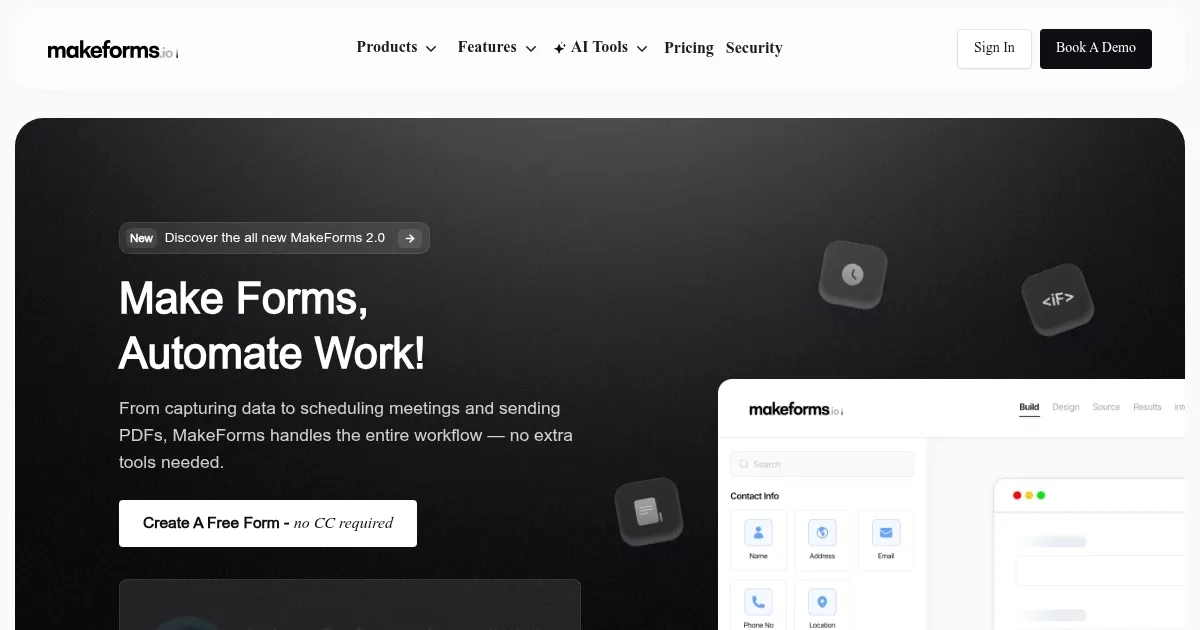
Homepage Screenshot 📸
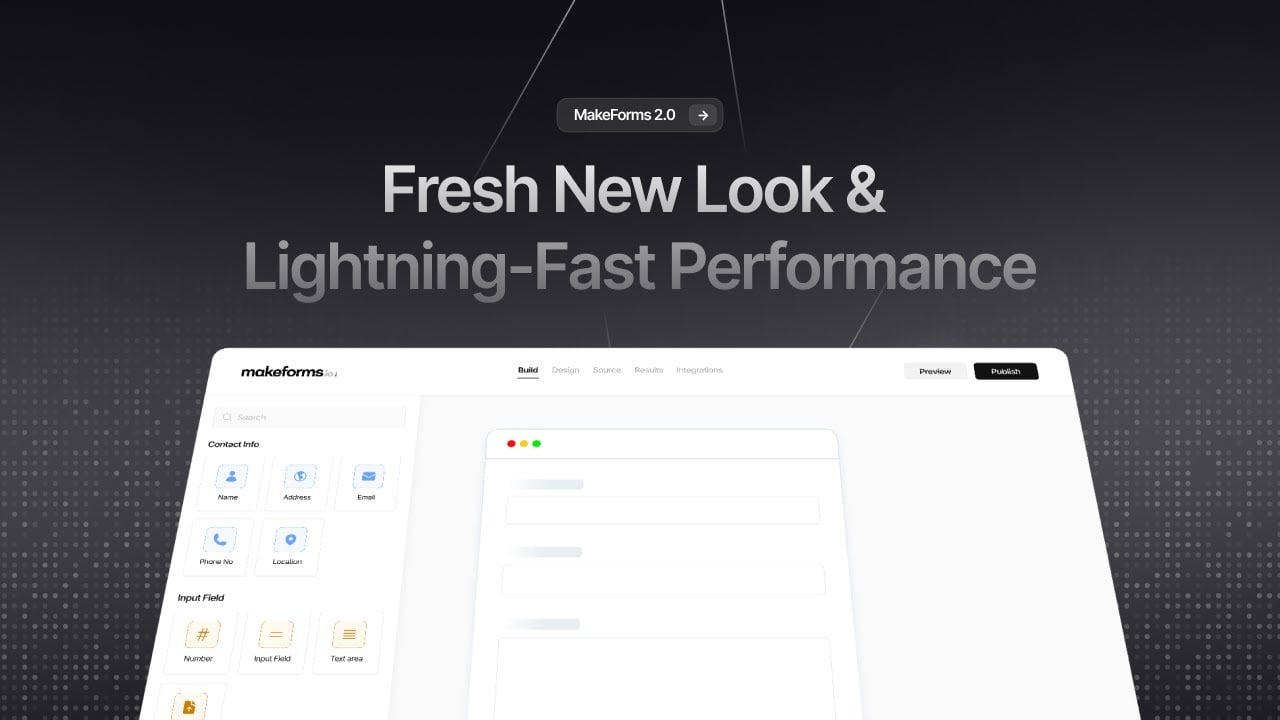
Video Overview 🎬
What are the key features? ✨
- AI Form Builder: Generates custom forms from text prompts in seconds.
- One At A Time Form Builder: Displays one question at a time for focused user input.
- Step Form Builder: Breaks long forms into organized, multi-step processes.
- OTP Verification Forms: Uses mobile/email codes to filter fake submissions.
- Data Residency & Compliance: Offers 12 data residency regions and compliance with GDPR, HIPAA, and more.
Who is it for? 🤔
Examples of what you can use it for 💡
- Small Business Owner: Creates lead generation forms to capture and qualify customer inquiries.
- Healthcare Provider: Uses HIPAA-compliant forms to collect patient data securely.
- Educator: Builds quizzes with the AI Test Generator for student assessments.
- Marketing Team: Designs multi-step forms for event registrations with automated follow-ups.
- HR Manager: Sets up job application forms with OTP verification to ensure authentic submissions.
Pros & Cons ⚖️
- Fast AI-driven form creation
- Flexible form types
- Seamless integrations
- Limited free plan
- Complex workflow setup
FAQs 💬
Ready to try MakeForms?
Creates customizable, secure forms for data collection and workflow automation
Visit MakeForms