FlowHunt
Builds AI chatbots and tools visually, no coding required
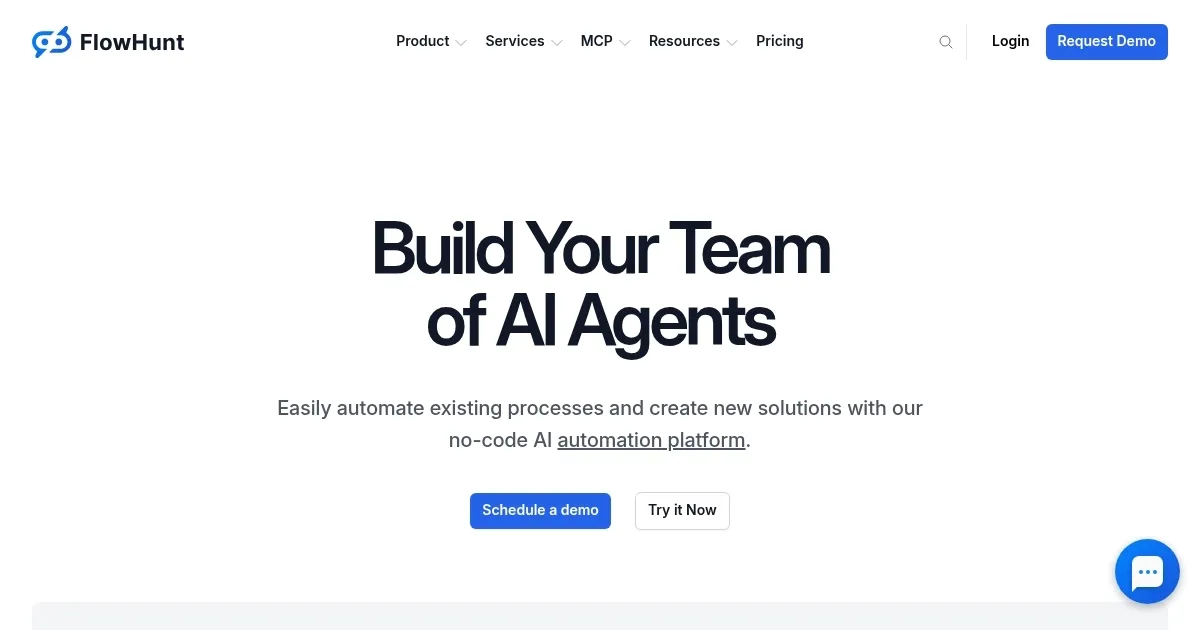
FlowHunt caught my eye the moment I landed on its sleek homepage. It’s a no-code platform that promises to let anyone — yes, even your tech-averse uncle — build AI chatbots and automation tools with a drag-and-drop interface. I’m a skeptic by nature, but there’s something undeniably appealing about a tool that makes AI accessible without requiring a PhD in computer science. FlowHunt delivers on this promise with a visual builder that feels like assembling a puzzle, intuitive blocks snapping together to create workflows that automate everything from customer support to content creation. It’s practical, it’s approachable, and it’s got a spark of brilliance for businesses looking to streamline operations.
The platform’s strength lies in its four core pillars: a no-code builder, AI agents, knowledge sources, and chatbot deployment. The Visual Flow Builder is the star here. You drag components — think task decomposition or query expansion — into a workspace, connecting them to craft tailored workflows. I found it surprisingly satisfying to watch a chatbot take shape, no coding required. Knowledge Sources keep things fresh, letting your AI pull real-time data from documents, websites, or FAQs, which is a game-changer for customer service teams handling repetitive queries. AI Agents, meanwhile, tackle tasks autonomously, like generating a company research report in minutes. It’s not perfect, though. New users might feel overwhelmed by the array of components, and the platform could use more pre-built templates to ease the learning curve.
Compared to competitors like Zapier or Make, FlowHunt stands out for its AI-specific focus. Zapier excels at connecting apps but lacks the deep AI customization FlowHunt offers. Make comes closer with its automation prowess, but FlowHunt’s chatbot deployment feels more polished for customer-facing tasks. I think small businesses will love the platform’s ability to automate routine inquiries, freeing up staff for bigger challenges. Marketing teams can also craft content generation tools, streamlining social media posts or blog drafts. However, complex workflows might demand more computational power than expected, which could slow things down for heavy users.
What surprised me? The integrations. FlowHunt connects effortlessly with CRMs, customer service software, and even custom APIs via webhooks. This flexibility means it fits into existing tech stacks like a glove. On the downside, some users on forums like Reddit mentioned occasional hiccups with real-time data syncing, which could frustrate teams needing instant updates. Pricing-wise, FlowHunt offers a free tier with basic tools and premium plans that scale with usage, competitive with Zapier’s mid-tier offerings but potentially pricier than Make for smaller teams.
If you’re diving into FlowHunt, start simple. Play with the Visual Flow Builder to create a basic chatbot for customer FAQs. Experiment with Knowledge Sources to feed it fresh data. Don’t overcomplicate your first flow — master the basics, then scale up to automate more tasks. You’ll thank yourself later.
Homepage Screenshot 📸
Video Overview 🎬
What are the key features? ✨
- Visual Flow Builder: Drag-and-drop interface to create AI workflows without coding.
- AI Agents: Autonomous agents perform tasks like generating research reports.
- Knowledge Sources: Integrates real-time data from documents, websites, or FAQs.
- AI Chatbots: Deploys user-friendly chatbots for customer engagement.
- Integrations: Connects with CRMs, communication apps, and custom APIs.
Who is it for? 🤔
Examples of what you can use it for 💡
- Customer Support Manager: Deploys chatbots to handle routine inquiries, escalating complex issues to human agents.
- Marketing Professional: Automates social media content creation using customizable AI workflows.
- Small Business Owner: Builds a chatbot to engage website visitors and generate leads without coding.
- Research Analyst: Uses AI Agents to compile comprehensive reports from public data sources.
- HR Specialist: Creates workflows to automate candidate screening and FAQ responses.
Pros & Cons ⚖️
- Flexible integrations with CRMs
- Real-time data via Knowledge Sources
- Autonomous AI Agents save time
- Limited pre-built templates
- Complex flows may slow down
FAQs 💬
FlowHunt alternatives 🔗