VectorShift
Create and manage AI workflows without writing code
VectorShift is a neat platform designed to help people create and manage AI workflows without writing code. To that end, it offers tools for building chatbots, search engines, and automations — making AI accessible to everyone.
With VectorShift, users can connect their data from places like Google Drive and Slack to allow their AI projects to use up-to-date information. This integration ensures that the AI applications always work with the latest data. And, as mentioned, the platform’s user-friendly design means that even those without technical backgrounds can build and deploy AI solutions effectively.
VectorShift’s visual builder lets users design AI workflows by simply dragging and dropping components, making the process straightforward and intuitive. For those who prefer coding, VectorShift also offers an SDK, providing flexibility for developers to customize their projects. This combination of no-code and code options makes it viable for different kinds of users. Moreover, there are pre-built templates, allowing users to quickly start their projects without building from scratch.
VectorShift can connect with services like Google Drive, Slack, OneDrive, and Airtable. This means users can manage their data centrally, ensuring their AI applications can access the most current information. The platform also supports live syncing, so any changes in connected services are immediately reflected in the AI workflows.
Deployment is also easy with VectorShift. Users can turn their workflows into chatbots, automations, or search functions with just a few clicks. The platform offers various customization options, allowing users to tailor their AI solutions to specific needs. So, whether you’re deploying a customer service chatbot or an internal search tool, VectorShift provides the tools to make it happen efficiently.
In summary, VectorShift is a great tool for individuals and businesses looking to harness the power of AI without the complexity of traditional development. Its user-friendly interface, combined with powerful features and seamless integrations, makes it a valuable tool for streamlining operations and enhancing productivity. Check it out.
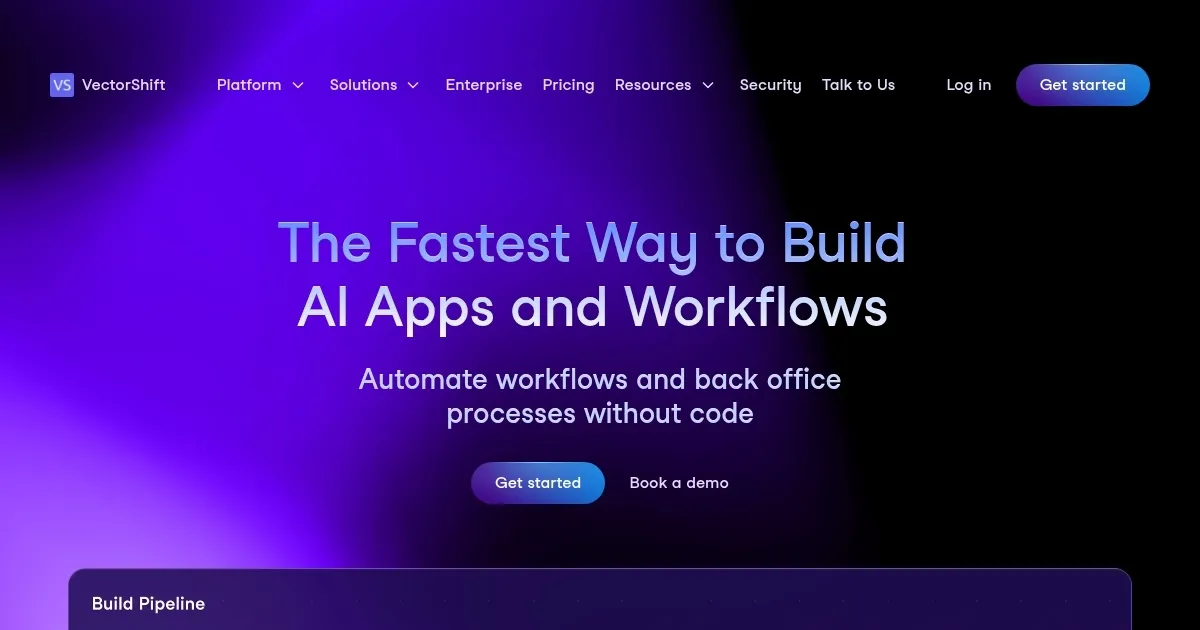
Homepage Screenshot 📸
Video Overview 🎬

What are the key features? ✨
- Visual Builder: Design AI workflows easily with a drag-and-drop interface, making it accessible for non-developers.
- Code SDK: For users with coding skills, the platform offers a software development kit to customize and enhance AI projects.
- Pre-built templates: Start projects quickly using ready-made templates, saving time and effort in the development process.
- Integrations: Connect with popular services like Google Drive and Slack to keep your AI applications updated with the latest data.
- Easy deployments: Launch your AI solutions as chatbots, automations, or search functions with simple customization options.
Who is it for? 🤔
Examples of what you can use it for 💡
- Create AI-driven chatbots to handle customer inquiries
- Develop search functionalities that help employees find information across different platforms
- Set up workflows that automatically input data into systems
- Use AI to produce articles, reports, or social media posts
- Build virtual assistants to manage tasks like scheduling, reminders, and information retrieval
Pros & Cons ⚖️
- The platform makes AI development approachable
- Offers both no-code and code-based tools
- Pre-built templates and models help jumpstart projects
- May be costly for small businesses or individual users with limited budgets