
Best AI QR Code Generation Tools
2 toolsRanked by traffic
AI QR code generators create artistic, branded QR codes that blend into a design while still scanning reliably. Instead of a plain black-and-white grid, you supply a destination link and a style prompt, and the model weaves the code into an illustration, pattern, or scene so it doubles as artwork. QRCode AI and Quick QR Art are the tools built specifically for this.
Marketers, event organizers, and small businesses use these to make a code that fits a poster or packaging instead of clashing with it. The key tension is good looks versus reliable scanning: the more decorated the code, the higher the chance some phones struggle to read it. Always test the finished code on a few devices and lighting conditions before you print or publish it.
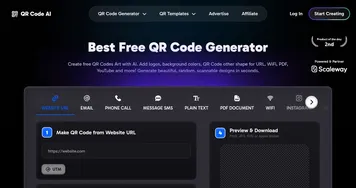

QRCode AI
An AI tool that transforms plain QR codes into eye-catching designs

Quick QR Art
Generates artistic, scannable QR codes using AI from prompts or images for creative branding
Frequently Asked Questions
Do AI-generated QR codes actually scan?
Yes, well-made AI QR codes scan on most modern phones, because the tool preserves the code's core structure while styling the rest. Heavily artistic designs carry more risk, since dense decoration can confuse some scanners. The safe practice is to generate the code, then test it across several devices and distances before using it anywhere important.
How do AI QR code generators work?
AI QR code generators start with a working QR code for your link, then use an image model to blend artwork around and through it from your style prompt. The system keeps the essential scannable pattern intact while reshaping the visual design. The result is a code that reads as illustration but still points to your destination.
Can I put my logo or brand colors in a QR code?
Yes, AI QR generators are designed to match a brand. You can guide the colors, theme, and overall style through prompts, and many let you build the code around a logo or product. Just keep enough contrast between the code and its background, since low contrast is a common reason a styled code fails to scan.