
QRCode AI
An AI tool that transforms plain QR codes into eye-catching designs
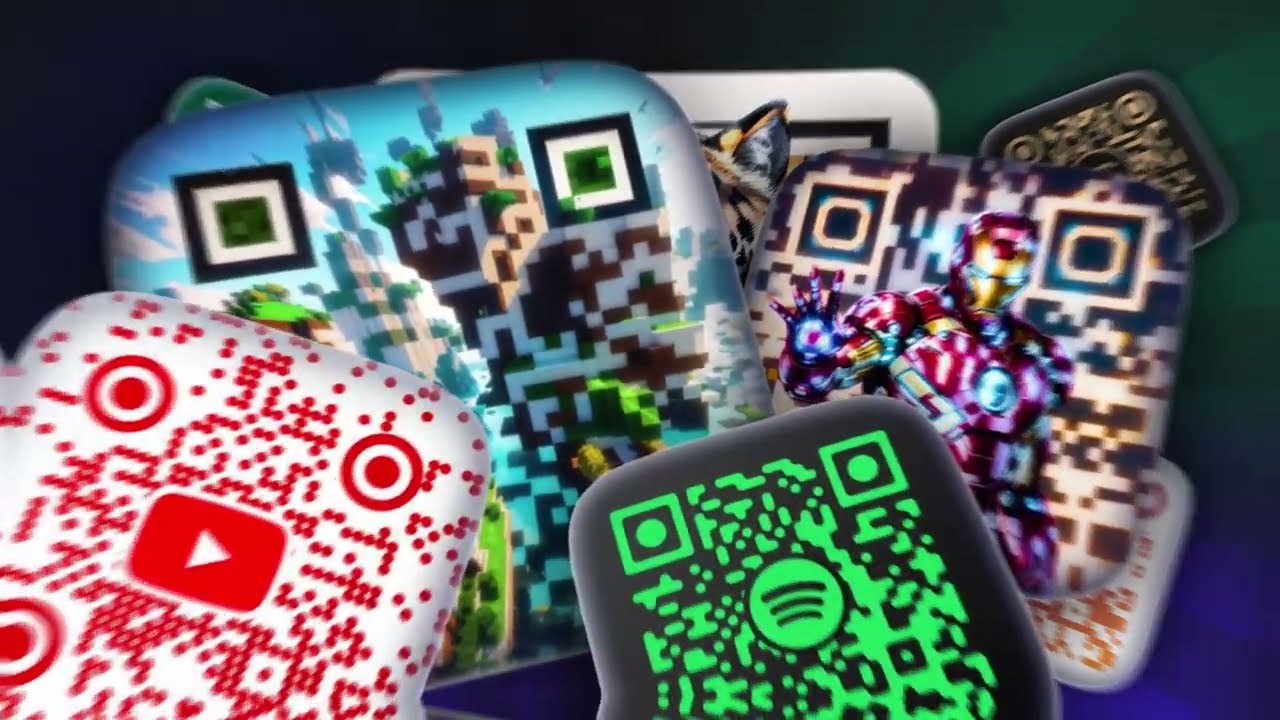
QRCode AI is a fancy tool that transforms plain QR codes into eye-catching designs. As such, it crafts personalized, artistic QR codes that align with your brand’s identity.
Imagine turning a simple black-and-white square into a scannable masterpiece. That’s what QRCode AI is all about.
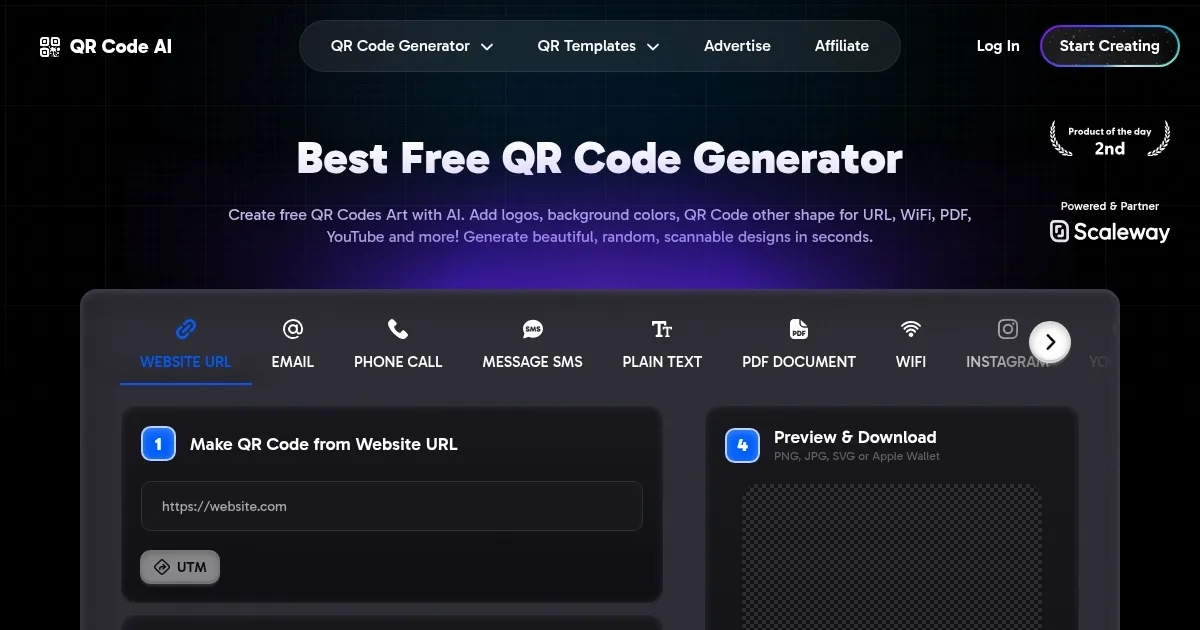
In order to use QRCode AI, you should first enter the information you want to share, like a website URL or contact details. The platform then uses artificial intelligence to generate a variety of design options and you get to choose from different shapes, colors, and even add your logo. This means your QR code isn’t just functional — it’s a reflection of your “brand’s personality.”
QRCode AI also lets you create dynamic QR codes, which can be updated even after printing. This can be useful for businesses that need to change promotions or share new information regularly. Plus, QRCode AI offers analytics to track how often your codes are scanned. This data helps you understand customer engagement and refine your marketing strategies.
The platform supports a range of QR code types; whether you’re linking to a PDF, sharing Wi-Fi credentials, or directing users to your social media profiles – QRCode AI has you covered. This versatility makes it a valuable tool for different industries, from hospitality to retail.
QRCode AI comes with an easy-to-grasp user interface, making it accessible even for those who aren’t tech-savvy. And if you ever need assistance, their support team is ready to help.
To sum it up, QRCode AI offers a comprehensive solution for creating customized, dynamic, and trackable QR codes. Its user-friendly interface and cool features make it a valuable tool for enhancing digital engagement across different applications. Check it out.
Homepage Screenshot 📸
Video Overview 🎬
What are the key features? ✨
- Customizable designs: QRCode AI allows you to personalize your QR codes with different shapes, colors, and logos.
- Dynamic QR codes: Easily update the content linked to your QR codes without reprinting them, making it useful for changing promotions or information.
- Analytics tracking: Monitor the performance of your QR codes with built-in analytics, providing insights into scan rates and user engagement.
- Multiple QR code types: Generate QR codes for various purposes, including URLs, Wi-Fi access, PDFs, and social media profiles.
- User-friendly interface: The platform is designed to be intuitive, allowing users of all technical levels to create and customize QR codes effortlessly.
Who is it for? 🤔
Examples of what you can use it for 💡
- Enhance promotional materials with branded QR codes that direct customers to special offers or product pages
- Simplify event check-ins by providing attendees with QR codes containing their ticket information
- Replace physical menus with QR codes that link to digital versions
- Offer guests easy access to your Wi-Fi network by generating QR codes that automatically connect their devices
- Include QR codes on business cards that link to your online portfolio or contact information
Pros & Cons ⚖️
- Support for different QR code types
- Real-time analytics with valuable data on user interactions
- Extensive design features to align QR codes with brand aesthetics
- Some users may need time to explore all customizations
Ready to try QRCode AI?
An AI tool that transforms plain QR codes into eye-catching designs
Visit QRCode AIQRCode AI alternatives 🔗