AI Headshots by PixelBin.io
Transforms selfies into professional headshots using AI technology
You’re scrolling through LinkedIn, and every profile picture looks like it was shot in a studio with perfect lighting, crisp suits, and backgrounds that scream “I’ve got my act together.” Then you glance at your own blurry selfie, taken in your car. Time for a change, right? Enter AI Headshots, a tool that takes your everyday snapshots and spins them into professional-grade portraits without you ever stepping foot in a studio. I think it’s a game-changer for anyone who wants to look polished online, whether for a job hunt, a side hustle, or just a confidence boost.
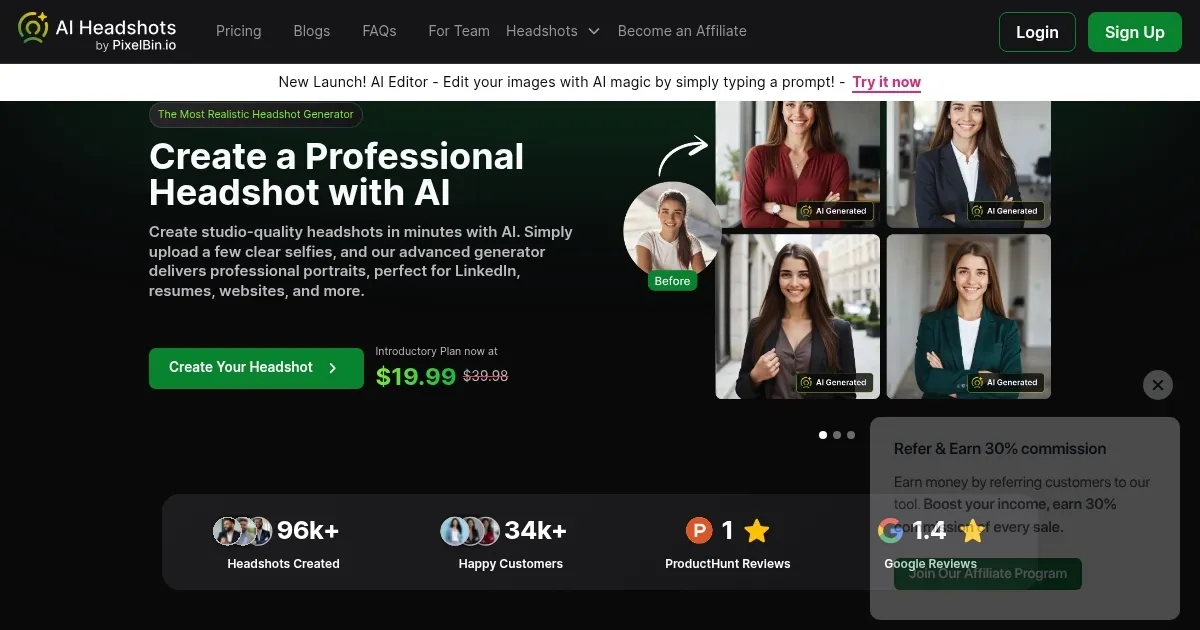
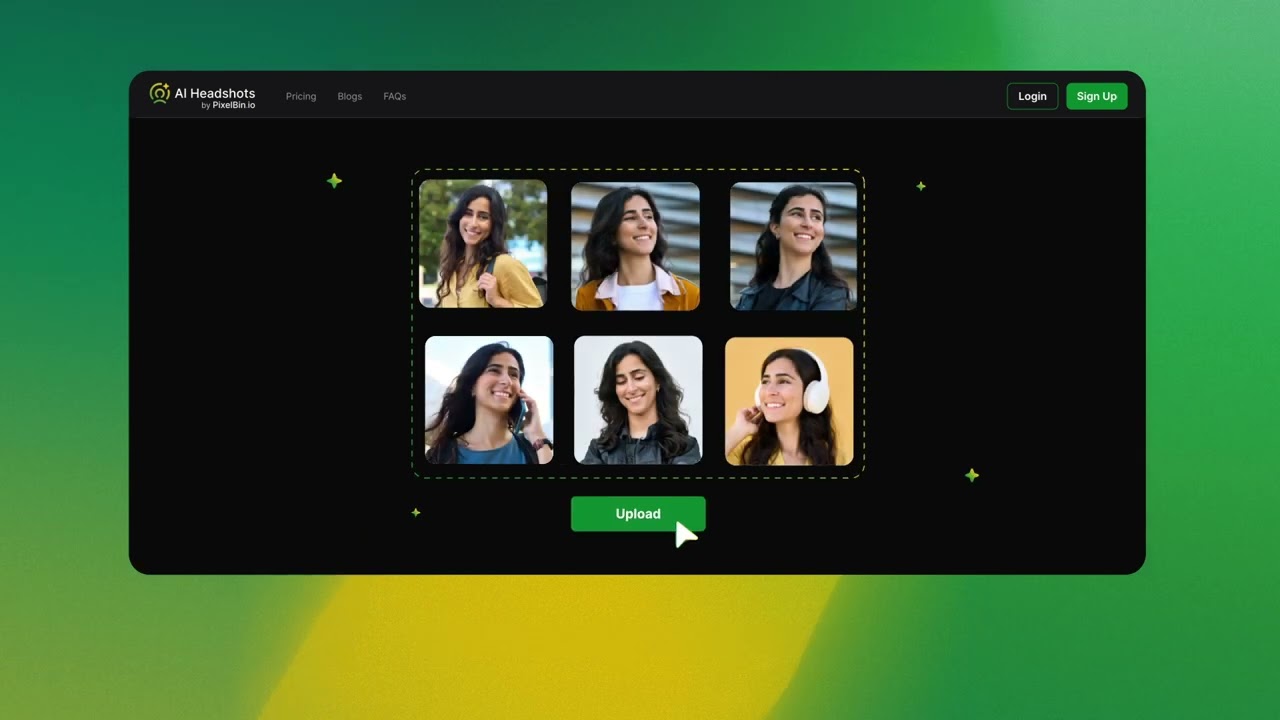
The process is straightforward. You upload a handful of selfies — four or more, ideally clear and well-lit — and the AI gets to work. It analyzes your facial features, fine-tunes the lighting, and churns out headshots that look like they cost hundreds of dollars. The tool offers a range of styles, from corporate chic to creative casual, and you can tweak backgrounds to match your vibe, whether it’s a sleek office or a trendy urban setting. I’m impressed by how it captures details like hair texture or subtle expressions, making the results feel authentic, not like some uncanny AI clone. The speed is another win: you get your polished portraits in minutes, not days, which is a far cry from scheduling a photoshoot and waiting for edits.
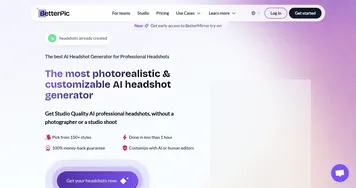
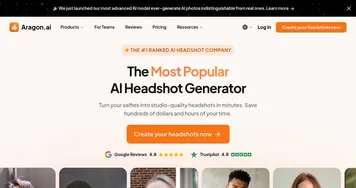
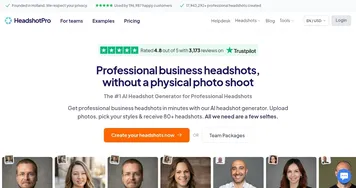
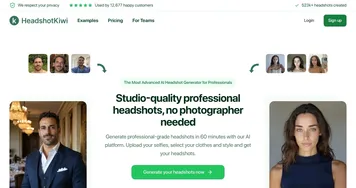
That said, it’s not flawless. The tool leans heavily on the quality of your uploaded photos. Feed it blurry or poorly lit selfies, and the results might look a bit off, like a slightly overzealous Instagram filter. Some users on Reddit mentioned needing multiple tries to get the perfect shot, especially if their lighting wasn’t ideal. Also, while the variety of backgrounds and styles is solid, it’s not infinite — you might wish for more niche options if you’re in a creative field. Compared to competitors like HeadshotPro or Aragon AI, AI Headshots holds its own with its ease of use and speed, though HeadshotPro offers more advanced team features for businesses, and Aragon.ai boasts slightly more customization for artistic types.
What surprised me? The tool’s ability to make you look like you, but better. It’s not just slapping a generic face onto a template; it’s studying your features and enhancing them naturally. I also like that it’s budget-friendly, with pricing that feels accessible compared to pricier options like InstaHeadshots, which can get costly for premium features. The commercial license is a nice touch — you own the photos outright, no watermarks or restrictions, which is great for freelancers or small business owners.
If you’re diving into this, upload high-quality selfies with good lighting, ideally taken straight-on. Experiment with a few different shots to give the AI more to work with. Check the background options to match your industry — corporate for LinkedIn, creative for Instagram. If the first batch isn’t perfect, tweak your inputs and try again. You’ll likely land on a headshot that makes you look like the pro you are.
Homepage Screenshot 📸
Video Overview 🎬
What are the key features? ✨
- Photo Upload: Users upload 4+ selfies for AI to analyze and generate headshots.
- Style Customization: Offers business, creative, and holiday-themed headshot styles.
- Background Options: Choose from office, urban, or solid color backgrounds.
- Fast Processing: Delivers professional headshots in under 15 minutes.
- Commercial License: Grants full ownership of generated images for any use.
Who is it for? 🤔
Examples of what you can use it for 💡
- Job Seeker: Creates a professional LinkedIn headshot to impress recruiters.
- Freelancer: Generates creative portraits for a portfolio or social media.
- Small Business Owner: Produces consistent team headshots for a website.
- Social Media Influencer: Crafts vibrant headshots for Instagram or Twitter.
- Real Estate Agent: Uses polished portraits for business cards and listings.
Pros & Cons ⚖️
- Natural, realistic results
- Easy-to-use interface
- Full image ownership
- Limited style variety
- No advanced editing
FAQs 💬
Ready to try AI Headshots?
Transforms selfies into professional headshots using AI technology
Visit AI HeadshotsAI Headshots alternatives 🔗