Apply Design
Creates photorealistic virtual staging for real estate in minutes
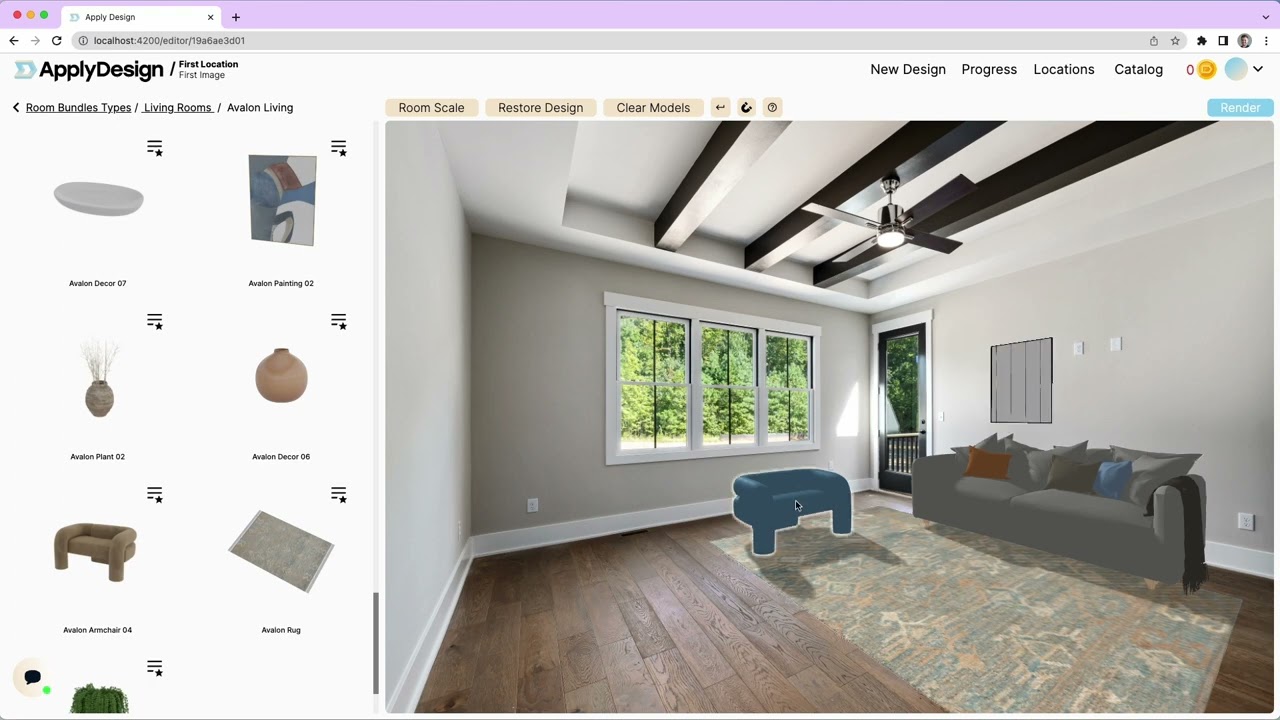
Apply Design is like a magic wand for real estate pros who need to make empty rooms pop. I’m not saying it’s perfect, but it’s got this knack for turning bland property photos into something buyers can’t stop staring at. You upload an image, and in about 10-15 minutes, you’ve got a staged room that looks like it’s ready for a magazine shoot. The AI does the heavy lifting, stripping out old furniture and dropping in new pieces from a catalog of over 12,000 items. It’s fast, it’s slick, and it’s got a drag-and-drop editor that even your tech-averse uncle could probably figure out.
What makes Apply Design stand out is its balance of automation and control. The Auto Staging feature is a one-click wonder, letting the AI pick furniture based on your style preferences, like Modern or Scandinavian. But if you’re picky, the DIY Staging lets you tweak every detail — swap out a lamp, adjust a curtain, or add a plant. It’s like playing interior designer without the degree. The platform supports both 2D and 360° images, which is a big deal for realtors who want to show off every angle of a property. And the multi-angle consistency? It ensures your living room looks the same whether you’re shooting from the east or west side.
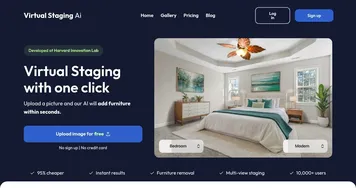
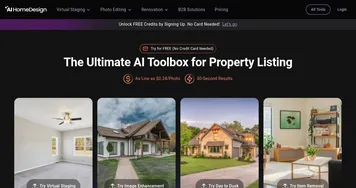
Now, it’s not all sunshine. The learning curve, while not steep, can feel clunky for first-timers. You might fumble a bit figuring out how to align furniture perfectly in 360° shots. Also, while the furniture catalog is massive, some users on platforms like Trustpilot have mentioned they’d love even more trendy or region-specific pieces. Compared to competitors like AI HomeDesign or Virtual Staging AI, Apply Design’s pricing is competitive — starting at a few bucks per image — but it’s not always the cheapest for bulk projects. BoxBrownie, for instance, has a slight edge for high-volume users, though it lacks the same level of on-the-spot customization.
The surprise here? The AI Decluttering tool. It’s not just about adding furniture; it can strip out existing pieces with eerie precision, making a cluttered room look pristine before staging. I think this is a game-changer for older properties that need a fresh face. The turnaround time is another plus — 10-15 minutes per image is faster than most competitors, who can take up to 48 hours. Reviews on Reddit and Trustpilot rave about the realistic lighting and shadows, which make staged images feel less like CGI and more like reality.
If you’re diving into Apply Design, start with the free trial to get a feel for it. Experiment with a couple of images before committing to a big project. Pair it with good-quality photos for the best results, and don’t be afraid to use the 24/7 support — they’re quick to respond. It’s a tool that can make your listings stand out, just don’t expect it to do your entire marketing job for you.
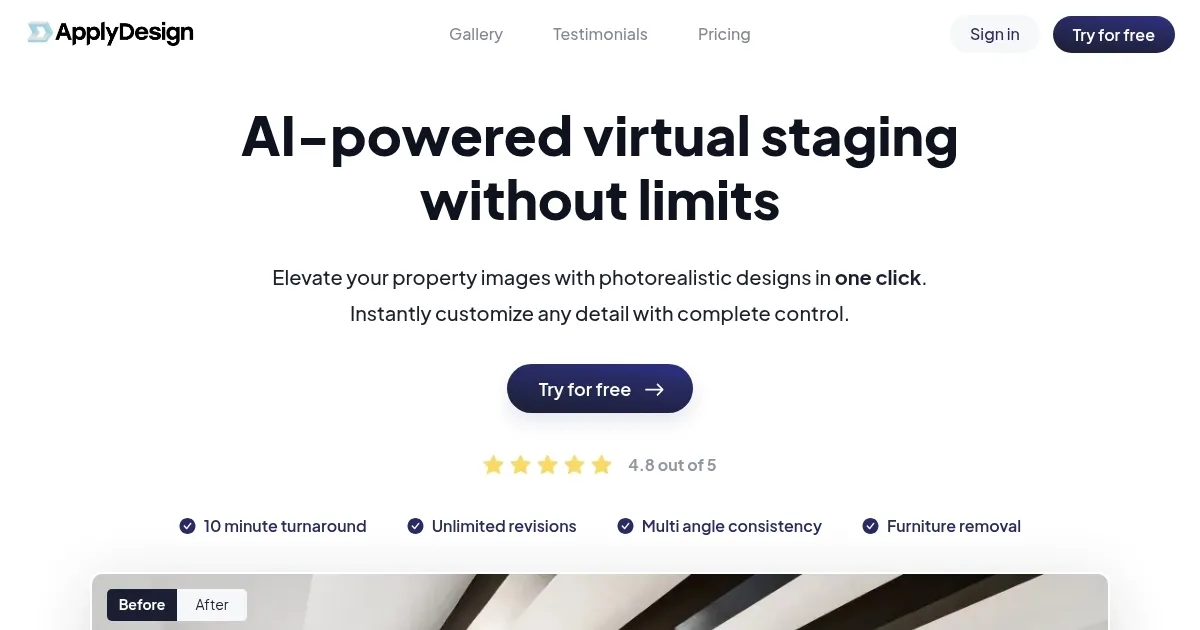
Homepage Screenshot 📸
Video Overview 🎬
What are the key features? ✨
- Auto Staging: Automatically stages images based on user style preferences in minutes.
- AI Decluttering: Removes existing furniture from images with a single click.
- DIY Staging: Allows manual furniture placement with a drag-and-drop editor.
- Multi-Angle Consistency: Ensures uniform designs across multiple images of the same room.
- Furniture Catalog: Offers over 12,000 furniture pieces for diverse styling options.
Who is it for? 🤔
Examples of what you can use it for 💡
- Realtor: Uses Apply Design to stage vacant homes, making listings more appealing to buyers.
- Photographer: Enhances property photos with realistic staging for client marketing materials.
- Home Stager: Customizes room designs to showcase different styles for potential buyers.
- Interior Designer: Visualizes design concepts for clients using the furniture catalog.
- Property Developer: Creates staged images for new constructions to attract investors.
Pros & Cons ⚖️
- Fast 10-15 minute turnaround
- Supports 2D and 360° images
- Large 12,000+ furniture catalog
- Limited niche furniture options
- Bulk pricing less competitive
FAQs 💬
Ready to try Apply Design?
Creates photorealistic virtual staging for real estate in minutes
Visit Apply DesignApply Design alternatives 🔗