logo-darklogo-darklogo-darklogo-dark
  • Tool Categories
    • ๐ŸŽจArt & Creative Design505
    • ๐ŸขBusiness Management644
    • ๐Ÿ’ปCoding & Development515
    • ๐Ÿ‘ฎDetection83
    • ๐Ÿง General Use727
    • ๐ŸฅHealth & Wellness55
    • ๐Ÿ“ทImage & Photo Analysis100
    • ๐Ÿ–ผ๏ธImage Generation & Editing618
    • ๐Ÿ“Interior & Architectural Design37
    • ๐ŸŽ“Learning & Education483
    • โš–๏ธLegal & Finance90
    • ๐ŸŽญLifestyle & Entertainment236
    • ๐Ÿ“ขMarketing & Advertising627
    • ๐ŸŽงMusic & Audio138
    • ๐Ÿ‘”Office & Workplace1,014
    • ๐Ÿ”ฌResearch & Data Analysis372
    • ๐Ÿ‘ฅSocial Media245
    • ๐ŸŽฅVideo Generation & Editing426
    • ๐Ÿ‘ง๐ŸปVirtual Companion135
    • ๐ŸŽคVoice Generation & Editing381
    • โœ๏ธWriting & Editing808
    • All Categories
    • AI Use Cases
  • News
  • Events
    • Academic Conferences
    • Developer Conferences
    • Expos / Trade Shows
    • Industry Summits
    • Workshops / Training
    • All Events
    • Past Events
  • Saved Tools
  • Suggest a Tool
โœ•
Home › Art & Creative Design › Art Generation› ArtSpace.ai
ArtSpace.ai

ArtSpace.ai

A creative tool that can turn your words into pictures

ArtSpace.ai is a creative tool that can turn your words into pictures. Just type what you imagine, and it will create an image for you. In that sense, using ArtSpace.ai is like having a magic paintbrush that brings your ideas to life.

You start using ArtSpace.ai by typing a description of what you want to see. For example, you might write “a dog wearing a hat in space,” and the tool will generate an image that matches your description. It’s that simple though for more details, you can add specifics like colors, styles, or settings to make the image just right.

ArtSpace.ai also provides tools to edit your images. You can make the picture bigger, change parts of it, or improve the quality. For example, if you want to add more background to your image, you can use the “outpainting” feature to expand it. Or, if there’s something you want to remove or change – the “inpainting” tool lets you easily do that.

All this makes ArtSpace.ai useful for many people. Artists can use it to create new ideas, writers can make images for their stories, while teachers can create visuals for lessons. Even businesses can design graphics for marketing.

ArtSpace.ai competes in a saturated space and we can’t tell that it’s better than Midjourney or DALLยทE (ChatGPT), which work in a similar fashion. You can try it out and see whether it produces results that better suit your needs.

Visit ArtSpace.ai ↗
Categories
๐ŸŽจ Art
๐ŸŽจ Art Generation ๐Ÿ–ผ๏ธ Design Generation ๐ŸŒ… Illustration Generation
๐Ÿ–ผ๏ธ Image
๐Ÿ–ผ๏ธ Image Generation ๐Ÿช„ Text to Image

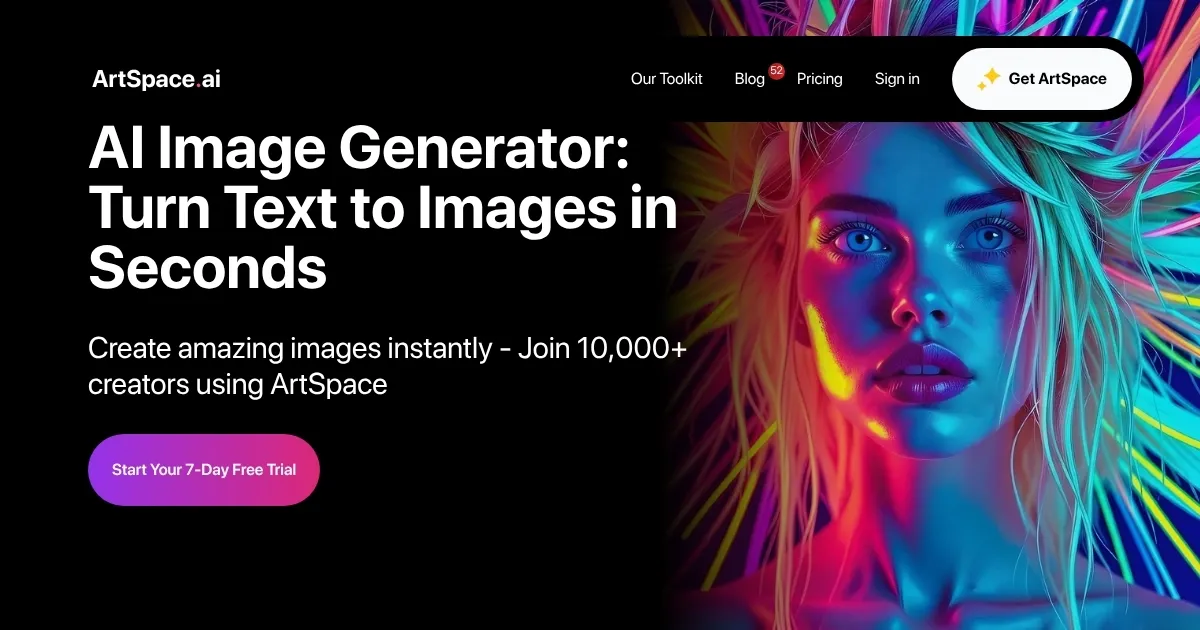
Homepage Screenshot 📸

ArtSpace.ai screenshot

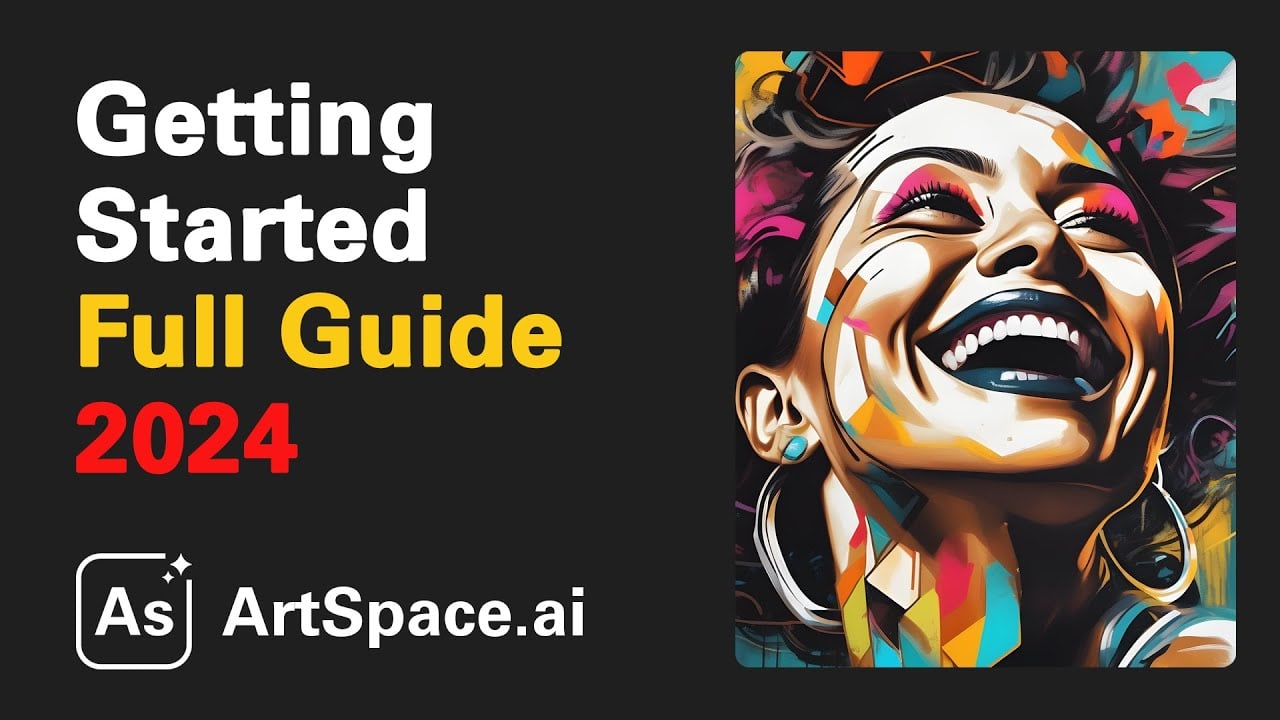
Video Overview 🎬

What are the key features? ✨

  • Text-to-image generation: Type a description, and ArtSpace.ai will create an image that matches your words.
  • Image editing tools: Modify your images with tools like inpainting and outpainting to add, remove, or change parts of the picture.
  • High-resolution outputs: Create images up to 4096x4096 pixels that are suitable for various uses.
  • Multiple AI models: Choose from different AI models to get the style you want, like realistic or artistic.
  • User-friendly interface: Designed for both beginners and professionals. You don't need to be a pro to create stunning images.

Who is it for? 🤔

ArtSpace.ai is great for anyone who needs to create images without extensive design skills. It could be used by content creators, educators, marketers, and artists looking for a quick and easy way to generate visuals. So, whether you're a professional or just starting, ArtSpace.ai has the tools to help you visually express your ideas.

Examples of what you can use it for 💡

  • Generate images for blog posts, social media, or websites to make your content more engaging
  • Create visuals for lessons, presentations, or study guides to help explain concepts better
  • Design unique graphics for campaigns, advertisements, or branding materials
  • Experiment with new ideas, styles, or concepts to inspire your artistic projects
  • Bring your stories to life by creating illustrations that match your narratives

Pros & Cons ⚖️

  • Advanced editing features for customization
  • Generates high-quality, high-resolution images
  • Supports different artistic styles through multiple AI models.
  • Advanced features aren't free (makes sense)
Ready to try ArtSpace.ai?

A creative tool that can turn your words into pictures

Visit ArtSpace.ai ↗

ArtSpace.ai alternatives 🔗

  1. Imagen Imagen Generates photorealistic images from detailed text prompts
  2. Black Forest Labs Black Forest Labs Generates high-quality images from text prompts with precision and speed
  3. Kling AI Kling AI Generates cinematic videos from text or images with realistic motion
  4. Veo Veo Generates high-quality videos with audio from text or image prompts
  5. Runway Runway Generates and edits AI-powered videos from text prompts
  6. Midjourney Midjourney Generates high-quality images from text prompts using AI.
Share
ArtSpace.ai screenshot enlarged
Promote ArtSpace.ai
light badge
Copy Embed Code
dark badge
Copy Embed Code
neutral badge
Copy Embed Code
Best AI Tools

Discover the best AI tools for any use case

Explore
  • Tool Categories
  • AI Use Cases
  • AI Events
  • AI News
  • Saved Tools
Company
  • About Us
  • Contact Us
  • Media & Partnerships
  • Suggest a Tool
Legal
  • Privacy Policy
  • Terms of Service
Copyright © 2026 Best AI Tools 415 Mission Street, 37th Floor, San Francisco, CA 94105