BGEraser
Removes image backgrounds instantly using AI for clean, professional results
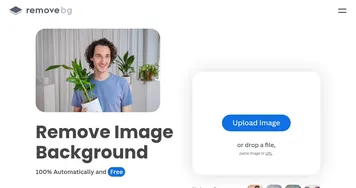
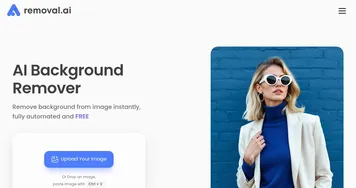
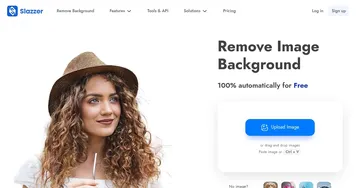
Say you’re staring at a photo. It’s got potential — great subject, nice lighting — but the background? A cluttered mess. Enter BgEraser, a web-based tool that promises to zap that distracting backdrop away with a single click. I think it’s safe to say this tool delivers, and then some. Built on sophisticated AI algorithms, BgEraser strips away backgrounds from portraits, product shots, or even tricky nature photos, leaving you with a crisp, transparent PNG. It’s fast, free, and doesn’t demand you download clunky software or wrestle with complex settings. Upload an image, hit “Start,” and boom — your subject stands alone, ready for a new backdrop or a sleek, professional presentation.
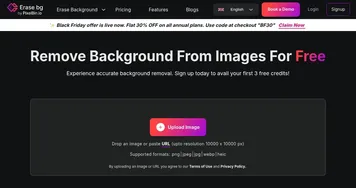
What makes BgEraser stand out is its sheer simplicity. The interface is clean, almost minimalist, guiding you through a process so straightforward it feels like cheating. You can process up to 20 images at once, which is a game-changer for anyone managing an e-commerce store or churning out social media content. The AI does an impressive job, especially with complex subjects like hair or intricate edges, preserving details that would take hours to refine manually. I was skeptical about its claim of handling “any image type,” but it tackles everything from logos to pet photos with surprising accuracy. Compared to competitors like Remove.bg or Erase bg, BgEraser holds its own, offering similar precision but with a fully free plan that doesn’t skimp on quality.
That said, it’s not perfect. Low-resolution images or blurry subjects can trip up the AI, sometimes leaving jagged edges or stray pixels. The free plan limits you to 2MB files and 1200×1200 pixel dimensions, which might frustrate users working with high-res shots. Paid plans, available at monthly or yearly rates, lift these restrictions, but they’re not mandatory to get solid results. Another surprise? The tool’s batch processing is a lifesaver, but it lacks advanced editing features like custom background replacements, which Remove.bg offers. Still, for quick, no-fuss edits, it’s hard to beat.
I found user feedback on platforms like Reddit and X praising BgEraser’s speed and ease, with many calling it a “Photoshop killer” for simple tasks. Some users, though, grumbled about occasional over-cropping on complex images, like group shots with overlapping subjects. The tool’s web-based nature means you’re at the mercy of your internet connection, which could slow things down on a bad day. No mobile app exists yet, unlike Erase.bg, which has a slick iOS and Android version.
For anyone looking to clean up images without breaking a sweat, BgEraser is a solid pick. Try uploading a high-resolution image first to get the best results. If you’re handling bulk edits, use the batch feature to save time. And if you hit a snag, their support team is responsive — reach out via the website. Just don’t expect miracles with super blurry photos.
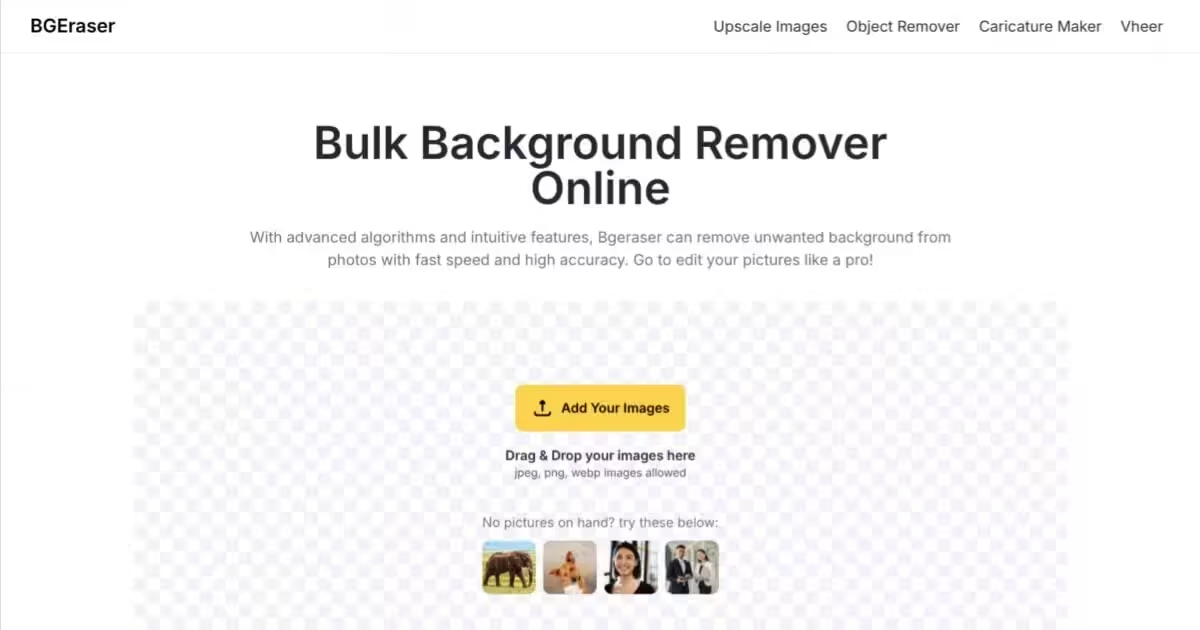
Homepage Screenshot 📸
What are the key features? ✨
- AI Background Removal: Automatically removes backgrounds from images in seconds using advanced machine learning.
- Batch Processing: Processes up to 20 images simultaneously for efficient bulk editing.
- Watermark-Free Downloads: Provides clean, transparent PNGs without watermarks for free.
- Web-Based Access: Runs directly in browsers, requiring no software installation.
- High Accuracy: Preserves fine details like hair or product edges for professional results.
Who is it for? 🤔
Examples of what you can use it for 💡
- E-commerce Seller: Removes backgrounds from product photos to create clean, professional listings.
- Graphic Designer: Isolates subjects for use in promotional materials or banners.
- Photographer: Enhances portraits by removing distracting backgrounds for client projects.
- Social Media Creator: Creates transparent images for engaging Instagram or Facebook posts.
- Small Business Owner: Edits logos or graphics for branding without needing advanced software.
Pros & Cons ⚖️
- Free with no account needed.
- Batch processing for efficiency.
- Clean, watermark-free results.
- Limited to 2MB file size.
- No advanced editing tools.
FAQs 💬
Ready to try BGEraser?
Removes image backgrounds instantly using AI for clean, professional results
Visit BGEraser