BgSub
Removes or replaces image backgrounds using AI in seconds
BgSub is a nifty little web app that’s changing how we handle image backgrounds. You’ve got a photo, maybe a product shot or a selfie, and the background’s just not cutting it. BgSub swoops in with AI-powered precision, stripping away that messy backdrop or swapping it for something sleek, all without you uploading a single pixel to some distant server. It’s fast, free, and frankly, kind of fun to use. The magic happens right in your browser, which is a big deal for anyone who’s ever hesitated to send personal photos into the cloud.
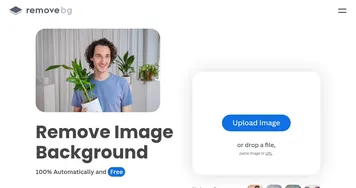
What makes BgSub stand out is its commitment to privacy. Unlike competitors like remove.bg or Canva, which often require uploads, BgSub processes everything locally. Your images stay on your device, a feature that’s practically a love letter to anyone paranoid about data leaks. I mean, who hasn’t worried about their vacation pics ending up in some AI training dataset? The tool leverages a highly optimized processing engine, built on a refined DeepLabV3 model, to deliver results in about five seconds. That’s quicker than it takes to decide what to eat for lunch.
The interface is clean, almost too simple, with options to remove backgrounds, replace them with solid colors or gradients, or apply artistic effects. You can fine-tune edges or adjust colors automatically, which is great for making that new background blend naturally. The AI Coloring feature, for instance, tweaks tones to avoid that awkward “pasted-on” look. It supports up to 200-megapixel images, which is a godsend for photographers working with high-res files. I tested it with a photo of a dog against a cluttered backyard, and poof — the background vanished, leaving a crisp, transparent PNG ready for a new scene.
But it’s not all sunshine. The tool’s simplicity can be a double-edged sword. If you’re after advanced editing — like layering multiple effects or precise manual adjustments — you might find BgSub a bit bare-bones compared to Photoshop or Fotor. Occasionally, the AI struggles with complex subjects, like hair or intricate patterns, leaving jagged edges that need manual tweaking. And while the no-upload policy is great for privacy, it means your device does the heavy lifting, so don’t expect miracles on a low-end phone or an ancient laptop.
Here’s a surprise: BgSub is completely free, with no hidden catches or watermarks, which is rare in a world where “freemium” usually means “paywall incoming.” It even supports commercial use, so small businesses can churn out polished product images without breaking the bank. Compared to remove.bg, which charges for high-volume use, or Clipping Magic, which has a subscription model, BgSub’s pricing (or lack thereof) is a breath of fresh air.
If you’re dipping your toes into image editing or need quick, professional-looking results, give BgSub a spin. Start with simple images to get the hang of it, and don’t be afraid to use the manual edit tools for tricky subjects. It’s a tool that respects your time and privacy, and that’s worth celebrating.
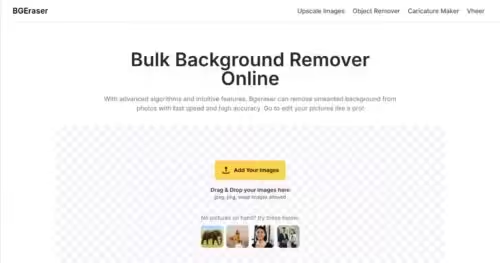
Homepage Screenshot 📸
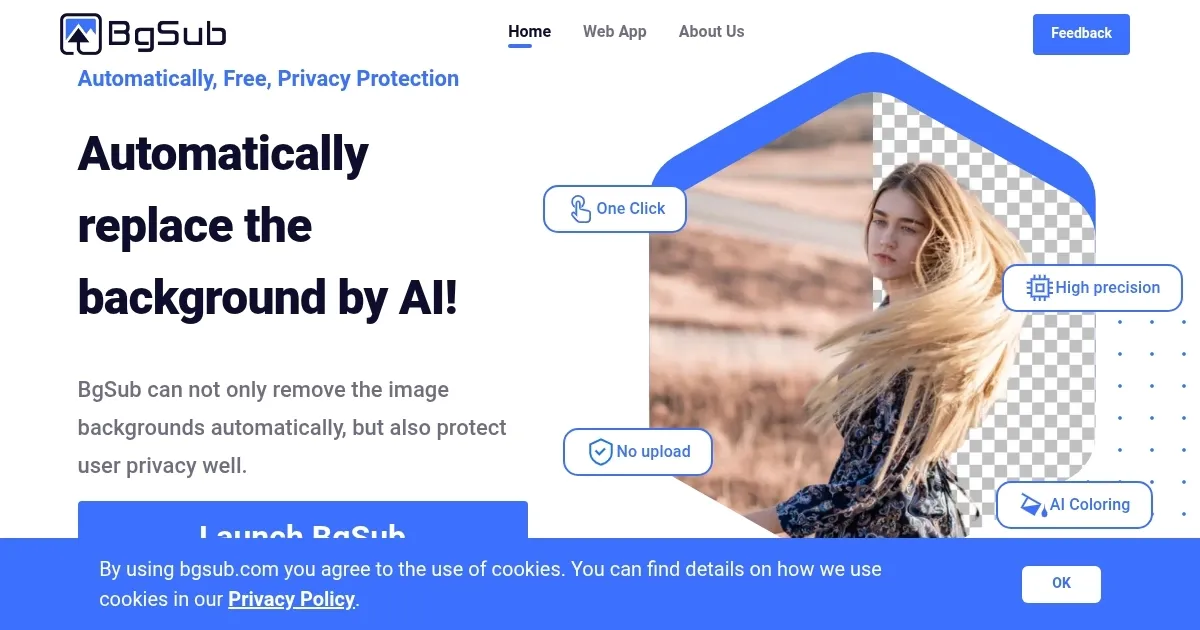
What are the key features? ✨
- Auto-Remove: Removes image backgrounds automatically in five seconds.
- AI Coloring: Adjusts image tones to match new backgrounds seamlessly.
- Background Replacement: Replaces backgrounds with solid colors or gradients.
- Edit Mode: Allows manual refinement of edges and object selection.
- In-Browser Processing: Processes images locally, ensuring privacy without uploads.
Who is it for? 🤔
Examples of what you can use it for 💡
- E-commerce Seller: Creates clean product images for online stores.
- Social Media Influencer: Enhances photos with new backgrounds for posts.
- Photographer: Removes backgrounds without a green screen for portraits.
- Web Developer: Designs visually appealing images for websites.
- Marketer: Produces polished visuals for advertising campaigns.
Pros & Cons ⚖️
- Free with no watermarks.
- Fast processing in 5 seconds.
- Supports high-res images.
- Limited advanced editing tools.
- Struggles with complex images.
FAQs 💬