blieve.ai
Creates stunning AI-generated images and videos from text prompts
Blieve.ai is a platform offering AI-powered tools for creating and editing images and videos from text prompts or uploads. It targets creators, businesses, and individuals, providing features like Image Generator, Video Generator, and Background Remover. The platform supports multiple AI models, including Flux, DALL-E 3, and Kling Pro, to produce high-quality visuals. Its freemium model offers 10 daily credits, with paid plans unlocking higher resolution downloads and more storage.
The Image Generator creates visuals from text prompts, supporting styles from photorealistic to artistic. The Video Generator transforms images and text into short, professional-grade videos, using models like Veo 3 for dynamic results. Background Remover isolates subjects cleanly, while Image Upscaler boosts resolution up to 4x. The community gallery showcases user creations, offering inspiration. Pricing starts free, with paid plans (Basic, Pro, Enterprise) providing more credits and features, competitive with tools like DALL-E and Stable Diffusion.
Limitations include occasional bugs, as noted in user feedback on X, which can disrupt workflows. The free plan restricts downloads to low resolution, and some advanced features, like Generative Fill, require precise prompts for best results. Compared to DALL-E, Blieve.ai is more accessible for beginners, while Stable Diffusion offers more customization for experts.
The platform’s AI Effects, like AI Youth Filter, add unique creative options, though they may not suit all users. The interface is user-friendly but can lag during peak usage. Blieve.ai’s strength lies in its all-in-one approach, combining multiple tools in a single platform.
Start with the free plan to explore core features. Use clear, specific prompts for the Image and Video Generators. For professional outputs, consider a paid plan to access high-resolution downloads and advanced tools.
Homepage Screenshot 📸
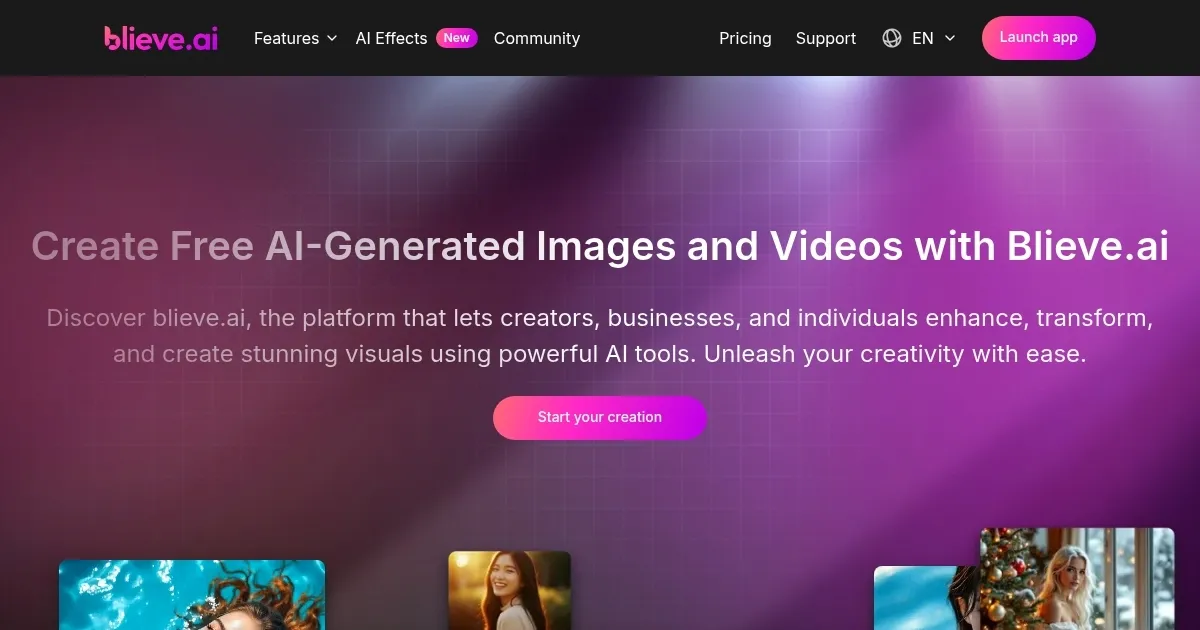
What are the key features? ✨
- Image Generator: Creates high-quality images from text prompts using models like Flux and DALL-E 3.
- Video Generator: Turns text and images into professional-grade videos with models like Kling Pro.
- Background Remover: Isolates subjects by removing unwanted backgrounds in seconds.
- Image Upscaler: Enhances image resolution up to 4x for sharper visuals.
- AI Effects: Applies creative filters like AI Youth Filter or AI Winter Product Background Generator.
Who is it for? 🤔
Examples of what you can use it for 💡
- Graphic Designer: Uses Image Generator to create concept art from text prompts for client projects.
- Small Business Owner: Employs Background Remover to produce clean product photos for e-commerce.
- Content Creator: Leverages Video Generator to craft engaging social media clips from text and images.
- Hobbyist: Applies AI Effects to transform personal photos with artistic filters for social sharing.
- Marketer: Utilizes Background Remix to create professional backdrops for promotional visuals.
Pros & Cons ⚖️
- Affordable freemium model
- Versatile AI models
- Quick visual creation
- Low-res free downloads
- Prompt precision needed
FAQs 💬
Ready to try blieve.ai?
Creates stunning AI-generated images and videos from text prompts
Visit blieve.aiblieve.ai alternatives 🔗