Dreamwave
Generates professional, realistic headshots using AI in under an hour from uploaded photos
Dreamwave is a slick, no-fuss solution for anyone who’s ever grimaced at the thought of scheduling a professional photoshoot. You upload a handful of selfies, wait about an hour, and boom — dozens of polished headshots appear, ready for your LinkedIn profile or company website. Developed by a team with roots at MIT, Google DeepMind, and Meta AI, this tool leverages cutting-edge machine learning to analyze your features and produce images that don’t scream ‘AI-generated.’ The results? High-resolution photos that capture your likeness with surprising accuracy, often indistinguishable from a real photoshoot. I think it’s a game-changer for professionals who need quick, affordable imagery without the hassle of a studio visit.
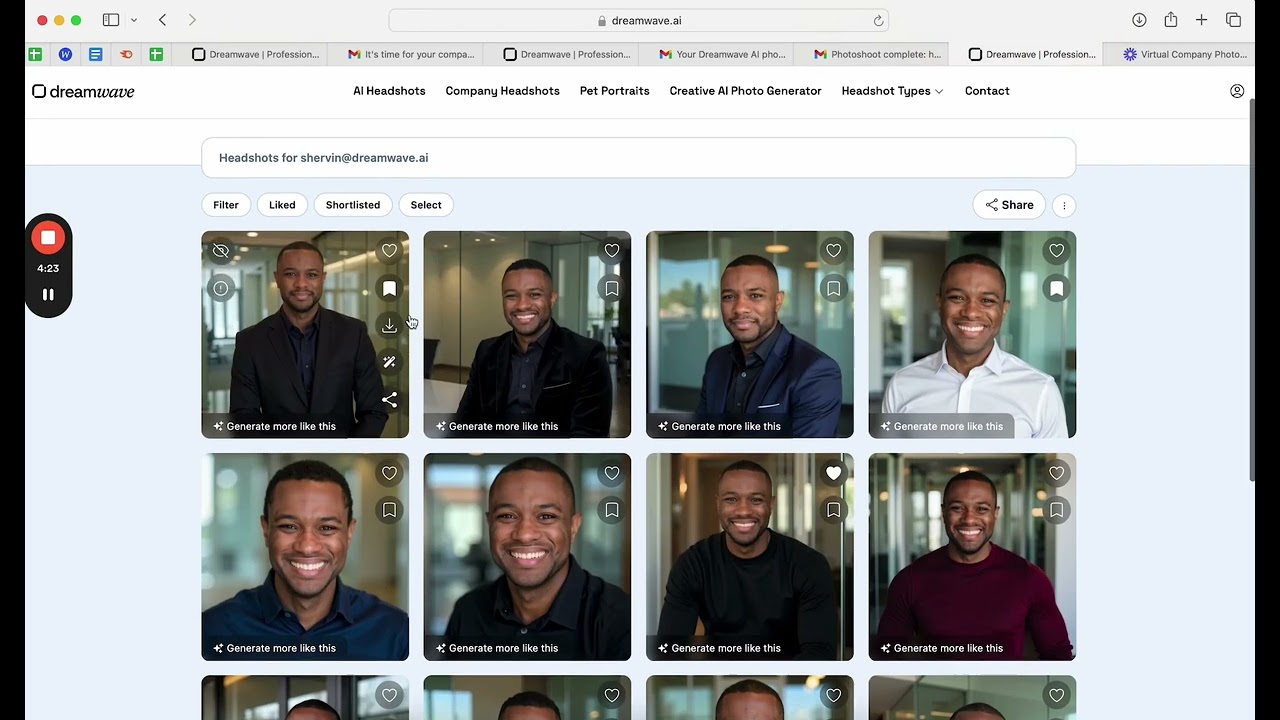
What’s particularly impressive is the platform’s commitment to inclusivity. Dreamwave’s algorithms are designed to respect diverse ethnicities, genders, and body types, ensuring your headshots reflect you, not some generic template. The process is dead simple: upload 5-8 well-lit photos, answer a few questions about your appearance (like eye color or glasses), and the AI churns out up to 120 images with varied backgrounds and outfits. Users rave about the realism — some even fooled their families into thinking they’d hired a photographer. The platform also offers batch processing for corporate teams, which is a boon for remote companies needing consistent branding across employee profiles.
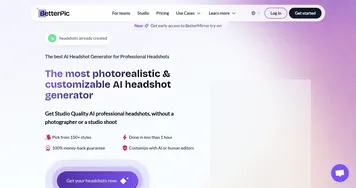
That said, it’s not flawless. Some users find the style options a bit limited compared to competitors like BetterPic or Aragon AI. While Dreamwave excels at professional looks, those chasing creative or artistic vibes might feel shortchanged. Customization is solid but not exhaustive — you can tweak backgrounds and outfits, but don’t expect Photoshop-level control. The turnaround time, typically one to two hours, is fast but not instant, unlike some rivals promising near-real-time results. And while the interface is intuitive, there’s no dedicated mobile app, which could irk mobile-first users.
The pricing feels reasonable for the quality, with a free tier for basic headshots and paid plans unlocking premium features like human touch-ups. Compared to BetterPic, which offers human edits as a standard, Dreamwave’s add-ons can feel like an upsell. Still, the value shines when you consider the cost of a traditional photoshoot — hundreds of dollars versus a fraction of that for dozens of usable images. Privacy is another strong point; Dreamwave promises not to sell your data and lets you delete it anytime, a refreshing stance in the AI world.
Surprise element? The pet portrait feature. Beyond headshots, Dreamwave can generate realistic pet photos, which is a quirky, delightful bonus for pet owners. My advice: experiment with the free tier to test the waters. Upload varied, well-lit photos to maximize quality, and don’t skimp on the premium package if you need a wide range of options for professional use. It’s a practical, time-saving tool that delivers where it counts.
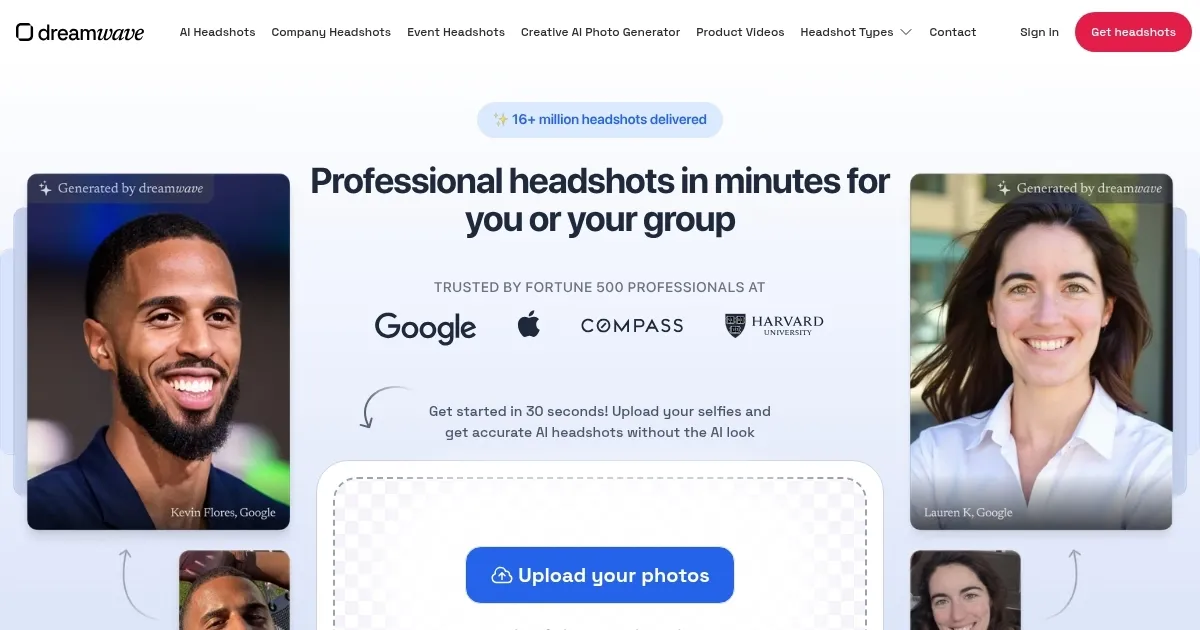
Homepage Screenshot 📸
Video Overview 🎬
What are the key features? ✨
- AI Headshot Generator: Creates professional headshots from 5-8 uploaded photos in under two hours.
- Batch Processing: Generates consistent headshots for teams, ideal for corporate branding.
- Privacy Controls: Allows users to delete data anytime, ensuring confidentiality.
- Pet Portraits: Produces realistic, creative pet photos in about an hour.
- Custom Photo Studio: Offers varied backgrounds and outfits for personalized headshots.
Who is it for? 🤔
Examples of what you can use it for 💡
- Job Seeker: Uses Dreamwave to create a polished LinkedIn headshot that enhances their professional profile.
- Corporate Manager: Generates uniform headshots for a remote team’s company website.
- Real Estate Agent: Produces professional images for marketing materials and business cards.
- Pet Owner: Creates unique, high-quality pet portraits for social media or personal use.
- Content Creator: Designs custom headshots for blog posts or social media banners.
Pros & Cons ⚖️
- Fast turnaround (1-2 hours)
- Inclusive AI algorithms
- Batch processing for teams
- Limited style customization
- Extra photos cost more
FAQs 💬
Ready to try Dreamwave?
Generates professional, realistic headshots using AI in under an hour from uploaded photos
Visit DreamwaveDreamwave alternatives 🔗