IC Light AI
Relights images using text prompts for precise lighting control
Picture grabbing your phone for a quick selfie under harsh office fluorescents. The light washes everything out, right? That’s where IC Light AI stepped in for me last week. I had maybe an hour to fiddle, uploaded a test portrait, typed ‘soft window light from the left,’ hit generate, and bam, the shadows softened like morning sun filtering through curtains. It’s that simple, yet the output felt polished, keeping my expression natural while adding depth I couldn’t fake manually.
The workflow hooked me fast: drag in your image, choose from quick prompts or craft your own, select a light angle, and let the AI do its thing. I tried background relighting next, feeding it a cozy bedroom shot, and my face blended in perfectly, shadows matching the lamp’s glow. No weird halos or mismatches, just smooth integration thanks to its deep learning smarts. Users on Reddit echo this, calling it a game-changer for Stable Diffusion workflows, though some note V1 struggles with faces on low-res inputs. I stuck to V2’s 16-channel VAE, which handled my 512-pixel test flawlessly, colors popping without distortion.
Wit here: it’s like having a lighting director in your pocket, whispering “more drama” without the ego. Compared to Relight.ai, which shines for products but fumbles portraits, IC Light nails the human element. Luminar Neo offers broader tools, but at a steeper learning curve and cost; IC Light’s credit system feels lighter, free trials letting you dip in without commitment. One downside I hit: queues during my evening test added a few minutes, turning 15-second gens into waits. And prompts need precision, or you get generic glows. Surprise? It turned a dull toy photo into a sunset seaside scene, details crisp as if shot there.
From my short spin, the pros outweigh the waits. Faces stay true, even under wild shifts like cyberpunk RGB on a cat pic I threw at it, laughing at the neon whiskers. Forums buzz with tips, like using high-res starts for best results. It’s not perfect, mind, occasional over-brightening on skin, but tweaks via re-prompts fix that quick. Against LightX’s all-in-one edits, IC Light’s focus keeps it speedy, ideal for social shares or e-comm tweaks.
Here’s my advice: Grab the free trial, experiment with V2 on personal shots first. Layer simple crops before uploading to amp results. For pros, integrate into post workflows; for casuals, it’s your quick-fix hero. I walked away feeling like a better shooter, light no longer the enemy.
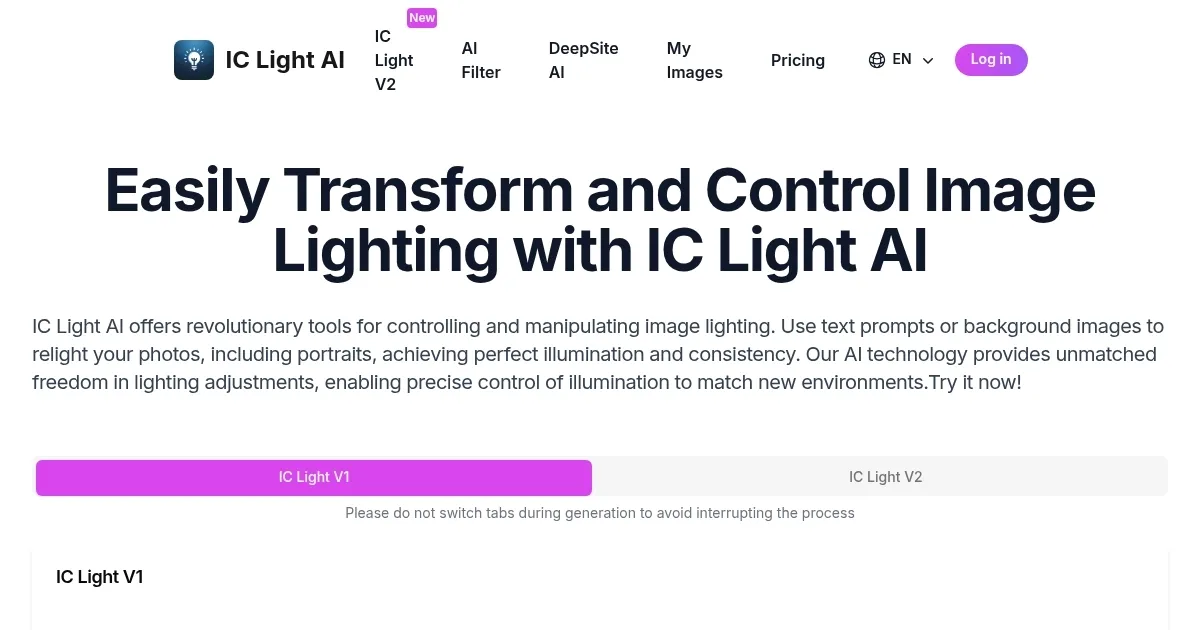
Homepage Screenshot 📸
What are the key features? ✨
- Text-Conditioned Relighting: Interprets natural language descriptions to adjust image lighting precisely.
- Background-Conditioned Relighting: Applies lighting from a reference background to the foreground for seamless integration.
- 16-Channel VAE in V2: Enhances control over multiple light sources for realistic blending and effects.
- Multiple Light Directions: Supports left, right, top, and bottom angles for directional illumination adjustments.
- High-Resolution Support: Handles images up to 1024 pixels while preserving details and quality.
Who is it for? 🤔
Examples of what you can use it for 💡
- Portrait Photographer: Relights client images to match studio setups, saving time on retakes.
- Social Media Influencer: Enhances selfies with warm glows for more engaging profile posts.
- E-commerce Seller: Adjusts product lighting to highlight textures, improving online sales visuals.
- Family User: Transforms casual snapshots into artistic family portraits with natural light effects.
- Graphic Designer: Applies cyberpunk lighting to concepts for creative mood explorations.
Pros & Cons ⚖️
- Precise lighting control
- Easy text prompts
- Free trial available
- High detail preservation
- Queue times in free mode
- Credit system post-trial
FAQs 💬
Ready to try IC Light AI?
Relights images using text prompts for precise lighting control
Visit IC Light AI