Jamorphosia
Separates songs into isolated instrument tracks using AI
I stumbled onto Jamorphosia last week during a late-night scroll through music forums, curious about quick ways to strip bass from a funky groove I was practicing. With just a couple hours fiddling around, no deep dive commitment, I uploaded a WAV of an indie track and watched it unravel into neat layers, the AI humming along like a diligent intern sorting cables. That backtrack algorithm they tout, it chews through the file, spotting drum hits and vocal peaks with a precision that caught me off guard, turning a messy mix into something I could actually loop for my bass lines. The web page loaded smoothly on my laptop, dragged the file, hit the process, and there it was, options to yank the guitar or mute the keys.
What hooked me early was the preview trick, listening to 30 seconds of your split before it eats your time, a smart move that let me tweak a noisy upload without regret. I pulled vocals from a pop tune for kicks, and the karaoke version came out crisp enough to belt along in my kitchen, though a hint of echo lingered, like the singer whispering from the next room. Folks online share stories of using it for drum isolation during quiet apartment sessions, and I get why, it quiets the chaos without demanding you master EQ sliders. But here’s where it gets real, on a denser jazz number, the piano bled a tad into the bass track, not a dealbreaker but enough to make me chuckle at the AIs near-miss.
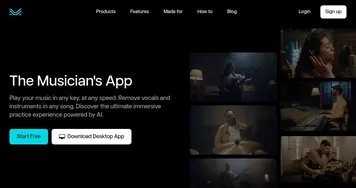
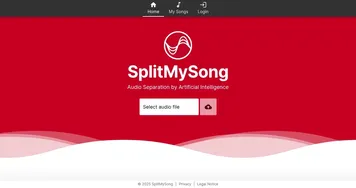
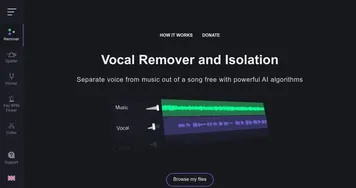
Stack it against rivals, and Jamorphosia holds its own for free users. LALAL.AI nails cleaner separations but hits your wallet faster, while Moises offers mobile syncing I envied, yet Jamorphosia’s browser simplicity won me over for spot checks. The free account bumped my limit past that pesky one-minute wall, letting me export full tracks to my library, a cozy spot that feels like a digital shoebox of riffs. Surprise element, it handled a live bootleg surprisingly well, peeling away crowd hum to reveal sharp horns, something my quick tests didn’t predict.
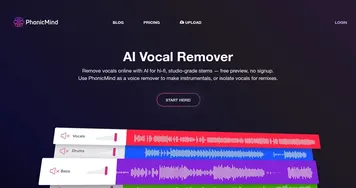
You might gripe about the quality slider, basic settings sound tinny on headphones, pushing you toward max for that full-bodied punch, and wait times crept up once, turning coffee into a necessity. Versus PhonicMind, which lasers in on voices alone, Jamorphosia’s broader toolkit for instruments adds wit to workouts, like crafting a drumless bed for air guitar solos. I probably won’t ditch my DAW entirely, but for those offhand ideas, it sparks joy.
The custom library turned my experiments into a reusable stash, perfect for chaining sessions. One run-on thought, though, the web lock-in means no phone jams, a comma splice of convenience and constraint.
Try this, snag a song you love, isolate the element that bugs you most, and layer in your own spin, it might just rewrite your practice playlist with a grin.
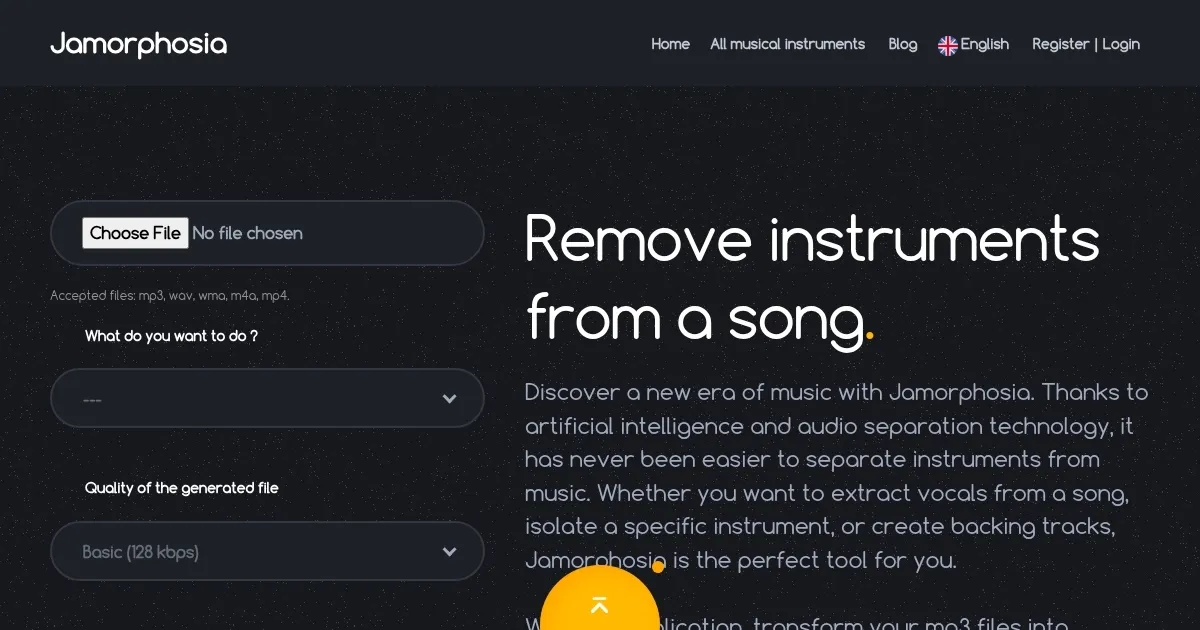
Homepage Screenshot 📸
What are the key features? ✨
- Instrument Splitter: Separates uploaded audio into distinct tracks for each detected instrument like drums and bass.
- Vocal Remover: Extracts vocals to produce clean instrumental or karaoke versions of songs.
- Instrument Isolator: Targets and pulls out a single element, such as guitar, for focused analysis.
- Backing Track Creator: Removes specified parts to build personalized practice accompaniments.
- Custom Library: Organizes and stores separated tracks for quick access in future sessions.
Who is it for? 🤔
Examples of what you can use it for 💡
- Guitarist: Uploads a rock song to remove rhythm guitar, creating a solo practice track over full band minus lead.
- Vocalist: Strips vocals from pop hits to generate instrumental bases for cover recordings or live performances.
- Drummer: Isolates bass and keys from funk tunes for syncing precise fills during home sessions.
- Educator: Splits classical pieces into layers to teach students how melodies interact with harmony.
- Remixer: Pulls drums from electronic tracks to layer new beats in personal DJ sets.
Pros & Cons ⚖️
- Web-based ease
- Free tier access
- Preview option
- Quality varies
- Time limits free
FAQs 💬
Ready to try Jamorphosia?
Separates songs into isolated instrument tracks using AI
Visit JamorphosiaJamorphosia alternatives 🔗