SplitMySong
Separates songs into individual tracks using AI for remixing or practice
So, I spent a morning trying out SplitMySong, and from what I can tell – it’s like handing a kid a box of crayons and a blank canvas. You upload a song — say, a punchy rock track — and the AI churns away, splitting it into vocals, drums, bass, guitar, piano, and a “miscellaneous” track for whatever else is in the mix. The process took about two minutes for a four-minute song, and the results? Honestly, pretty darn impressive. The vocals came through crisp, like the singer was right there, though the drums had a slight hum in the background on one track I tried. The mixer interface is a joy, letting you slide faders to boost the bass or mute the vocals entirely, which I did to make a quick karaoke version for fun.
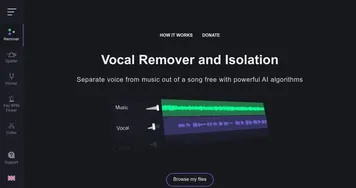
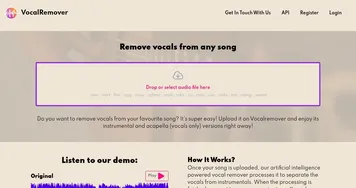
SplitMySong’s strength is how approachable it is. I’m no producer, but the clean layout made me feel like I could remix a track without breaking a sweat. You can tweak tempo or pitch, which I played with to slow down a guitar riff for practice. The tool supports all the usual audio formats — MP3, WAV, FLAC — and spits out high-quality files you can download. I was surprised by how intuitive it felt to adjust the left-right balance, giving the mix a new vibe. Compared to VocalRemover or Moises, it’s less cluttered, though Moises might edge out slightly with its mobile app for on-the-go tweaks.
The downside? The free plan is stingy. You get two songs a day, but only random 15-second snippets unless you buy credits through Patreon. That felt like a buzzkill when I wanted to remix a full track. Also, no mobile app means you’re tethered to a browser, which isn’t ideal if you’re out and about. The AI’s not perfect either — on one dense electronic track, the separation got a bit muddy, with some bleed between instruments. Still, for a quick remix or practice session, it’s a blast.
What caught me off guard was how private it feels. Your files vanish from their servers after a day, which is a nice touch in a world where data sticks around like uninvited guests. The option to pick four or six-track separation models is another gem — six tracks gave me more control over a jazz piece, though four was enough for pop. If you’re curious, upload a short track and play with the mixer. It’s fun, fast, and might just spark your next creative project. Just be ready to invest in credits if you want full songs.
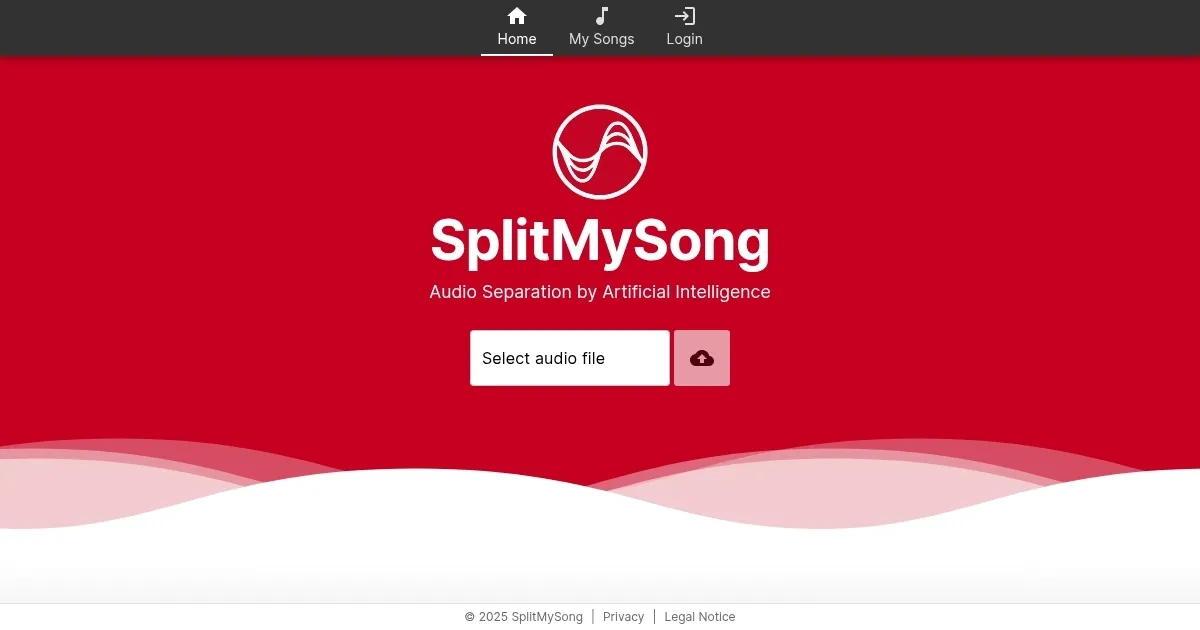
Homepage Screenshot 📸
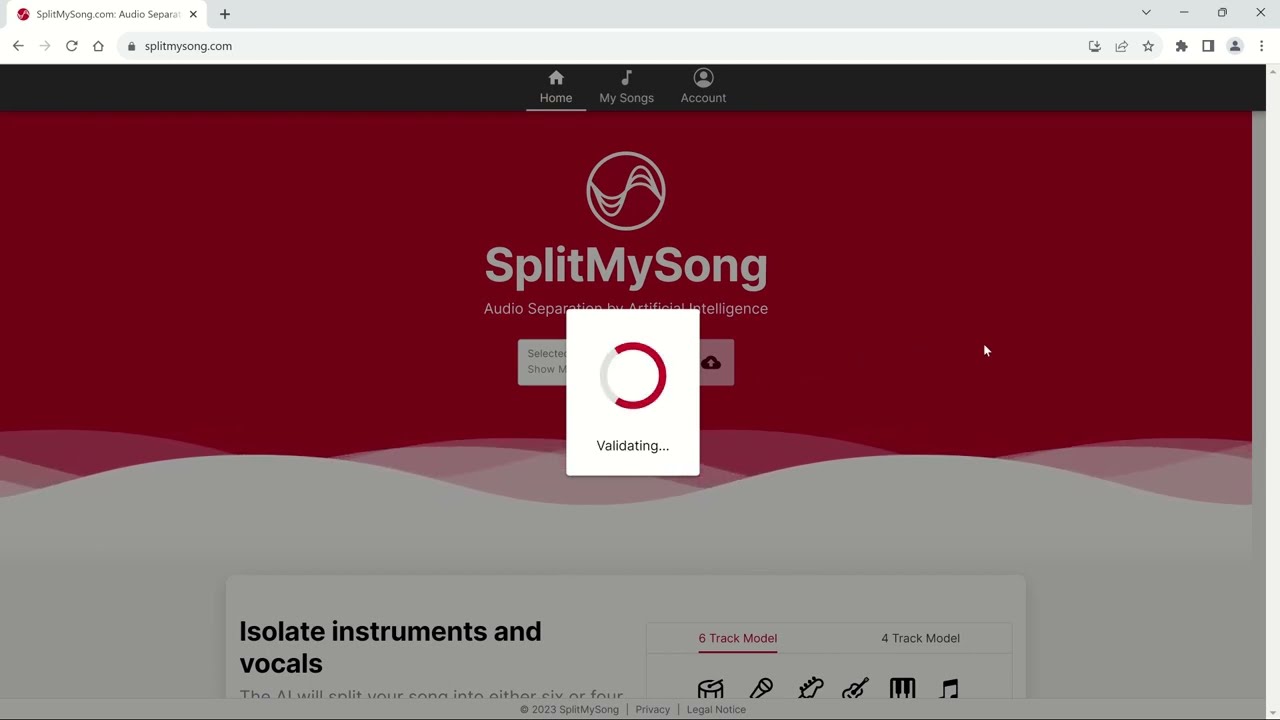
Video Overview 🎬
What are the key features? ✨
- AI-Powered Audio Separation: Splits songs into vocals, drums, bass, and more using advanced AI.
- Customizable Mixer Interface: Adjusts volume, tempo, pitch, and balance for each track.
- Multiple Track Models: Offers four or six-track separation for varied granularity.
- High-Quality Audio Output: Downloads tracks in formats like MP3, WAV, or FLAC.
- Broad Format Support: Handles MP3, OGG, FLAC, WAV, and AIFF files up to 200 MB.
Who is it for? 🤔
Examples of what you can use it for 💡
- Musician: Isolates guitar tracks to practice riffs from a favorite song.
- Music Producer: Separates vocals for remixing into a new track.
- Karaoke Enthusiast: Creates instrumental tracks for karaoke performances.
- Content Creator: Adjusts song tempo for background music in videos.
- Hobbyist: Experiments with pitch changes to create unique song versions.
Pros & Cons ⚖️
- High-quality audio output
- Supports multiple formats
- Flexible track models
- Limited free plan clips
- Minor AI artifacts
FAQs 💬
Ready to try SplitMySong?
Separates songs into individual tracks using AI for remixing or practice
Visit SplitMySongSplitMySong alternatives 🔗