Littlebird
Automates workflows by learning from app activity across devices
Littlebird is an always on context aware AI assistant that integrates at the operating system level to monitor and learn from user activity across applications. It captures insights from tools like Slack, Notion, Gmail, and Jira to automate tasks and generate reports. The core process involves installation for background learning, followed by delivery of smart chats, updated task lists, and daily journals based on woven activity data.
Key features include breaking app silos for seamless cross tool access, instant information location through memory of user interactions, organization aids via auto generated journals and lists, routine automation built through conversational prompts, and a unified knowledge base for reports such as sales snapshots or project updates. Data security uses end to end encryption with user controls over captured content.
Users report time savings from smart meeting recaps and proactive updates, reducing manual tracking needs. Developers and designers note reduced context switching, while teams appreciate highlights without oversight demands. Beta status offers free access, with future plans expected to introduce paid tiers similar to competitors like Limitless, which focuses on AI enhanced notes but lacks Littlebirds broad app weaving. Limitless provides deeper transcription, yet Littlebird excels in workflow automation.
Potential drawbacks involve beta instabilities in lesser integrations and reliance on consistent app usage for optimal learning. Technical implementation leverages machine learning for pattern recognition in user behaviors, processing data locally where possible to minimize latency.
To begin, download the app and allow initial learning periods of several days. Customize Routines early for tailored outputs, and review privacy settings to align with workflow needs.
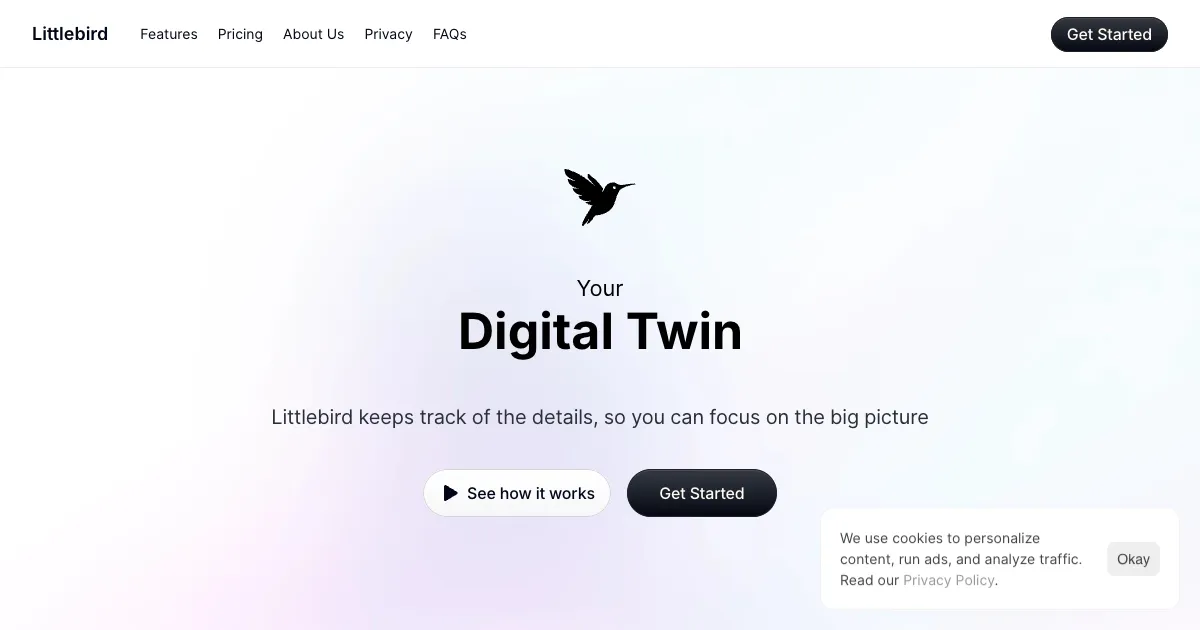
Homepage Screenshot 📸
Video Overview 🎬
What are the key features? ✨
- App Silo Breaker: Connects multiple applications like Slack and Notion to unify data without manual explanations.
- Instant Locator: Recalls and retrieves specific information from past activities across integrated tools.
- Organization Helper: Creates daily journals and task lists automatically from detected user actions.
- Routine Builder: Develops custom automations using simple spoken or typed instructions.
- Knowledge Base: Produces standard reports such as project updates directly from app data.
Who is it for? 🤔
Examples of what you can use it for 💡
- Freelance Writer: Generates daily journals from email threads and notes to outline next steps without manual recaps.
- Graphic Designer: Delivers smart meeting summaries from Zoom and Slack to highlight action items in seconds.
- Software Developer: Automates Jira ticket updates into task lists for seamless project tracking across tools.
- Business Owner: Builds routines for sales snapshots from CRM data to inform weekly decisions effortlessly.
- Legal Professional: Surfaces team highlights from shared docs to monitor progress without direct inquiries.
Pros & Cons ⚖️
- Seamless app links
- Auto task generation
- Quick info recall
- Strong data security
- Beta glitches occur
- Limited app support
FAQs 💬
Ready to try Littlebird?
Automates workflows by learning from app activity across devices
Visit LittlebirdLittlebird alternatives 🔗