Mind Map Wizard
Generates visual mind maps from text or YouTube URLs in seconds
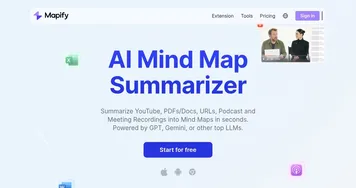
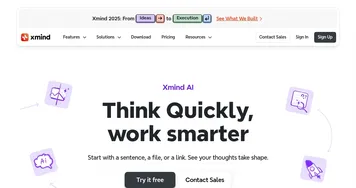
Mind Map Wizard is a free, open-source AI tool that generates visual mind maps from text inputs or YouTube video URLs. Users enter a topic or paste a video link, and the AI produces a structured diagram in seconds, organizing ideas into hierarchical branches. The tool requires no sign-up, offers an ad-free interface, and supports editing and sharing. It competes with tools like XMind and Mapify, which offer more advanced features but require subscriptions for full access.
The process is simple. Enter a topic, such as “machine learning basics,” and the AI creates a mind map with connected concepts like algorithms, datasets, and applications. The YouTube-to-mind-map feature extracts key points from videos, ideal for summarizing lectures or tutorials. Users can edit maps using Markdown, adding text formatting, tables, or inline code. Export options include JPG, PDF, SVG, and MD formats, with shareable links for collaboration. The tool handles large text inputs, like notes or essays, organizing them into visual diagrams.
Mind Map Wizard excels in accessibility. Its free model and lack of account requirements make it approachable for students, educators, and professionals. The interface is clean, with no distractions, and the open-source codebase ensures transparency. Recent user feedback highlights its utility for summarizing complex topics, with one teacher praising its use in science classes for topics like ecology.
Limitations exist. The AI occasionally generates irrelevant branches, especially for lengthy videos, requiring manual edits. It lacks advanced features like real-time collaboration or customizable templates found in competitors. Users seeking intricate designs or team-based workflows may prefer Miro or Canva. The tool’s simplicity, while a strength, restricts its use for complex projects.
A notable feature is the API, allowing developers to integrate text-to-mind-map functionality into their platforms. The roadmap promises updates, suggesting potential for growth. For basic mind mapping, it’s highly effective, but it’s not a full replacement for premium tools.
Try it for quick tasks first. Use the YouTube feature for study aids or the text input for brainstorming. Export maps to test compatibility with your workflow. Monitor the roadmap for new features to expand its utility.
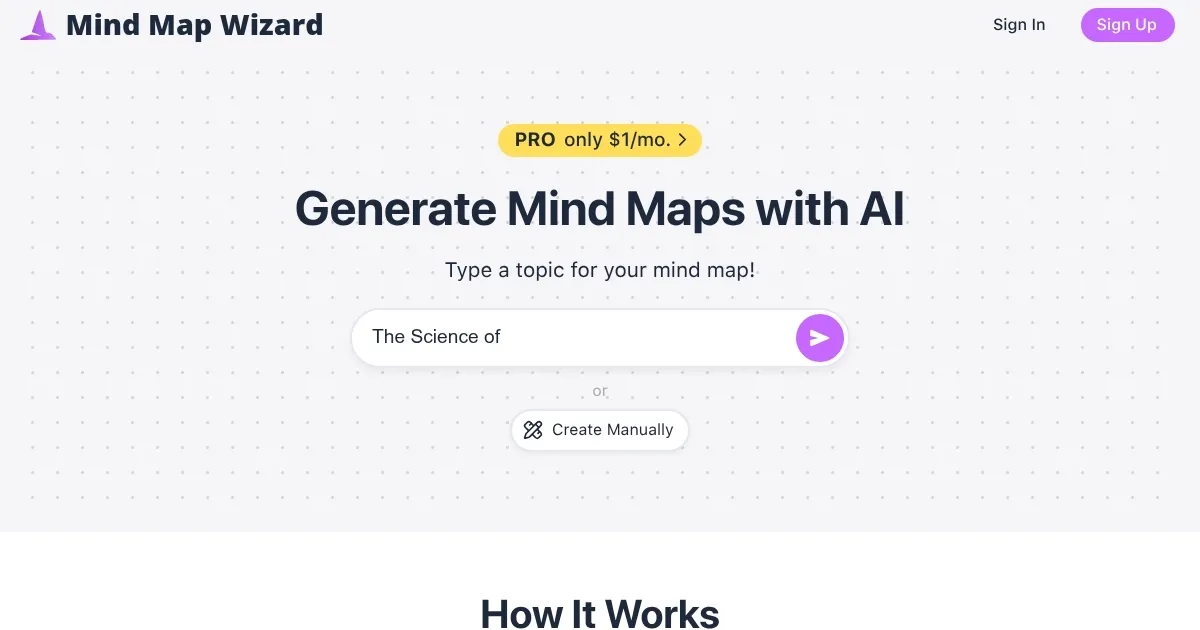
Homepage Screenshot 📸
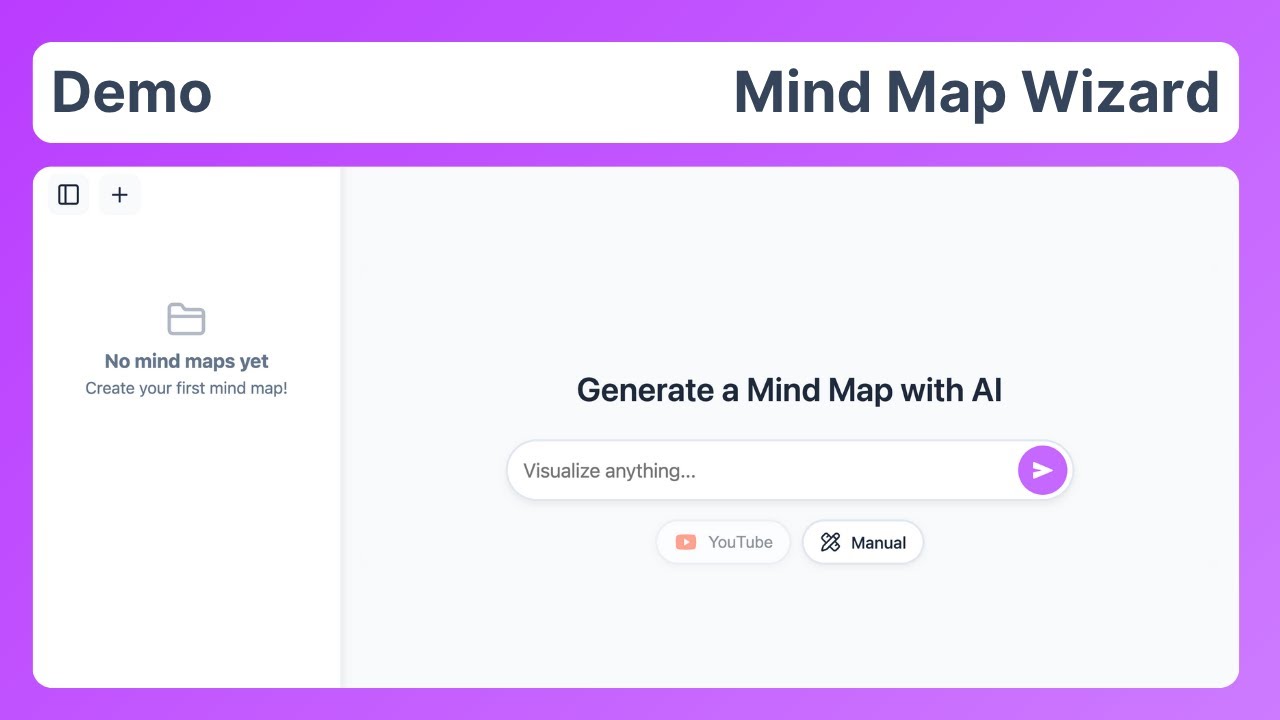
Video Overview 🎬
What are the key features? ✨
- AI Mind Map Generation: Creates visual diagrams from text topics instantly.
- YouTube Video to Mind Map: Converts video content into structured mind maps.
- Free & Open Source: Offers full access at no cost with transparent code.
- No Sign-Up Required: Allows immediate use without account creation.
- Multiple Export Formats: Supports JPG, PDF, SVG, and MD for sharing.
Who is it for? 🤔
Examples of what you can use it for 💡
- Student: Summarizes lecture notes into a visual mind map for study prep.
- Teacher: Creates mind maps to break down complex topics like biology for class.
- Researcher: Organizes research notes into a diagram for clearer insights.
- Content Creator: Maps out video scripts or blog ideas for better structure.
- Project Manager: Visualizes project tasks and timelines for team planning.
Pros & Cons ⚖️
- Free with no hidden costs.
- No sign-up needed for use.
- Clean, ad-free interface.
- YouTube-to-mind-map feature.
- AI may miss nuances.
- No real-time collaboration.
FAQs 💬
Ready to try Mind Map Wizard?
Generates visual mind maps from text or YouTube URLs in seconds
Visit Mind Map WizardMind Map Wizard alternatives 🔗