Skip to content
logo-darklogo-darklogo-darklogo-dark
  • Tool Categories
    • 🎨Art & Creative Design505
    • 🏢Business Management644
    • 💻Coding & Development514
    • 👮Detection83
    • 🧠General Use728
    • 🏥Health & Wellness55
    • 📷Image & Photo Analysis100
    • 🖼️Image Generation & Editing618
    • 📐Interior & Architectural Design37
    • 🎓Learning & Education483
    • ⚖️Legal & Finance90
    • 🎭Lifestyle & Entertainment236
    • 📢Marketing & Advertising627
    • 🎧Music & Audio138
    • 👔Office & Workplace1,014
    • 🔬Research & Data Analysis373
    • 👥Social Media245
    • 🎥Video Generation & Editing426
    • 👧🏻Virtual Companion135
    • 🎤Voice Generation & Editing381
    • ✍️Writing & Editing808
    • All Categories
    • AI Use Cases
  • News
  • Events
    • Academic Conferences
    • Developer Conferences
    • Expos / Trade Shows
    • Industry Summits
    • Workshops / Training
    • All Events
    • Past Events
  • Saved Tools
  • Suggest a Tool
    ✕
    Home › Detection › Humanizing› NOGPT
    NOGPT

    NOGPT

    Detects AI-generated text to ensure content authenticity

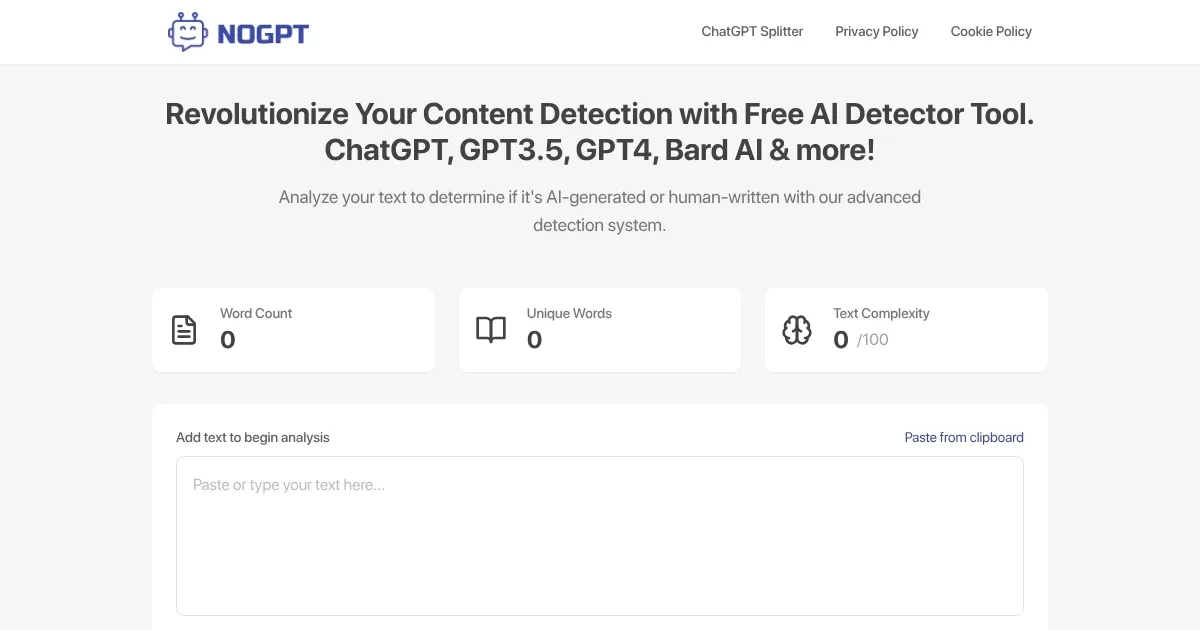
    NoGPT is a free online tool that detects AI-generated text from models like GPT-3, GPT-4, ChatGPT, and Gemini to help users verify content authenticity. The tool offers a simple interface where users can paste text or upload files in Docx, PDF, or Text formats. Scanning starts immediately, with a progress bar showing real-time progress, and results display a percentage indicating the likelihood of AI involvement. It targets content creators, educators, and publishers who need to ensure originality.

    The tool uses advanced algorithms to analyze text patterns, though specific technical details aren’t disclosed. It processes one file at a time, which limits efficiency for bulk checks. Results are delivered quickly, often in seconds, making it suitable for users needing fast feedback. NoGPT is entirely free, unlike competitors such as ZeroGPT, which offers premium features, or GPTZero, which focuses on academic use with paid plans. User feedback on platforms like Trustpilot highlights occasional inconsistencies, such as varying AI detection percentages for identical texts.

    A secondary feature, the ChatGPT Prompt Splitter, allows users to divide long prompts into smaller chunks for AI models, accessible at a separate URL. The tool’s privacy policy notes the use of Google Analytics and DART cookies, which may collect user data like IP addresses. This could concern privacy-focused users, though opting out is possible via browser settings. The website is secured with HTTPS and a valid SSL certificate from Google Trust Services.

    NoGPT’s simplicity makes it accessible for casual users, but its single-file limitation and lack of an API reduce its appeal for developers or large-scale users. Competitors like ZeroGPT provide more robust analytics and integration options, while GPTZero caters to educators with detailed reports. Still, NoGPT’s no-cost model and ease of use make it a strong choice for quick checks.

    To use NoGPT effectively, test it with known AI-generated and human-written texts to gauge accuracy. Cross-reference results with tools like ZeroGPT for critical tasks. Adjust browser settings to limit data tracking if privacy is a priority. Regularly check the tool’s social media for updates on features or improvements.

    Visit NOGPT ↗
    Categories
    👮 Detection
    🧑 Humanizing 🥷 Content Detection Bypassing
    ✍️ Writing
    🔁 Rewriting 🔄 Paraphraser

    Homepage Screenshot 📸

    NOGPT screenshot

    What are the key features? ✨

    • Text Detection: Identifies AI-generated text from models like GPT-3, GPT-4, and ChatGPT.
    • File Upload: Supports Docx, PDF, and Text file uploads for analysis.
    • Real-Time Results: Delivers instant feedback with a percentage score.
    • Prompt Splitter: Divides long prompts into smaller chunks for AI models.
    • Free Access: Offers all features at no cost to users.

    Who is it for? 🤔

    NoGPT is made for content creators, educators, journalists, and publishers who need a quick, free way to verify text authenticity, as well as small-scale bloggers or website owners aiming to maintain original content without investing in premium tools.

    Examples of what you can use it for 💡

    • Educator: Checks student assignments for AI-generated content to ensure originality.
    • Blogger: Verifies guest posts to confirm they’re human-written before publishing.
    • Journalist: Analyzes source material to ensure reports are based on authentic content.
    • Publisher: Screens manuscript submissions for AI involvement to maintain quality.
    • Content Creator: Uses Prompt Splitter to optimize long inputs for AI model processing.

    Pros & Cons ⚖️

    • Free to use with no hidden costs.
    • Supports multiple file formats.
    • Includes unique Prompt Splitter.
    • Inconsistent detection results.
    • No API for developers.

    FAQs 💬

    What types of AI models can NoGPT detect?
    It detects text from GPT-3, GPT-3.5, GPT-4, ChatGPT, and Bard.
    Is NoGPT free to use?
    Yes, all features are completely free with no subscription required.
    Can I upload multiple files at once?
    No, the tool processes only one file at a time.
    How accurate is the AI detection?
    Accuracy varies; some users report inconsistent results, so cross-checking is advised.
    What file formats are supported?
    It supports Docx, PDF, and Text file uploads.
    Does NoGPT store my uploaded text?
    The privacy policy doesn't specify text storage, but data like IP addresses may be collected.
    Can I use it for academic purposes?
    Yes, it's useful for checking student work, though it's less robust than tools like GPTZero.
    What is the Prompt Splitter feature?
    It breaks long text prompts into smaller chunks for AI model compatibility.
    Does it work on mobile devices?
    Yes, the website is accessible via mobile browsers.
    How can I protect my privacy while using it?
    Adjust browser settings to disable cookies or opt out of Google Analytics tracking.

    Ready to try NOGPT?

    Detects AI-generated text to ensure content authenticity

    Visit NOGPT ↗

    NOGPT alternatives 🔗

    1. ZeroGPT ZeroGPT An AI detector that can spot whether text was written by a human or generated by AI
    2. GPTZero GPTZero An AI detection tool used by over a million users worldwide to identify content created by AI models
    3. ZeroGPT Plus ZeroGPT Plus A free AI content detection tool designed to identify text generated by different AI models
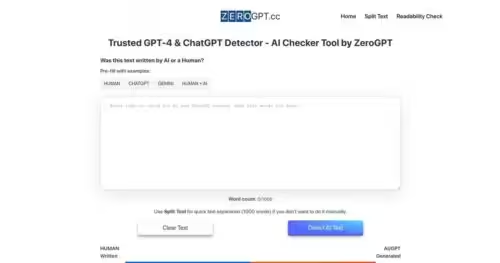
    4. ZeroGPT.cc ZeroGPT.cc Popular ChatGPT content detection tool providing a simple and accurate way to detect AI-generated text
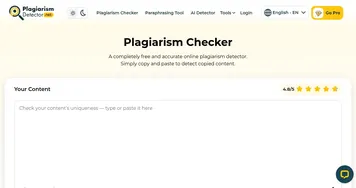
    5. PlagiarismDetector.net PlagiarismDetector.net An AI-powered tool for detecting plagiarism in different types of documents
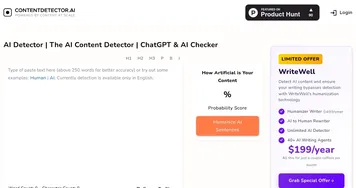
    6. ContentDetector.AI ContentDetector.AI Copy and paste the content to check whether the AI generated it
    Share
    NOGPT screenshot enlarged
    Best AI Tools

    Discover the best AI tools for any use case

    Explore
    • Tool Categories
    • AI Use Cases
    • AI Events
    • AI News
    • Saved Tools
    Company
    • About Us
    • Contact Us
    • Media & Partnerships
    • Suggest a Tool
    Legal
    • Privacy Policy
    • Terms of Service
    Copyright © 2026 Best AI Tools 415 Mission Street, 37th Floor, San Francisco, CA 94105